471
Features of your vehicle
If you want to reset the maintenance
schedule, when the service required mes-
sage is displayed :
- Press the button more than 5 sec-
onds.
- " : Reset" will be shown on the LCD
display.
- Press the button again more than 1
second.
If you do not press the button within
5 seconds, " : Reset" will disappear.
If you want to change the interval of the
maintenance service schedule, we rec-
ommend that you consult an authorized
Kia dealer.
✽✽
NOTICE
• If you reset the maintenance schedule,
when the displayed service schedule
has not elapsed or elapsed without
actual vehicle service, the displayed
service schedule on the LCD display
might not be match the actual service
schedule anymore.
You should comply with the displayed
service schedule on the LCD display
for the maintenance of your vehicle.
• If the battery is disconnected or dis-
charged, the displayed service sched-
ule might not match the actual service
schedule.
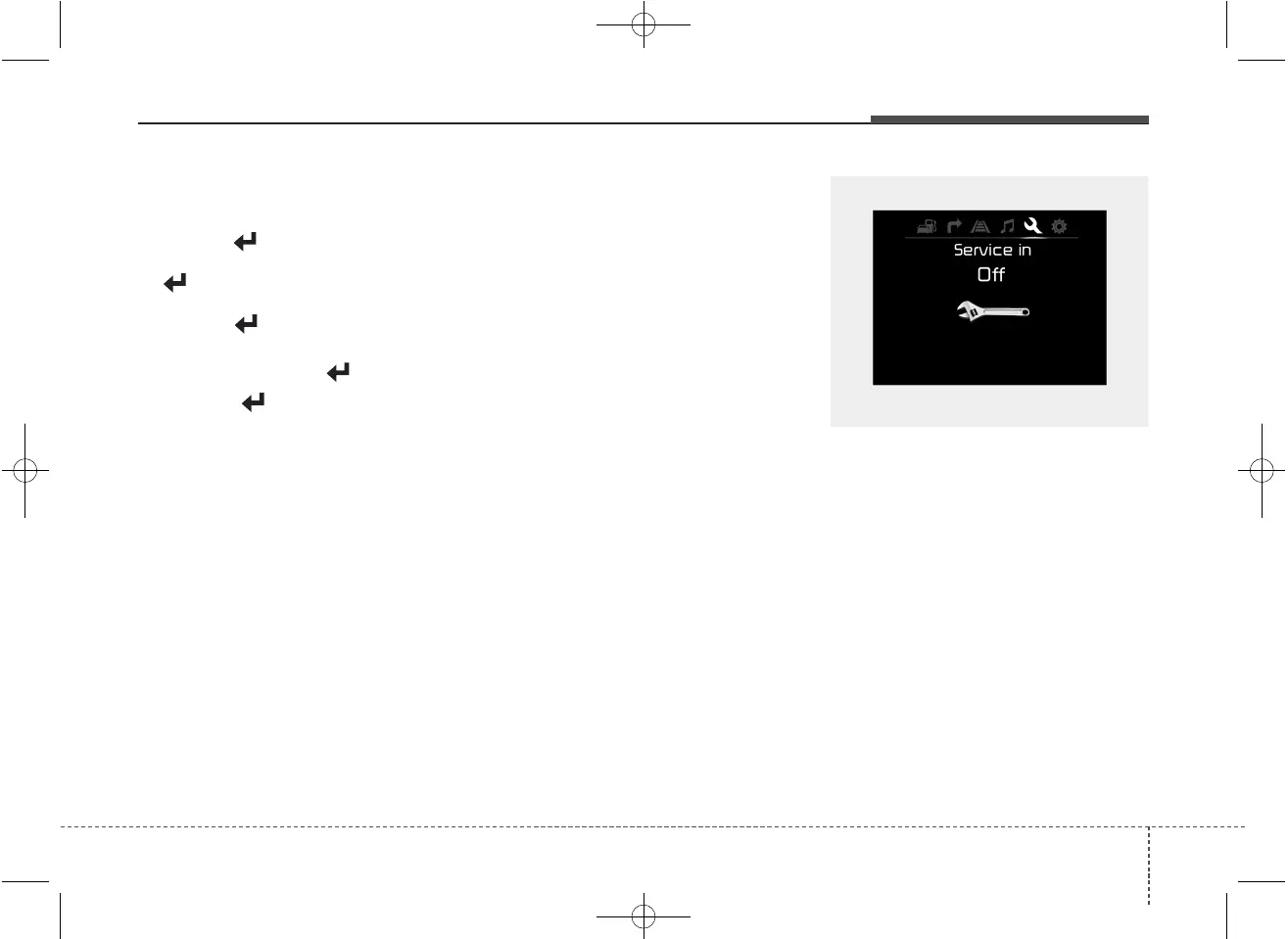
If service mode is not activated, the LCD
display shows, like the above picture.
In this case, we recommend that you
consult an authorized Kia dealer.
OUM044260L



 To Next Page