569
Driving your vehicle
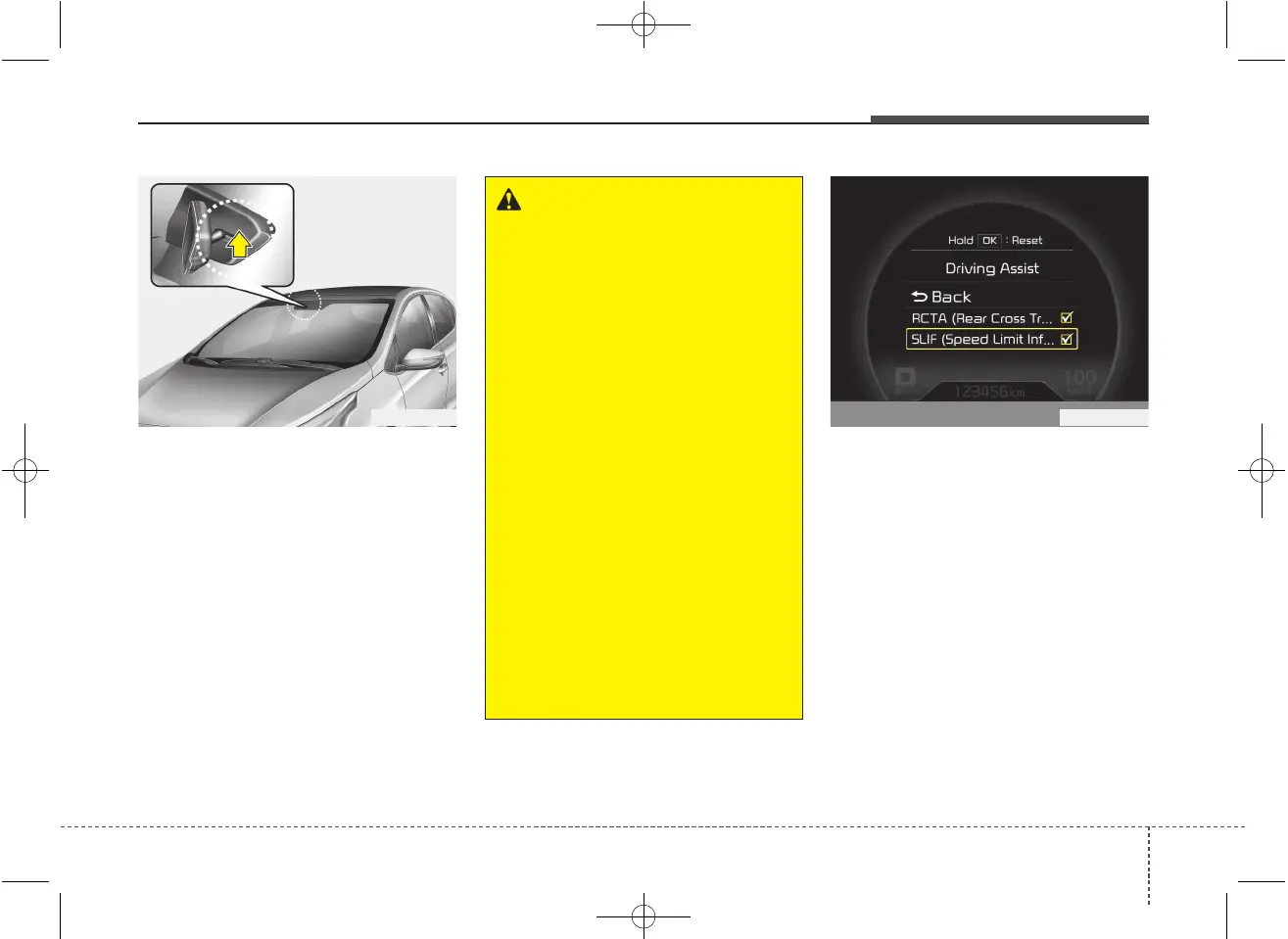
The system displays the information of
speed limit and no passing restriction to
the driver in both the instrument cluster
and navigation screen. SLIF detects traf-
fic signs with camera system attached
behind the top of the windscreen.
The SLIF also utilizes the navigation
information to display the speed limit
information.
SLIF activation / deactivation
• SLIF Setting method :
Cluster User Settings → Driving Assist
→ SLIF (Speed Limit Information
Function)
• The information of speed limit and no
passing restriction will appear on the
cluster using a symbol if you have acti-
vated SLIF in User Settings of cluster.
• If SLIF is activated in navigation set-
ting, the information also displayed in
navigation screen.
SPEED LIMIT INFORMATION FUNCTION (SLIF) (IF EQUIPPED)
OJD052029
WARNING
• Speed Limit Information Function
is only an aid and is not always able
to correctly display speed limits
and overtaking restrictions.
• The driver always keeps the
responsibility to not exceed the
maximum allowed speed
• Do not place any accessories,
stickers or tint the windshield near
the rearview mirror.
• The system detects traffic signs
and displays speed limit informa-
tion by a camera therefore, if traffic
signs are hard to detect, the system
may not work properly.
Please refer to "Driver's Attention".
• Do not remove any LDWS parts or
apply impact.
• Do not place objects on the dash-
board that reflects light such as
mirrors, white paper, etc. The sys-
tem may malfunction if the sunlight
is reflected.
• The system is not available in all
countries.
OJD055153L



 To Next Page