Features of your vehicle
2064
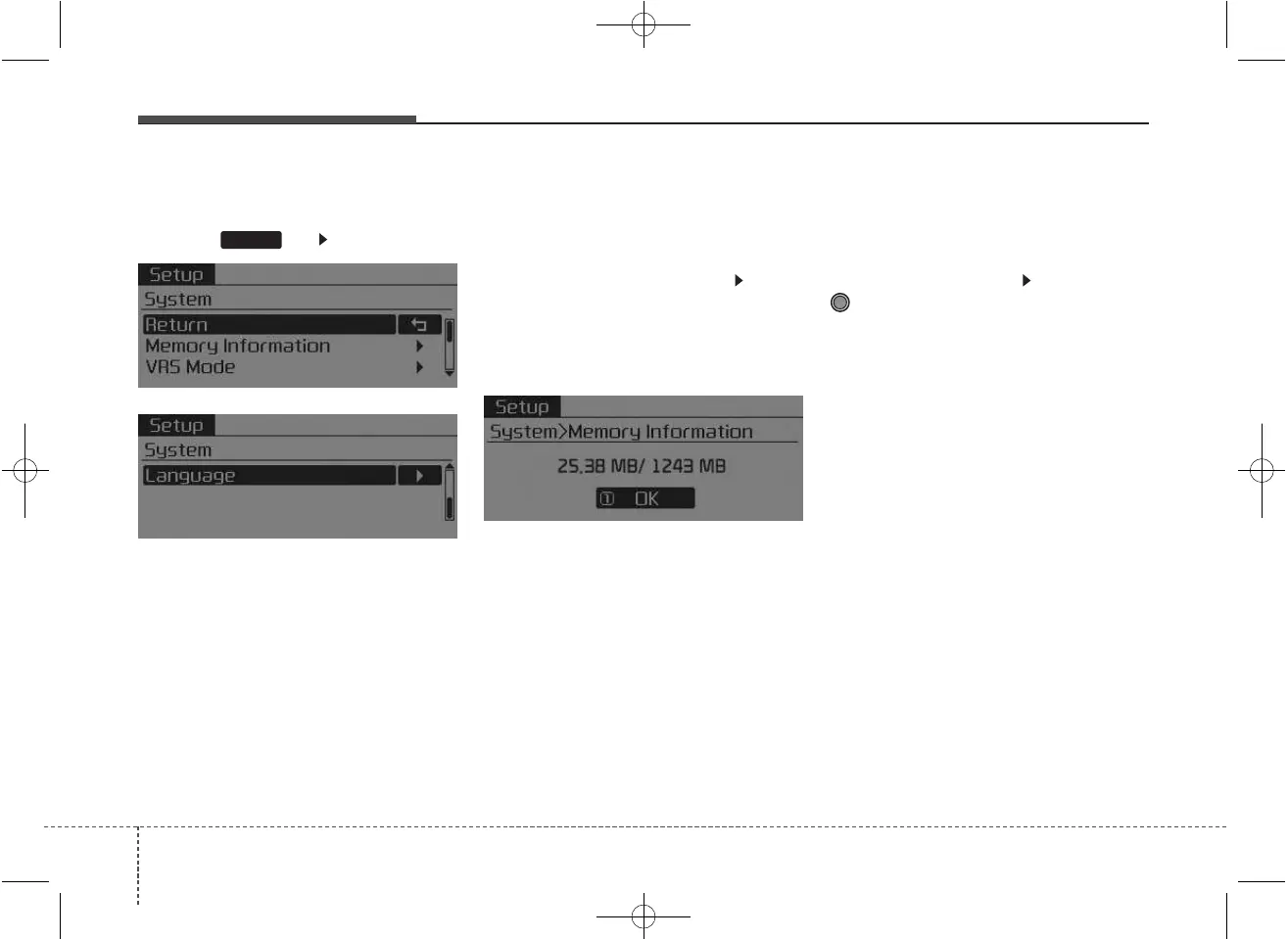
System Settings
Press the key Select [System]
Memory Information
(If equipped)
Displays currently used memory and
total system memory.
Select [Memory Information] OK
The currently used memory is dis-
played on the left side while the total
system memory is displayed on the
right side.
❈ May differ depending on the
selected audio.
VRS Mode (If equipped)
This feature is used to change voice
command feedback between Normal
and Expert modes.
Select [VRS Mode] Set through
TUNE knob
• Normal : This mode is for beginner
users and provides detailed
instructions during voice command
operation.
• Expert : This mode is for expert
users and omits some information
during voice command operation.
(When using Expert mode, guid-
ance instructions can be heard
through the [Help] or [Menu] com-
mands.
❈ May differ depending on the
selected audio.
SETUP



 To Next Page