Features of your vehicle
4209
DAB RADIO
(For DAB model)
❈ RADIO may differ depending on
the selected audio.
Changing RADIO mode
Press the key to change the
mode in order of FM1 ➟ FM2 ➟ FMA
➟ DAB1 ➟ DAB2 ➟ AM.
SEEK
Press the
,
key
• Shortly pressing the key (under 0.8
seconds): Changes the station.
• Press and hold the key (over 0.8
seconds): Change the Ensemble.
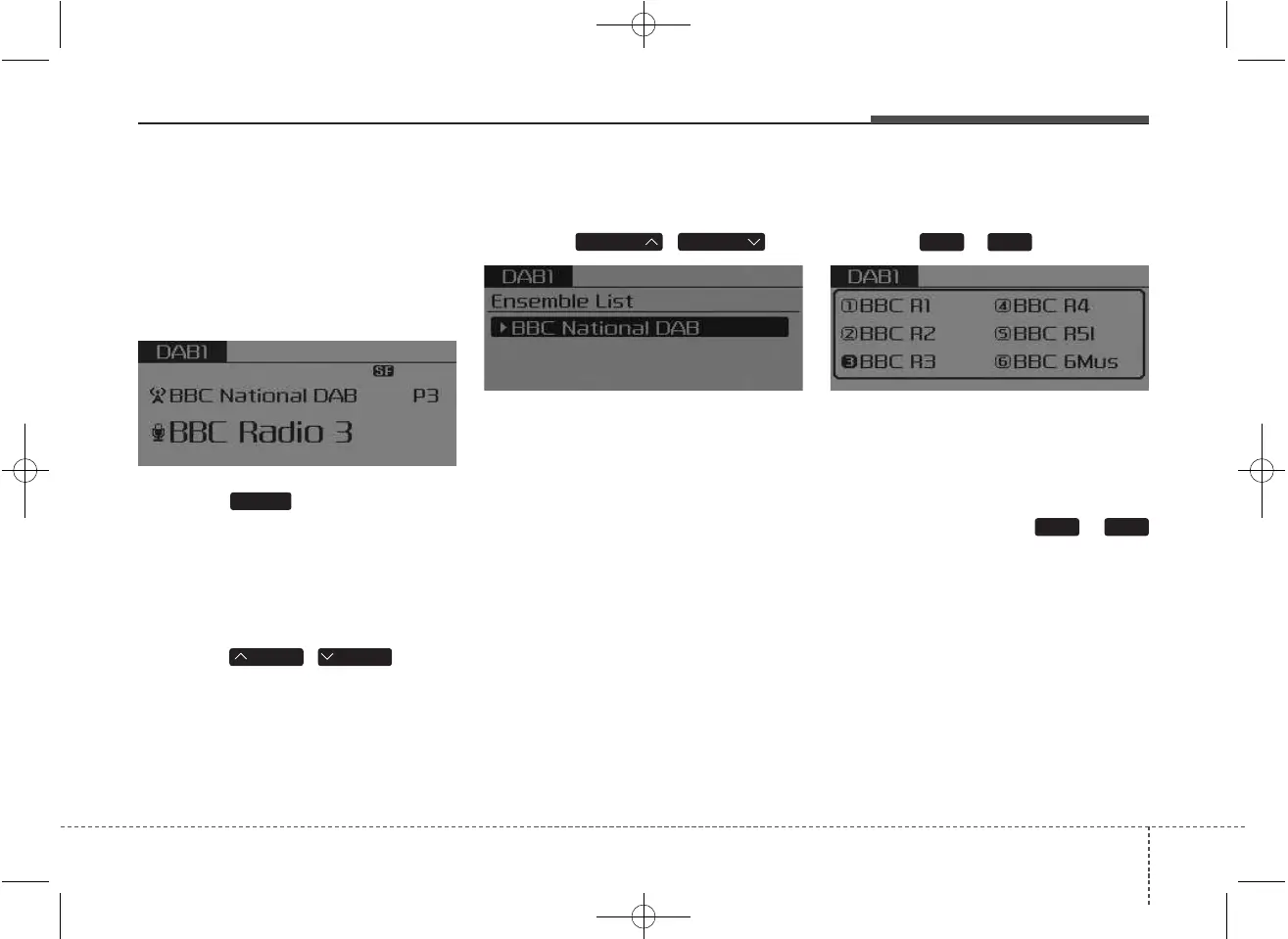
Ensemble
Press the , key
• Search the Ensemble. Use the
Tune knob to select the desired
Ensemble and select stations with-
in the Ensemble.
Preset SEEK
Press the ~ key
• Shortly pressing the key (under 0.8
seconds): Plays the station saved
in the corresponding key.
• Pressing and holding the key (over
0.8 seconds): Pressing and holding
the desired key from ~
will save the currently playing station
to the selected key and sound a
BEEP.
61
61
FOLDERFOLDER
TRACKSEEK
RADIO



 To Next Page