Features of your vehicle
4213
Folder Search : MP3 CD, USB
Mode
While file is playing
,(Folder Up) key
• Searches the next folder.
While file is playing
(Folder Down) key
• Searches the parent folder.
❈ If a folder is selected by pressing
the TUNE knob, the first file
within the selected folder will be
played.
Searching Songs (File)
• Turning TUNE knob : Searches
for songs (files)
• Pressing TUNE knob : Plays
selected song (file).
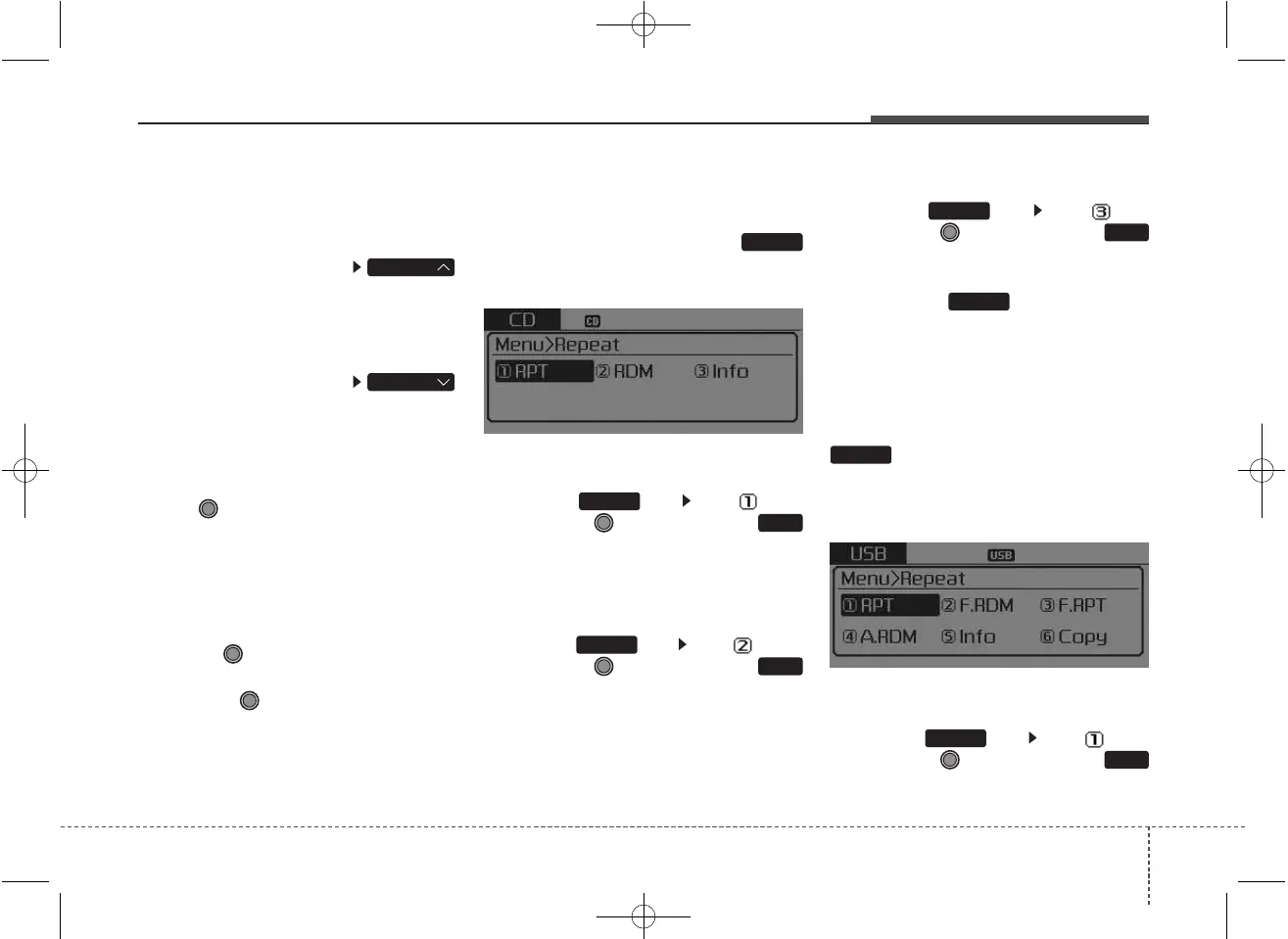
MENU : Audio CD
Press the Audio CD mode
key to set the Repeat, Random,
Information features.
Repeat
Press the key Set [ RPT]
through the TUNE knob or
key to repeat the current song.
❈ Press RPT again to turn off.
Random
Press the key Set [ RDM]
through the TUNE knob or
key to randomly play songs within
the CD
❈ Press RDM again to turn off.
Information
Press the key Set [ Info]
through the TUNE knob or
key to display information of the cur-
rent song.
❈ Press the key to turn off
info display.
MENU : MP3 CD / USB
Press the MP3 CD / USB mode
key to set the Repeat, Folder
Random, Folder Repeat, All
Random, Information, and Copy fea-
tures.
Repeat
Press the key Set [ RPT]
through the TUNE knob or
key to repeat the current song.
❈ Press RPT again to turn off.
1
RPT
MENU
MENU
MENU
3
MENU
2
RDM
MENU
1
RPT
MENU
MENU
FOLDER
FOLDER



 To Next Page