Features of your vehicle
4215
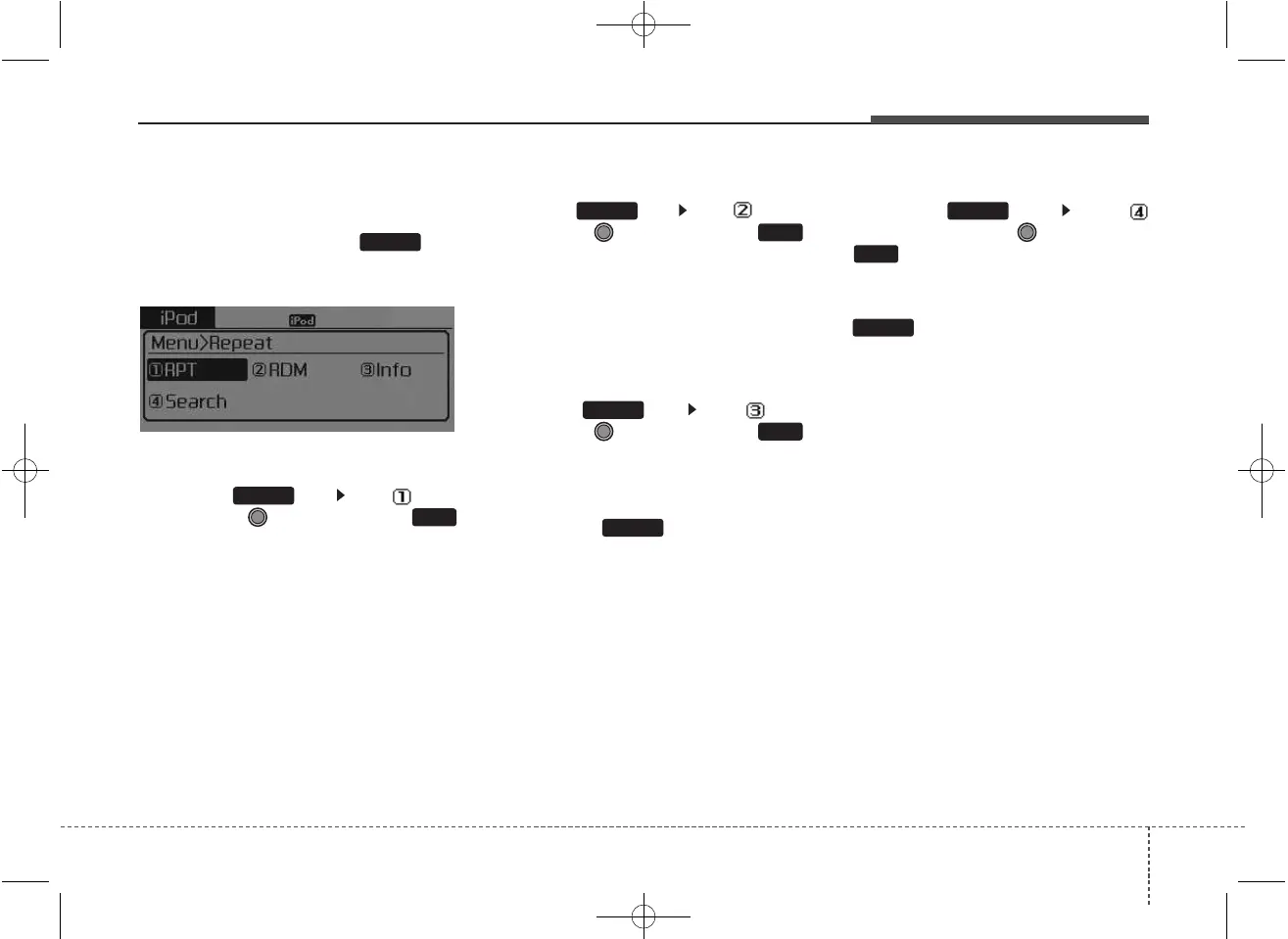
MENU : iPod
®
In iPod
®
mode, press the key
to set the Repeat, Random,
Information and Search features.
Repeat
Press the key Set [ RPT]
through the TUNE knob or
key to repeat the current song.
❈ Press RPT again to turn repeat
off.
Random
Press the key Set [ RDM]
through the TUNE knob or
key.
Plays all songs within the currently
playing category in random order.
❈ Press RDM again to turn off.
Information
Press the key Set [ Info]
through the TUNE knob or
key.
Displays information of the current
song.
❈ Press the key to turn off
info display.
Search
Press the key Set [
Search] through the TUNE knob
or key.
Displays iPod
®
category list.
❈ Searching iPod
®
category is
key pressed, move to par-
ent category.
MENU
4
MENU
MENU
3
MENU
2
MENU
1
RPT
MENU
MENU



 To Next Page