Features of your vehicle
4253
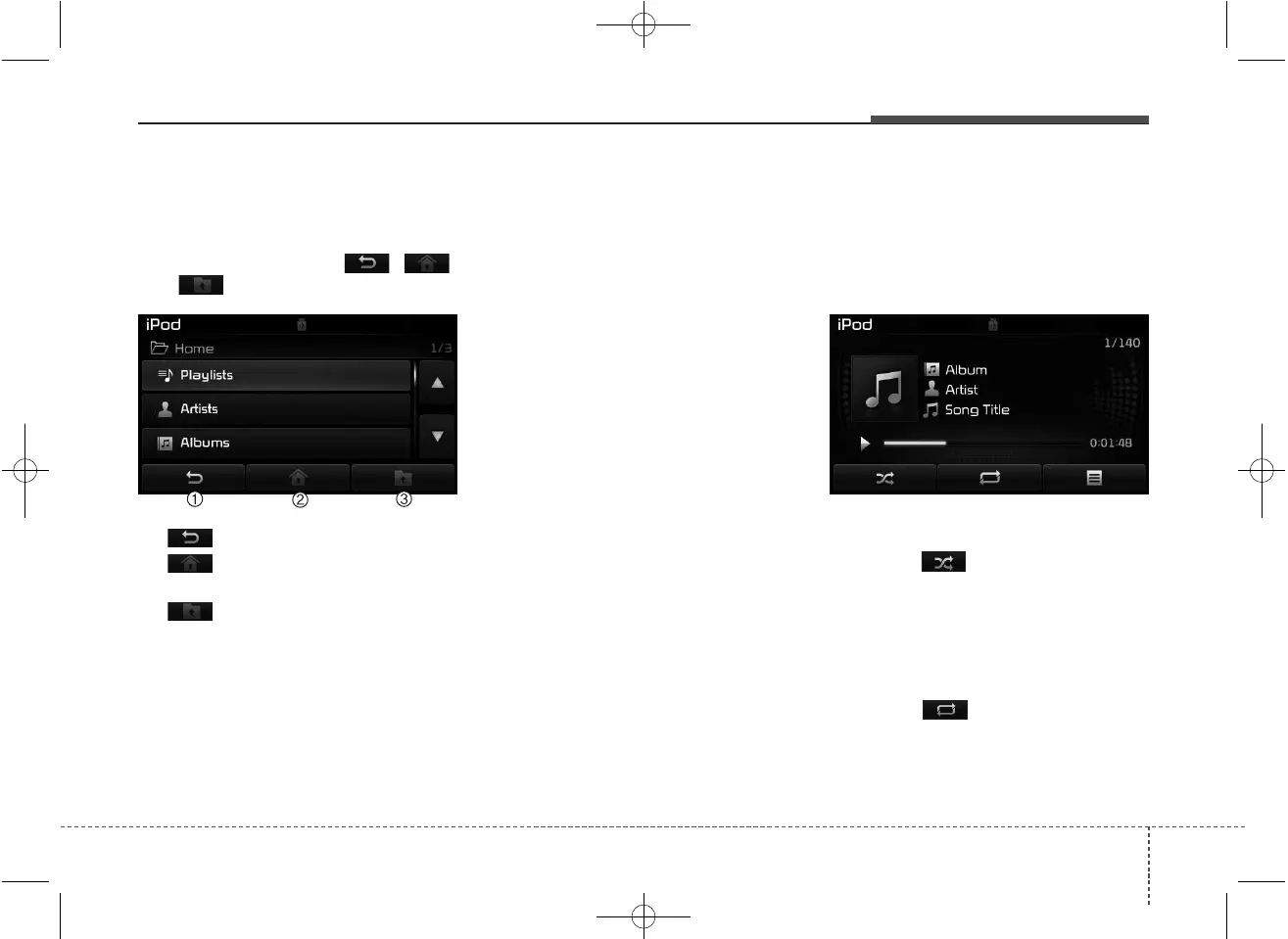
Category Menu
Within the iPod
®
Category menu, you
will have access to the , ,
and features.
(1) : Displays the play screen
(2) : Moves to the iPod
®
root cat-
egory screen
(3) : Moves to the previous cat-
egory
✽✽
NOTICE
• If the search mode is accessed
while playing a song, the most
recently searched category is dis-
played.
• Search steps upon initial connec-
tion may differ depending on the
type of iPod
®
device.
iPod
®
Mode Menu
Within this mode, you will have
access to the Random, Repeat and
List features.
Random
Press the button to play songs
in random order.
• Random All : Plays all songs in
Random order.
Repeat
Press the button to repeat the
current song. Press the button again
to turn the repeat feature off.
• Repeat : Repeats the current song



 To Next Page