Features of your vehicle
2644
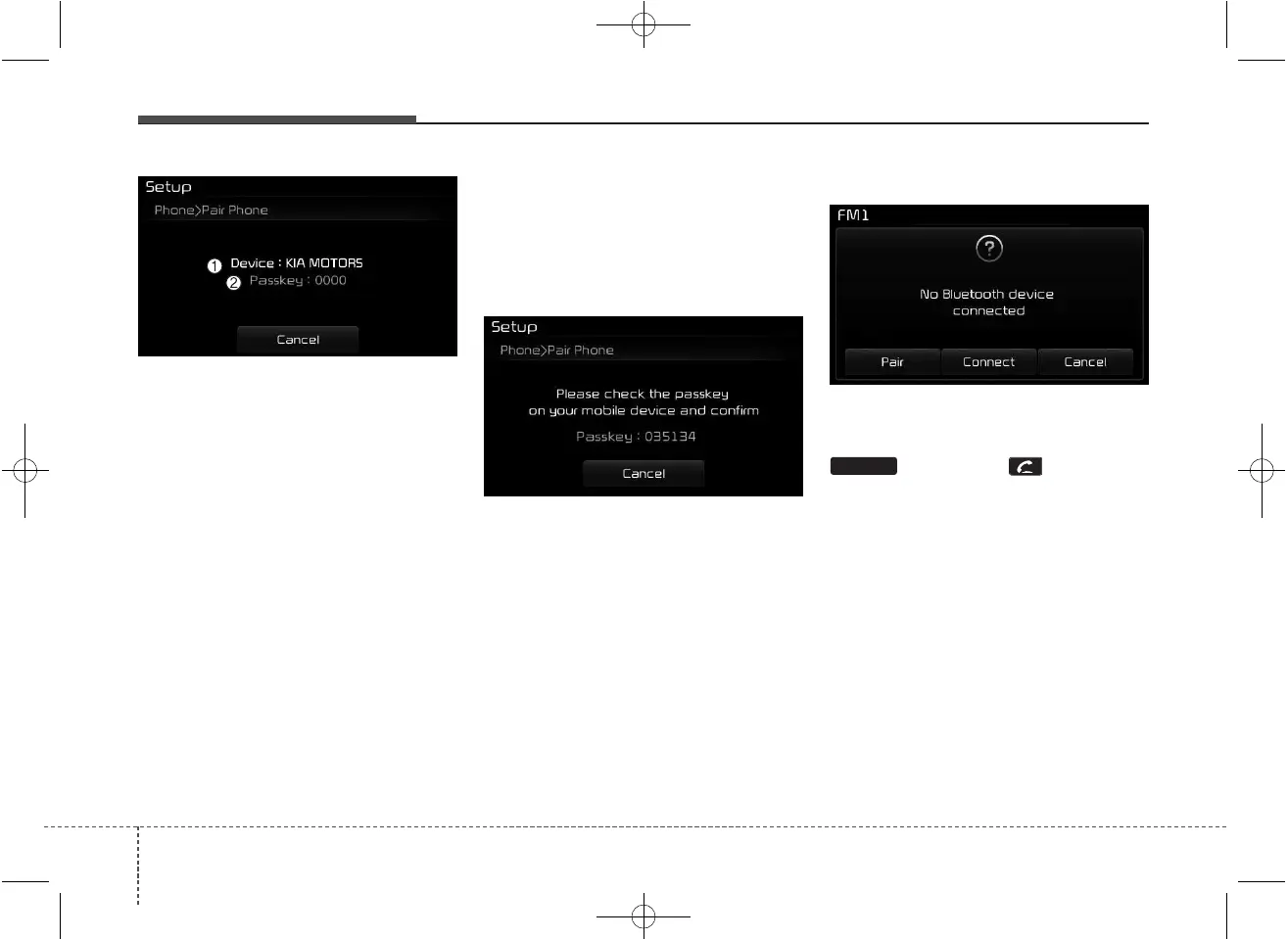
(1) Device : Name of device as
shown when searching from your
Bluetooth
®
Wireless Technology
device
(2) Passkey : Passkey used to pair
the device
3. From your
Bluetooth
®
Wireless
Technology device (i.e. Mobile
Phone), search and select your
car audio system.
[Non SSP supported device]
(SSP: Secure Simple Pairing)
4. After a few moments, a screen is
displayed where the passkey is
entered.
Enter the passkey “0000” to pair
your
Bluetooth
®
Wireless
Technology device with the car
audio system.
[SSP supported device]
4. After a few moments, a screen is dis-
played 6 digits passkey.
Check the passkey on your
Bluetooth
®
Wireless Technology
device and confirm.
5. Once pairing is complete, the fol-
lowing screen is displayed.
Some phones (i.e., iPhone
®
, Android
and Blackberry phones) may offer an
option to allow acceptance of all
future Bluetooth connection requests
by default." and "Visit http://www.kia.
com/#/bluetooth for additional infor-
mation on pairing your Bluetooth-
enabled mobile phone, and to view a
phone compatibility list.
✽✽
NOTICE
If Bluetooth
®
Wireless Technology
devices are paired but none are cur-
rently connected, pressing the
key or the key on the
steering wheel displays the following
screen. Press the [Pair] button to
pair a new device or press the
[Connect] to connect a previously
paired device.
PHONE



 To Next Page