Features of your vehicle
2664
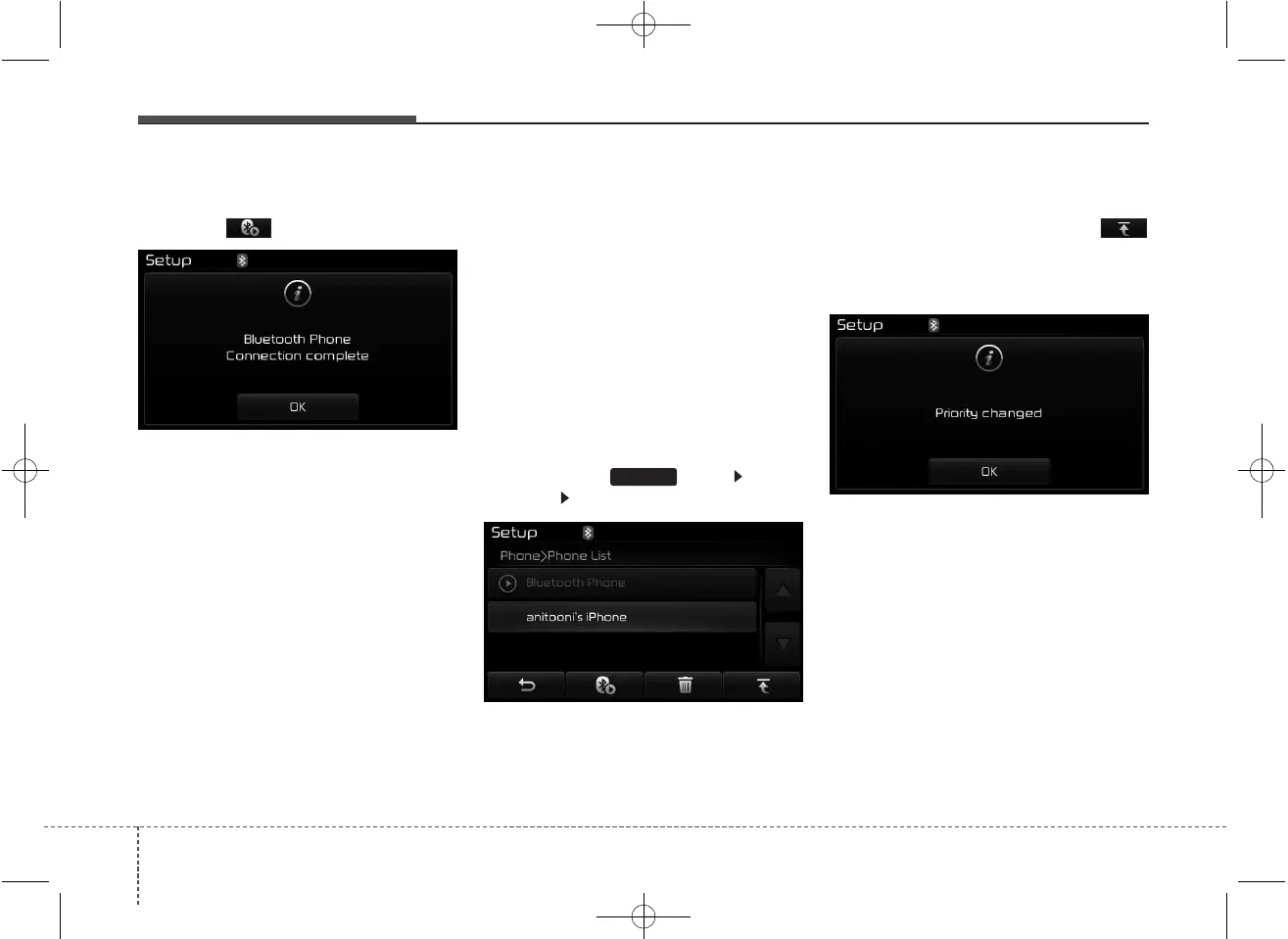
From the paired phone list, select the
device you want to connect and
press the button.
Changing Priority
What is Priority?
It is possible to pair up to five
Bluetooth
®
Wireless Technology
devices with the car audio system.
The "Change Priority" feature is used
to set the connection priority of
paired phones. However, the most
recently connected phone will always
be set as the highest priority.
Press the key Select
[Phone] Select [Paired Phone List]
From the paired phone list, select
the phone you want to switch to the
highest priority, then press the
button from the Menu. The selected
device will be changed to the high-
est priority.
✽✽
NOTICE
When a device is currently connected,
even if you change the priority to a
different device, the currently con-
nected phone will always be set as the
highest priority.
SETUP



 To Next Page