8
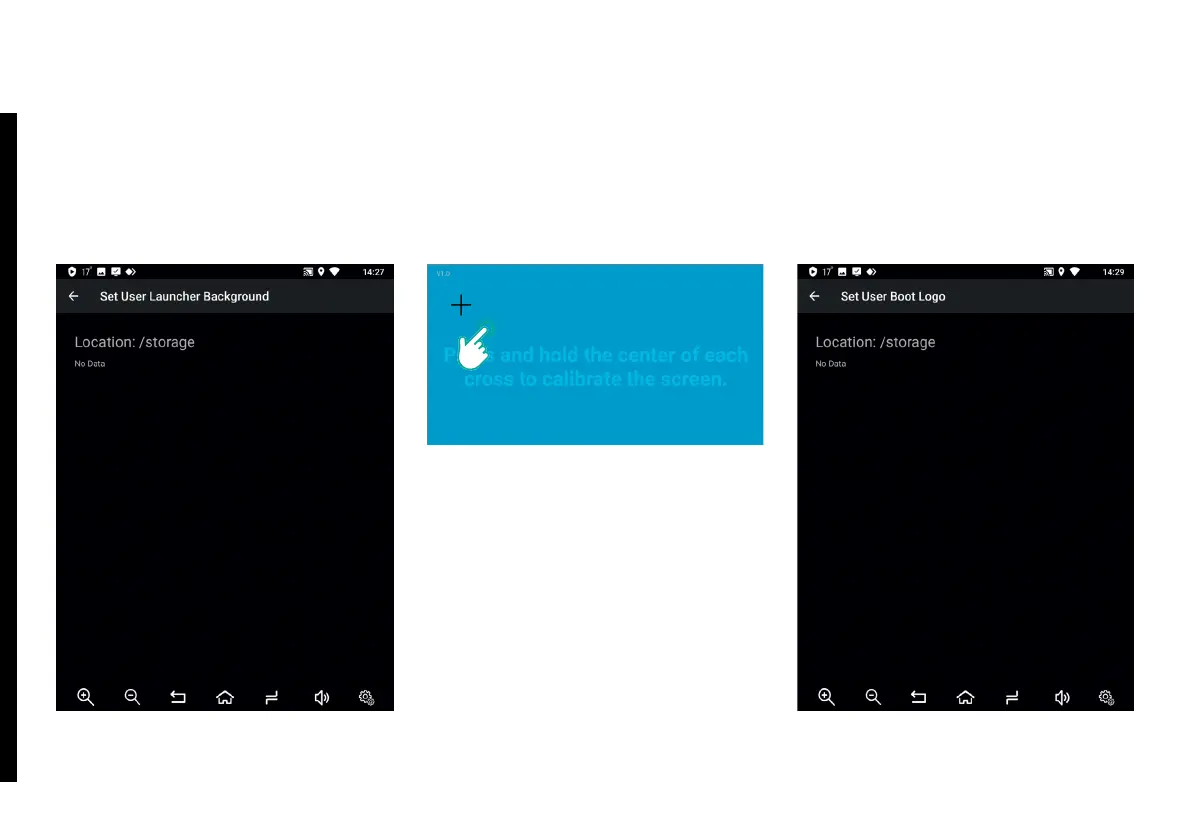
Delete User Boot Logo – delete
image shown on stock screen during
AirTouch Performance start-up.
Touch Calibration – calibrate touch-
screen. To calibrate touchscreen,
press and hold the center of each
cross, until the next cross appears.
Repeat this step for each appearing
cross.
Set User Launcher Background
– select a background image to be
displayed on the stock display during
AirTouch Performance start-up. To set
a background image, select a le using
File Manager.
2. DEVICE SETTINGS



 To Next Page