7.4 Start Lumitester
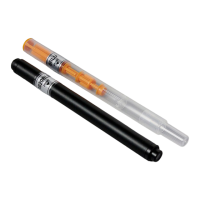
Insert a light source into a measurement chamber.
7.5 Press Enter key of Lumitester and measure.
In the case of error increases 1 In the case of error increases 2
Holding diagonally Holding horizontally
7.6 Measure a blank tube like 7.4 and 7.5.
<Caution>
Hold this unit vertically while measurement.
If you set diagonally or horizontally,
an error may increase.
This mark is in front
<Caution>
In case of Lumitester Smart/PD-30, turn
off the temperature compensation
setting.
See Smart or PD-30 operation manual
for setting method.


 To Next Page
 Loading...