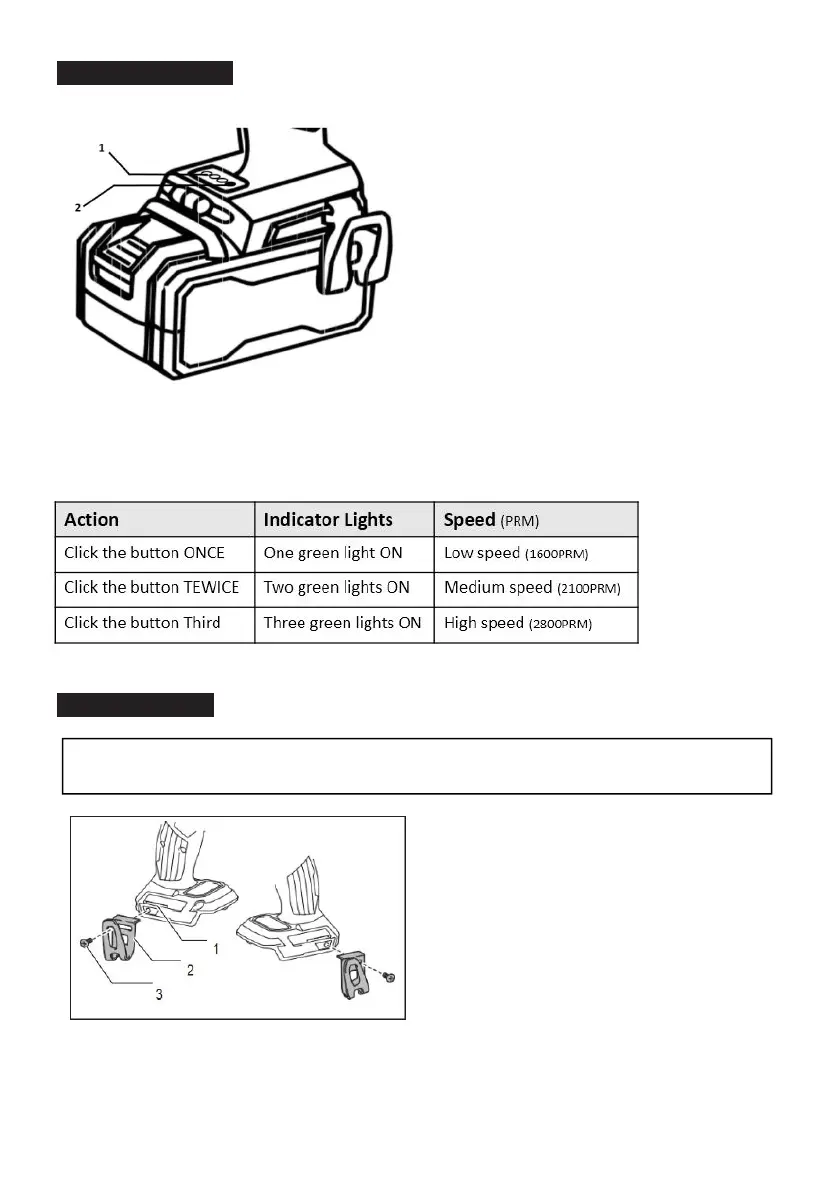
Adjusting Speed
1. Speed LED light indicator 2. Speed control button
Click speed control button to adjust the speed as the LED lights indicate the speed.
Installing Hook
CAUTION:
When installing the hook, always secure it with the screw firmly.
If not, the hook may come off from the tool and result in the personal injury.
1. Groove 2. Hook 3. Screw
The hook is convenient for temporarily hanging the tool. This can be installed on either side of the tool.
To install the hook, insert it into a groove in the tool housing on either side and then secure it with a
screw. To remove, loosen the screw and then take it out.


 To Next Page