Page 17
DISH SD and HD Alternate (satellites 61.5, 110, 119)
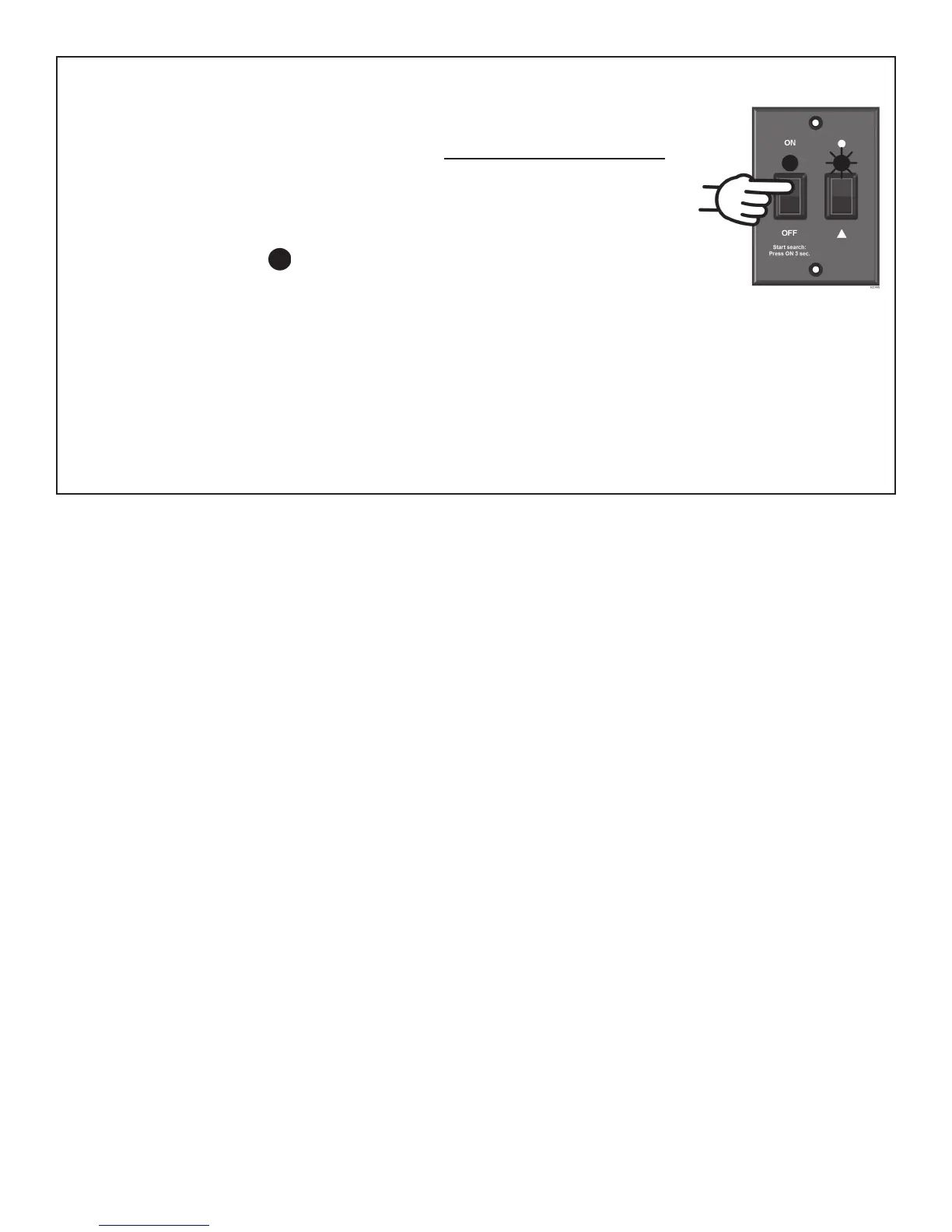
1. On the KING Dome controller, press and release the ON button.
Wait for status light to fl ash orange, then WAIT 4 MORE SECONDS.
2. Press and release the ON button 16 times.
The status light starts rapidly fl ashing green and red.
3. Press and hold the button for 4 seconds.
The status light will turn orange for 1 second,
and then start fl ashing green or red.
4. Press OFF.
5. After you have successfully confi gured the antenna, you must confi gure your receiver for
mobile use.
To confi gure your receiver for mobile use, go to page 23 and run the check switch test.



 To Next Page