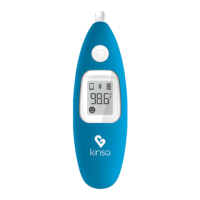
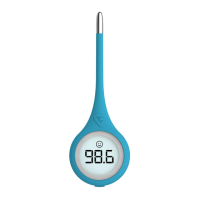
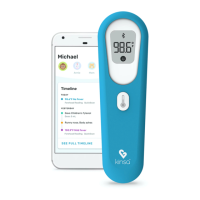
After set up completes, try a reading but:
Avoid eating or drinking any liquids, exercising, taking showers or baths, or smoking for
15 minutes prior to use, as these activities can cause mild elevations in temperature.
Leave the thermometer still while you take a temperature.
Don’t change the phone volume.
Wait about 30 seconds between readings. Kinsa takes its best readings from room
temperature, so back-to-back readings can confuse it.
Reboot Smartphone
Lastly, we recommend rebooting or restarting your smartphone to clear out any junk settings or
glitches which may be causing trouble.
This should resolve your setup or reading issue. Note that if your phone is running Nougat,
please see our other FAQ here for additional information: https://support.kinsahealth.com/hc/en-
us/articles/115000363046
If you still have issues, please contact us by Submitting This Form and we’ll be happy to help!
iOS - Troubleshooting Stick Setup or
Temperature Reading errors
There are a few issues that can interfere with the setup or temperature reading of your Kinsa
Stick thermometer on an iOS device, but don’t worry – we will take you through each possibility
until you’re ready to go.
Using about 3 minutes of your time, this is what we will check for:
Physical device connections
iOS music settings:
o EQ – Not “Late Night”
o Volume Limit – Off
Audio settings:
o Mono Audio – Off
o Audio Balance – centered
Latest app version
Reboot smartphone
By checking each of these, we can almost guarantee that your problem will get solved - and stay
solved! So let’s begin.


 To Next Page