Need help?
Do you have a question about the Kinsa Smart Ear and is the answer not in the manual?
Ensure a clean tip, proper ear insertion technique, and device stillness for accurate temperature readings.
Resolve accuracy issues by performing battery removal or factory resets on the Smart Ear device.
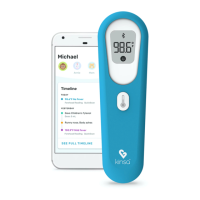
Guide to downloading the Kinsa app, enabling Bluetooth, and following prompts to pair the thermometer.
Steps to resolve common Bluetooth pairing problems, including resets and timeout issues.
Steps to update the app, remove old pairings, reset the device, and re-establish connection on iPhone.
Instructions for Android users to update the app, remove devices, reset, and pair the Smart Ear.
Resolving "Smart Lock" PIN issues during Android pairing by managing phone security settings.
Optimizing Android audio settings and updating the Kinsa app for setup and reading accuracy.
Advice on avoiding activities that affect temperature and ensuring device stillness during readings.
Rebooting the smartphone to clear temporary settings or glitches affecting device performance.
Steps for troubleshooting iOS connections, including checking physical connections and audio settings.
Configuring iOS audio settings and updating the Kinsa app for optimal setup and reading accuracy.
The Kinsa Smart Ear is a digital thermometer designed for accurate temperature readings within the range of 95 °F to 107.6 °F (35 °C to 42 °C). It is intended for use with a smartphone app (Kinsa app) for setup, pairing, and temperature tracking. The device is compatible with both iOS and Android smartphones.
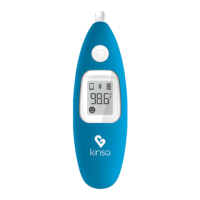
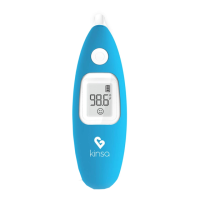
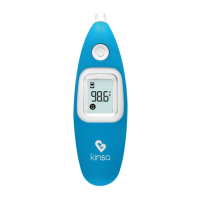
The Kinsa Smart Ear measures body temperature and transmits the readings to the Kinsa app on a paired smartphone via Bluetooth. The app allows users to track temperature readings, set up the thermometer, and troubleshoot connection issues. The thermometer itself features a large power button, a small Bluetooth button, and an LCD screen to display readings and status icons.
 General
| Brand | Kinsa |
|---|---|
| Model | Smart Ear |
| Category | Thermometer |
| Language | English |

 To Next Page