K110sm8e3.doc
8-22
[Operation]
1. Prepare the Target Sheet.
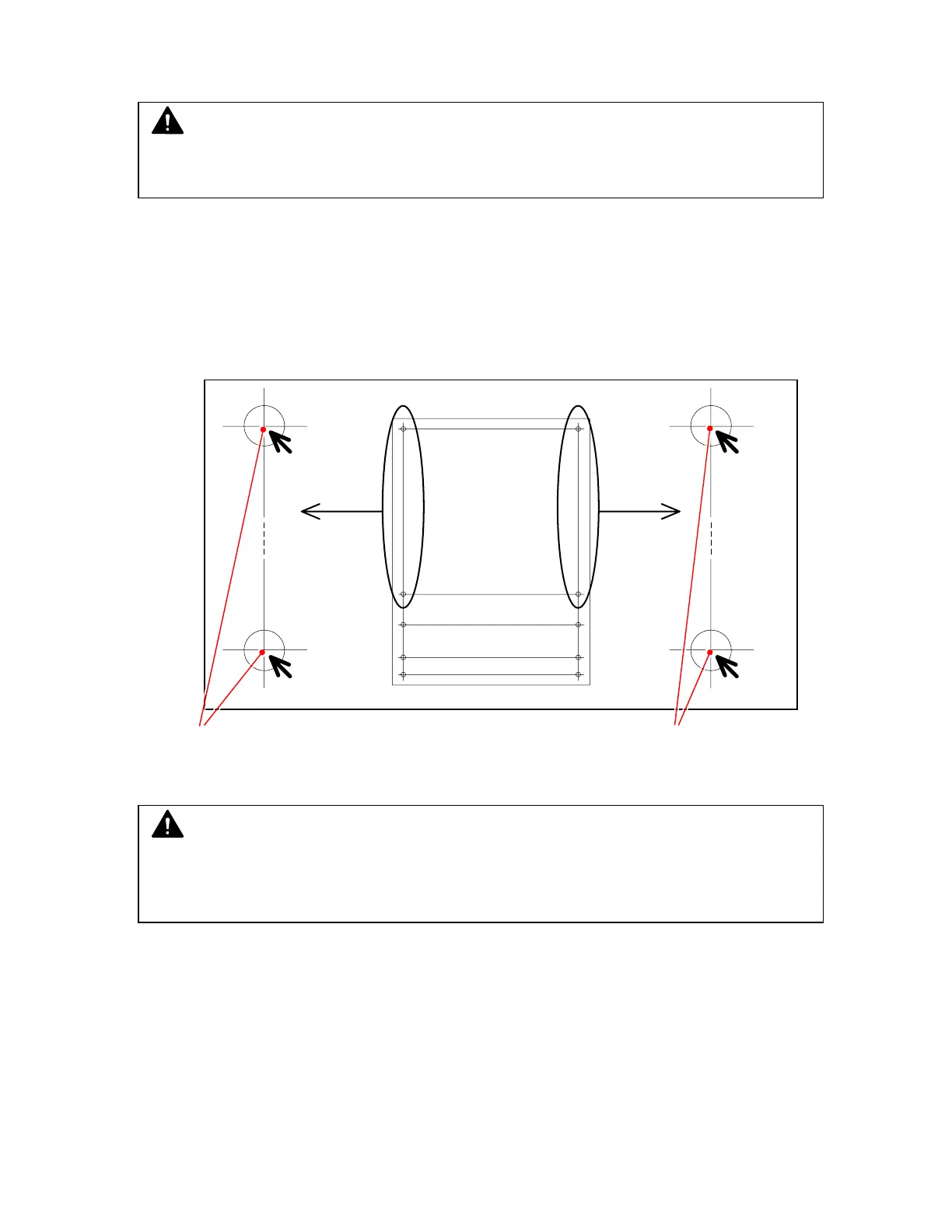
2. Measure the actual distance between “a point” and “c point” on the far left area of original, and
also between “b point” and “d point” on the far right area.
Let’s suppose that each distance is as follows.
Between “a point” and “c point (800)” is “799.7mm”
Between “b point” and “d point (800)” is 799.8mm
Target Sheet
Measure between these 2 points. Measure between these 2 points.
2. Connect the KIP 600 and the PC directly with the USB 2.0 Cable.
3. Start Utility Software.
b
d1000
a
c800
c1000
a
c800 d800
b
d800
d1100
c1100
d1150
c1150
NOTE
There are some number of “c point X” and “d point X” on the Target Sheet.
You can select any one, but better adjustment can be expected if you measure a longer
distance.
NOTE
Make sure to use an exclusive Target Sheet.
Its part number is Z058501590.



 To Next Page