K110sm8e3.doc
8-23
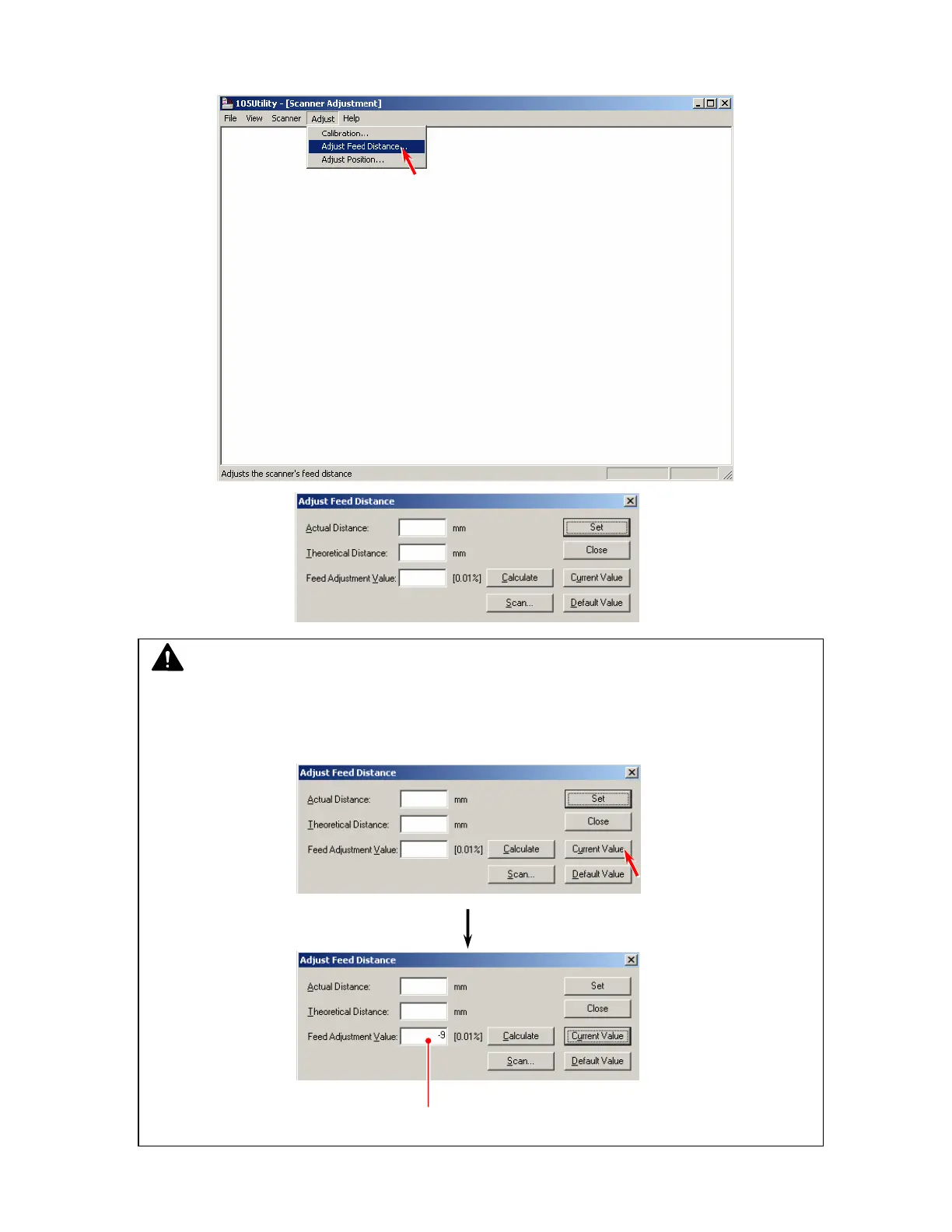
4. Select [Adjust Feed Distance] under [Adjust].
The Adjust Feed Distance Dialog is displayed.
NOTE
We recommend you to record the current setting value of Feed Distance for the safety before
starting the adjustment from the next step.
Click [Current value], and the current setting value is indicated.
Current setting value



 To Next Page