K110sm8e3.doc
8-24
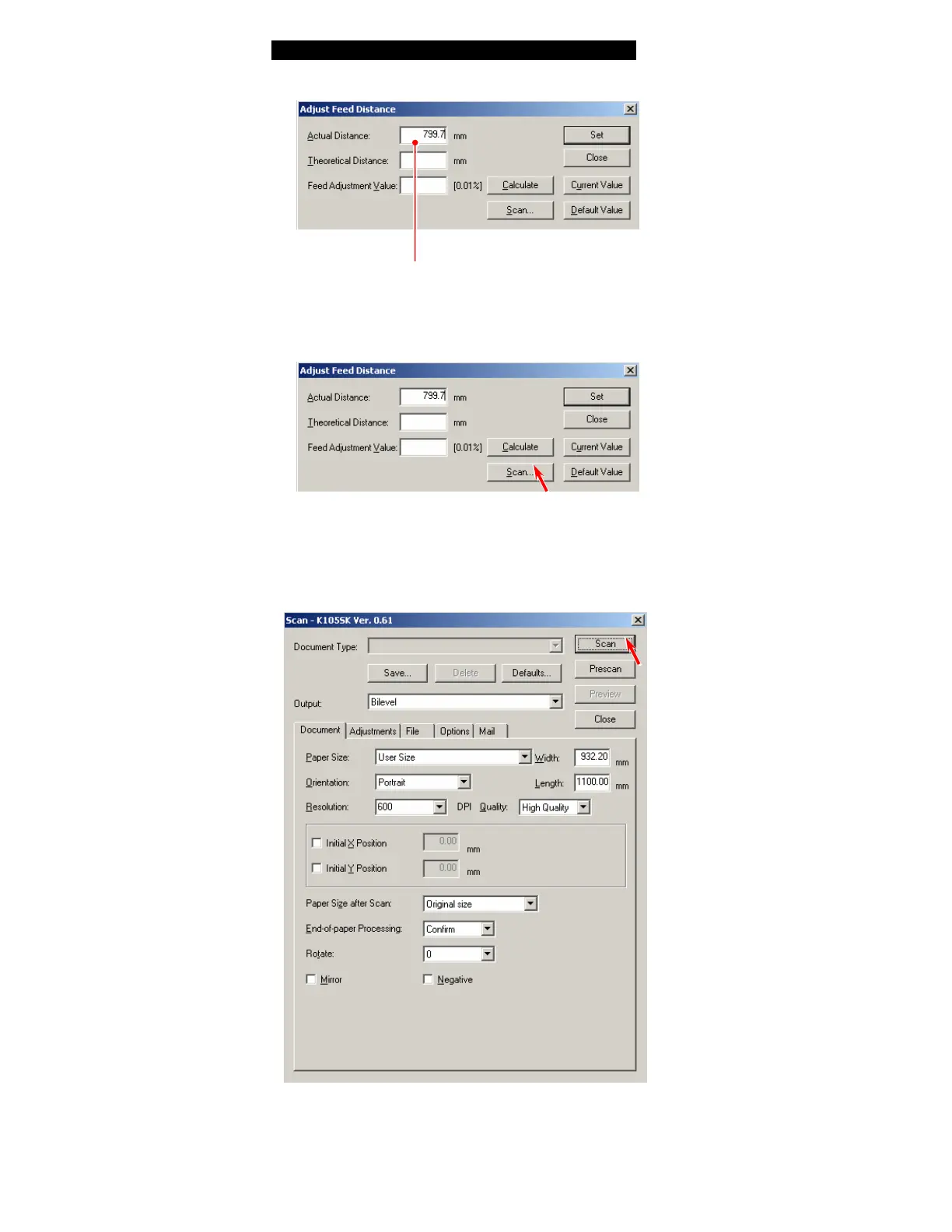
5. At first, input the actual distance between “a point” and “c point” in [Actual Distance],
which you have measured at the former step “1”.
Actual distance between “a” and “b”
6. Set the Target Sheet to the scanner unit and then click [Scan].
7. A dialog to specify the scan settings is indicated.
Simply click [Scan] to scan the Target Sheet.
(You do not have to change any setting this time.)



 To Next Page