K110sm5e2.doc
5-11
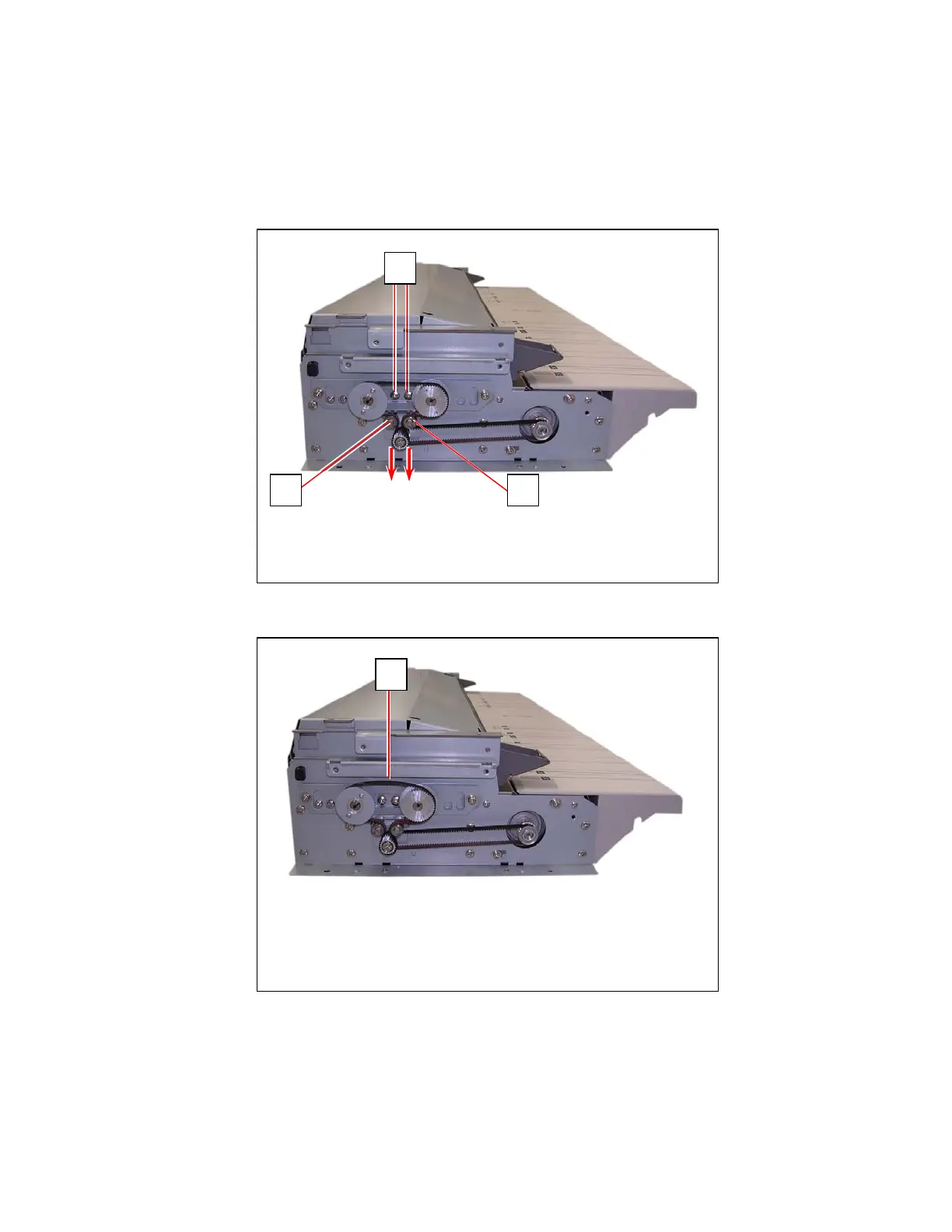
5. 2. 3 Replacing Belt 60S2M250 and Belt 60S2M284
1. Remove Top Cover, Side Cover L, Operation Panel Assembly and Front Covers.
See [5.1.1 Removing Top Cover], [5.1.3 Removing Side Cover L], [5.1.4 Removing Operation
Panel Assembly] and [5.1.5 Removing Front Covers]
2. Loosen 2 screws (1).
Slide Tension Pulleys (2) to release Belt 60S2M250 (3).
2
1
2
3



 To Next Page