K110sm8e2.doc
8-11
[Operation]
1. Connect the KIP 600 and the PC directly with a USB 2.0 Cable.
2. Start Utility Software.
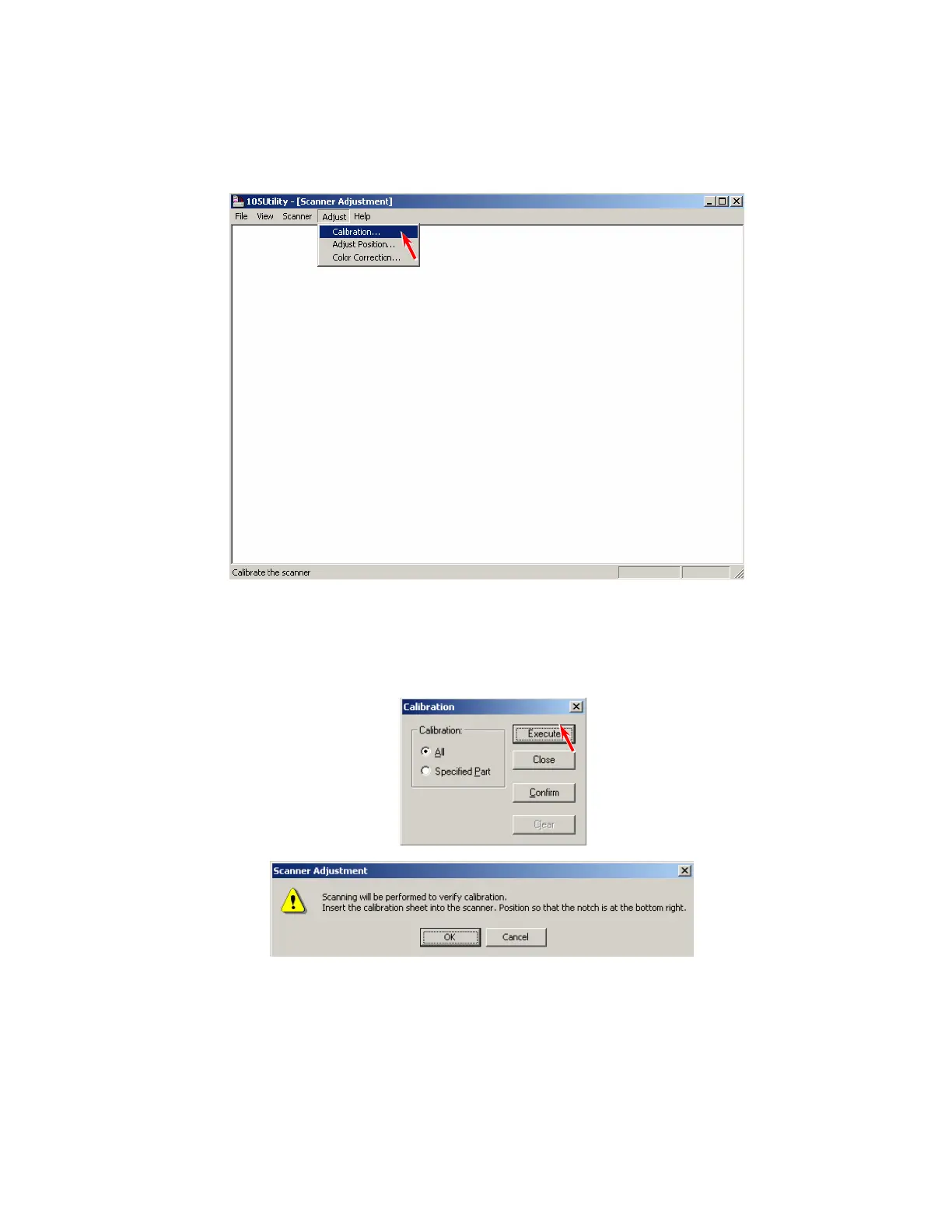
3. Select [Calibration] under [Adjust].
4. At first it is required to calibrate all pixels.
Select [All] and then click [Execute].
You will be asked to set the original.



 To Next Page