K110sm8e2.doc
8-12
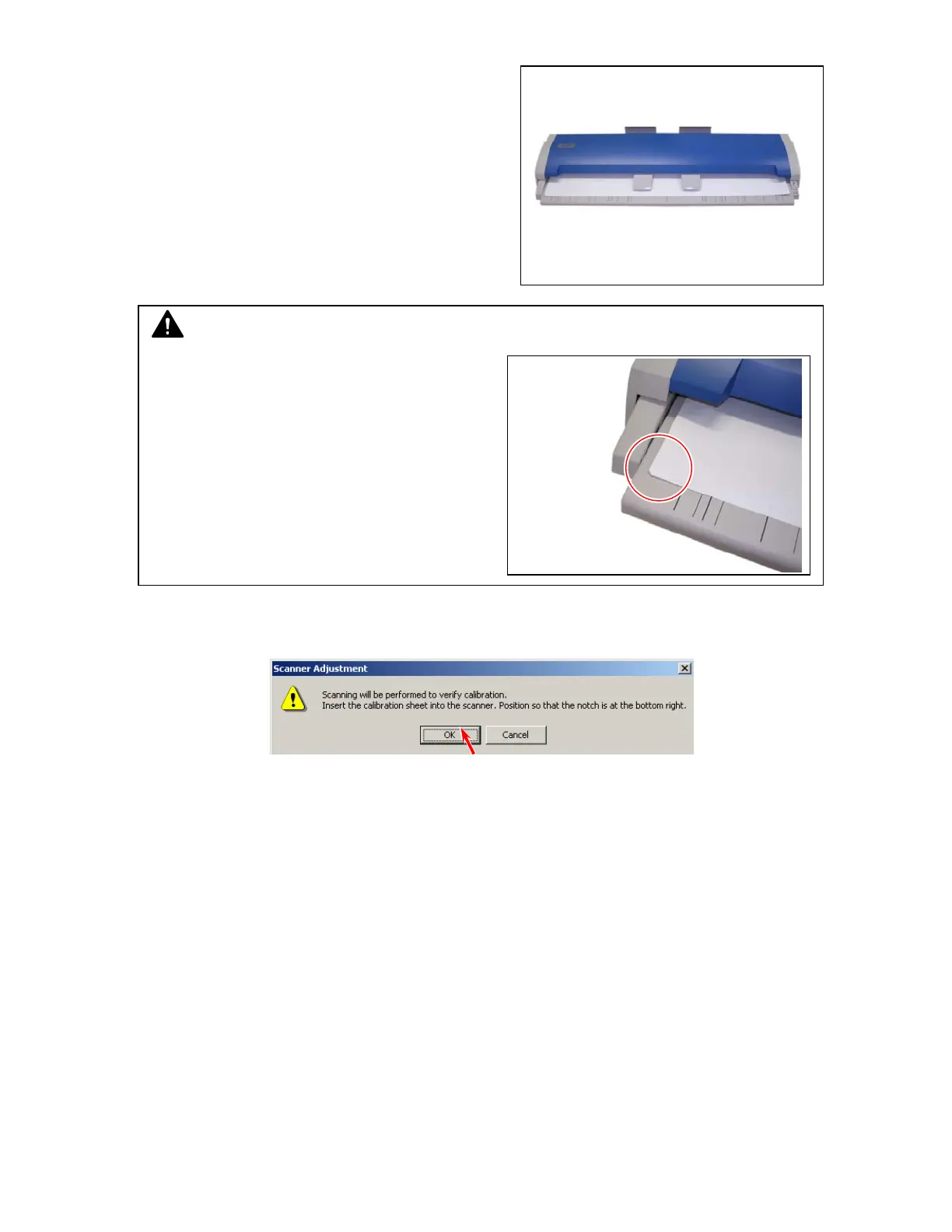
5. Set the Calibration Sheet in the KIP 600 accessory to the KIP 600.
6. Click [OK] after setting the original, and the scanner reads the Calibration Sheet.
NOTE
One corner of the Calibration Sheet is cut off.
Set the Calibration Sheet so that this corner is
on the left and on the front side of the machine.



 To Next Page