Chapter 2 Basic Operation 2-2
2. 1 Turning on the Printer
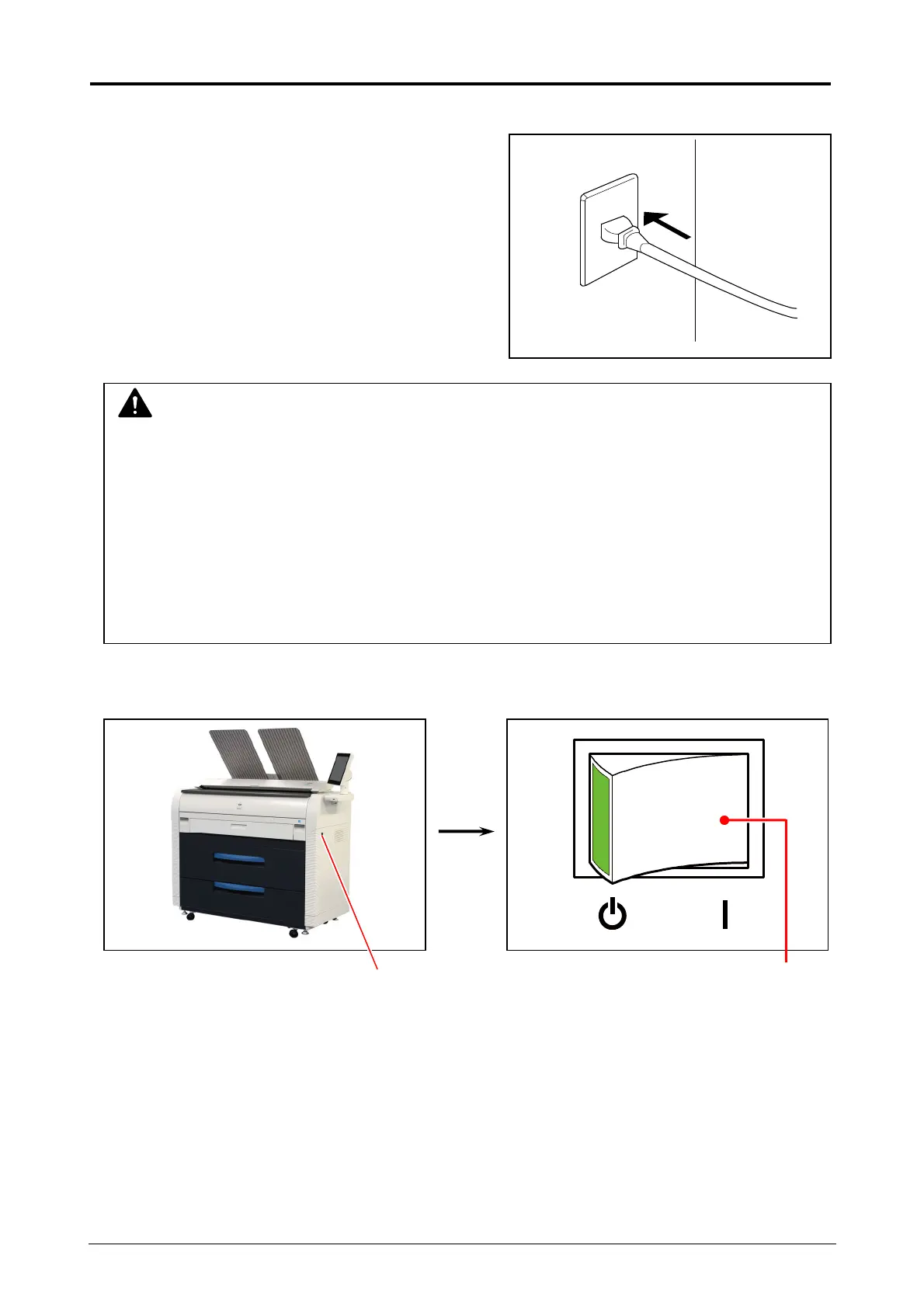
1. Plug the power cord for Printer into a dedicated wall outlet.
2. Press “ | ” side the Power Switch on the right side of the printer to turn on the Printer.
Power Switch Press “ | “ side.
WARNING
(1) Do not handle the Power Plug with wet hands, or you may receive an electrical shock.
(2) Make sure to earth the machine for safety.
(3) Do not plug the printer into a multi-wiring connector in which other devices are plugged.
It may overheat the outlet and may result in a fire.
(4) The OUTLET must satisfy the following conditions.
220V to 240V plus 6% or minus10%, 50/60Hz, 16A or higher


 To Next Page