Chapter 2 Basic Operation 2-3
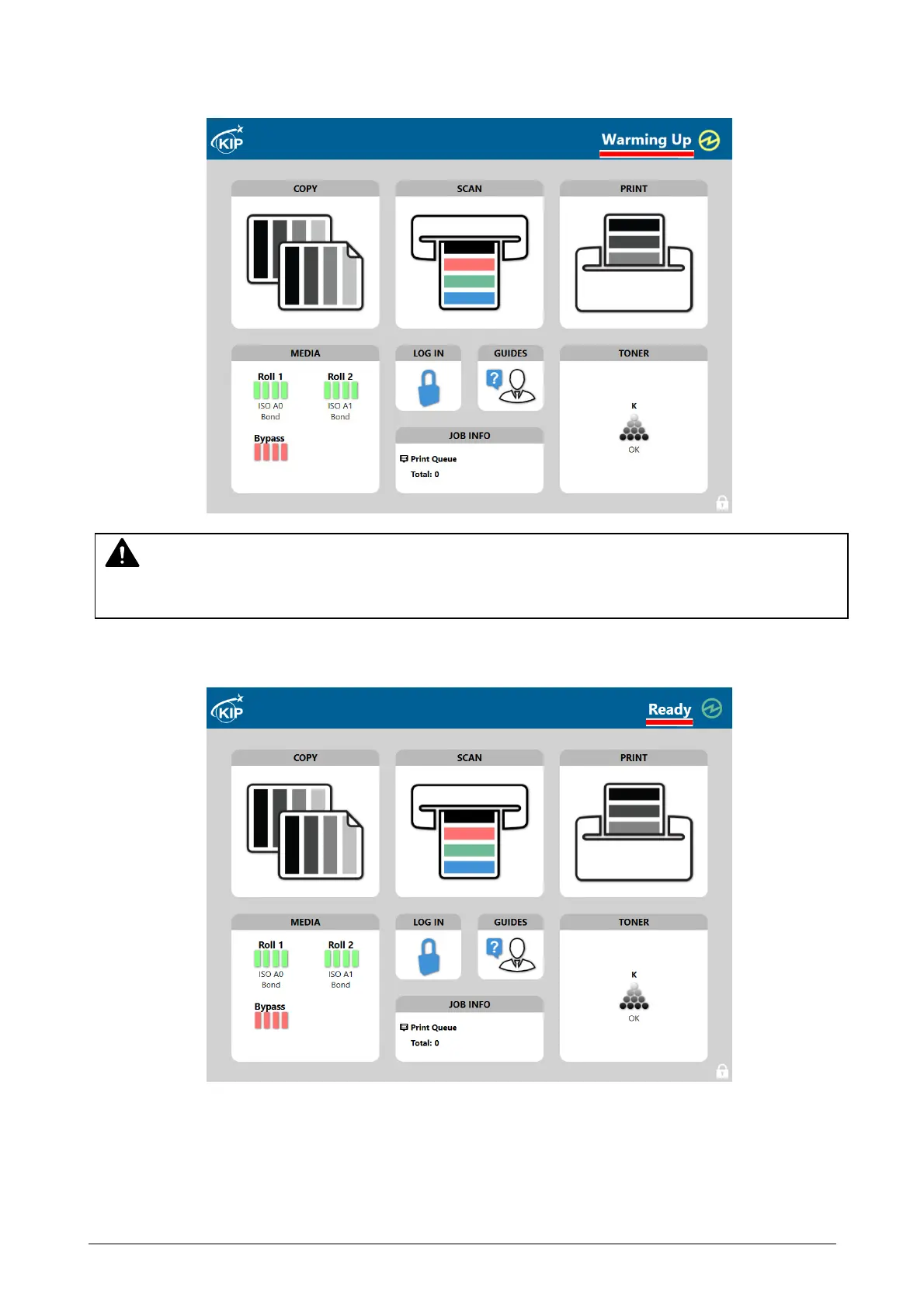
3. The User Interface (UI) starts operating, and displays the following Copy Mode Screen in one
minute.
"Warming Up" is displayed in the status indication while warming up.
4. "Ready" is displayed in the status indication when Printer is available to print.
The UI screen may vary depending on your system configuration.
(Shown with available options)
NOTE
It is not possible to print while displaying "Warming Up" in the status indication.


 To Next Page