Chapter 2 Basic Operation 2-4
2. 2 Turning off the Printer
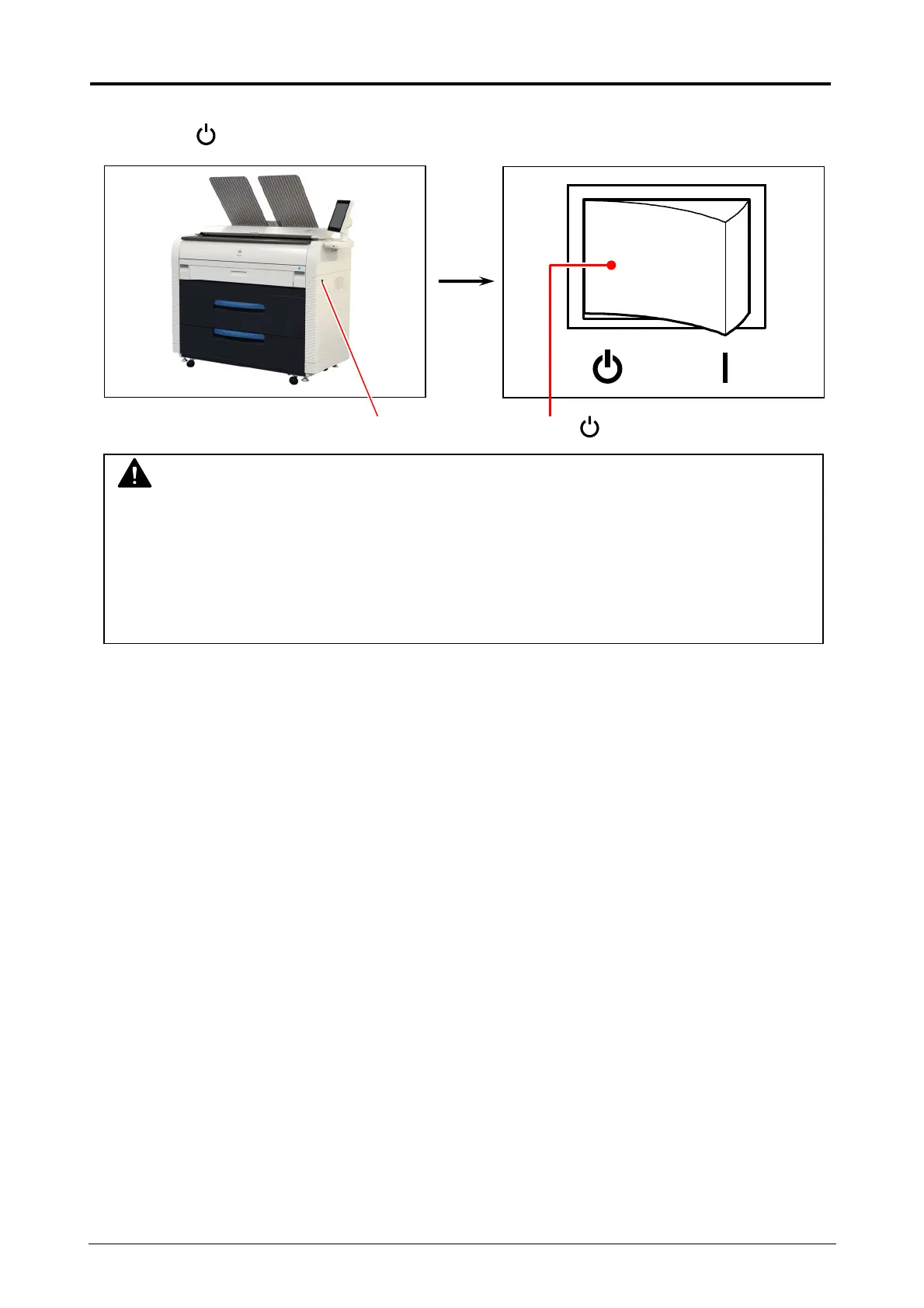
1. There is a Power Switch on the right side of Printer.
Press its “ ” side to turn off the Printer.
Power Switch Press “ ” side.
CAUTION
The Printer print engine and UI appear to be shut down when you turn off Printer.
However, the controller PC embedded inside the Printer is still operating and will shutdown
in approximately two minutes after Power Switch operation.
Do not unplug the Printer before the controller PC completes its shutdown. Doing so may
damage data or the device.


 To Next Page