MASTER CODE
The Master Code can:
Open the lock
Change the Master Code
Set / Change / Delete the Sub‐Masterand User Code
Select between Private andPublic Functions
Activate/deactivate Technician Code
SUB‐MASTER CODE
The Sub‐Master Code can:
Open the lock
Change the Sub‐Master
Set / Change / Delete / the User Code
USER CODE
The User Code can:
Open the lock
Change the User Code
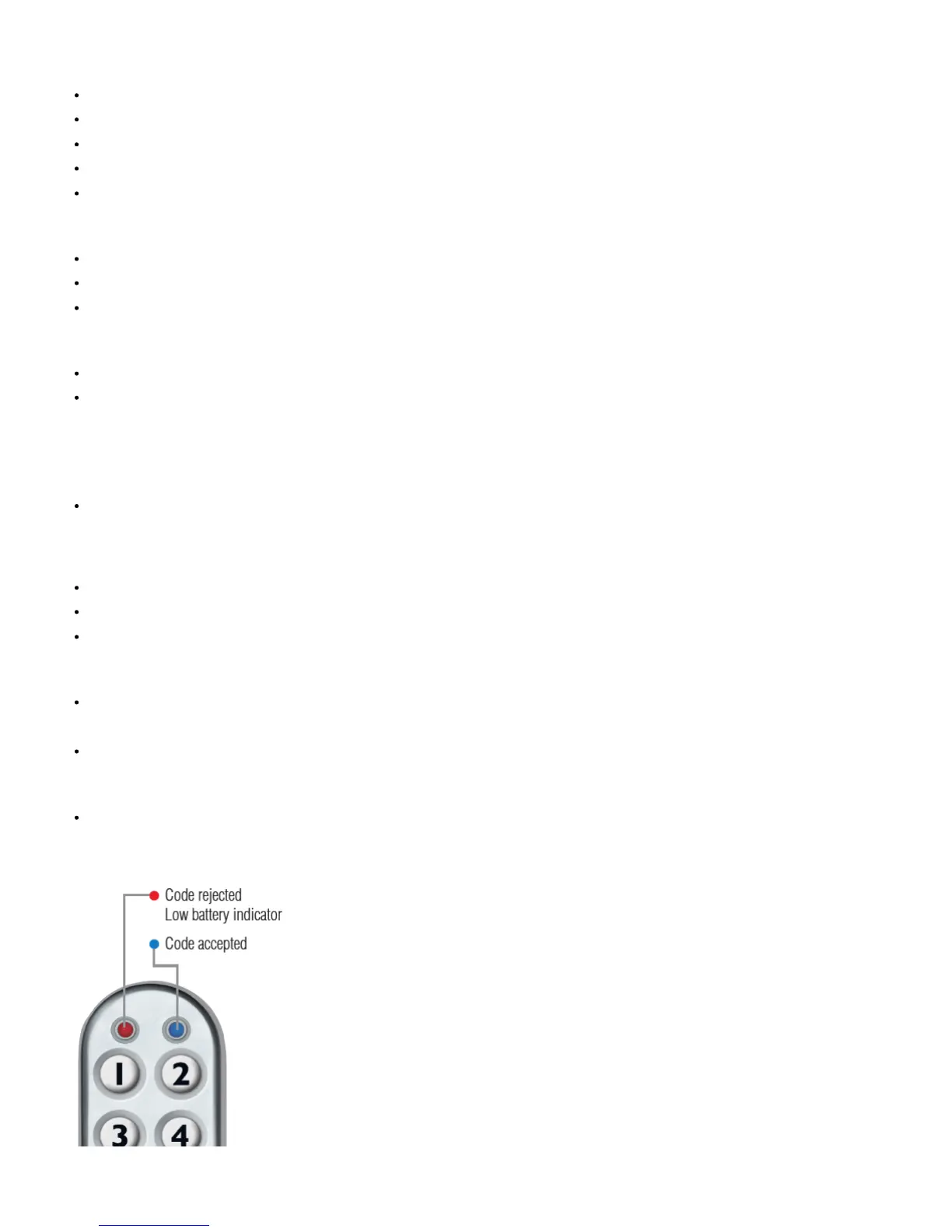
•Blue LED = Code accepted
•Red LED = Code rejected
TECHNICIAN CODE
The Technician Code can:
Open the lock
A code cannot be programmed into morethan one level.
LOST CODE PROCEDURE
Note:The procedure requires the door tobe open
Remove the rear‐fixing bolt andswing the lock over the edge of thedoor to reveal the batterycompartment.
Remove one battery.
Press and hold the 1 button, replacethe battery, the Blue LED will flashtwice, release the 1 button. Withinthree seconds press the 1 buttonthree times. The
Blue LED will flashtwice and the lock will have revertedto the factory Master Code 11335577and all other stored settings will beerased.
PENALTY TIME
Entering three incorrect codes willcause the lock to shutdown for 10seconds.
BATTERY POWER
The KitLock should provide well inexcess of 15,000 openings, of 4seconds each, from 2 x AAA 1.5v cells.
LOW BATTERY
When the battery power is low the•Red LED will flash 3 times beforethe•Blue LED lights, accepting thecode. Fit new batteries as soon as thishappens.
The lock will operate for 100times with low battery.


 To Next Page