CMD + SHIFT CLICK TO CHANGE COPY
10
PARTS AND FEATURES
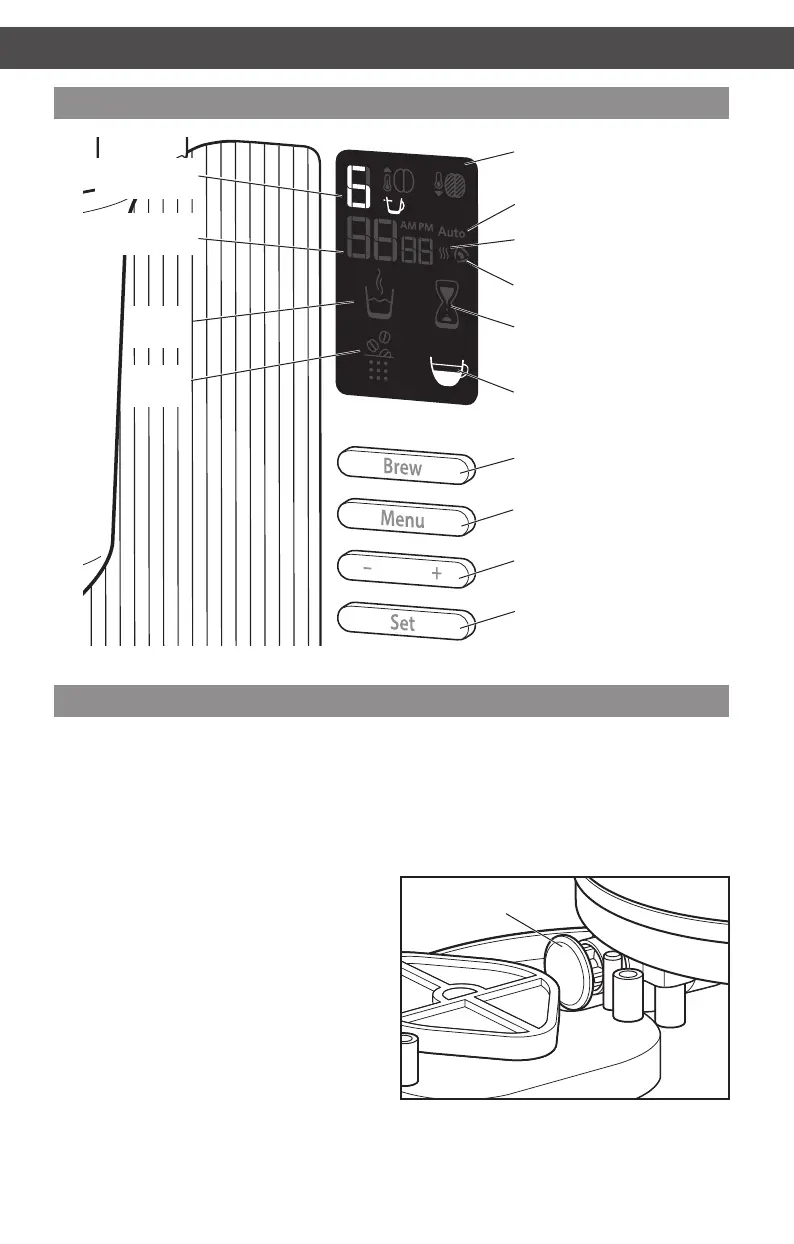
Display and control panel features
Brew button
“- and +” toggle bar
Menu button
Set button
Cup selection
indicator
Clock display
Warm indicator
Clean indicator
Medium/Dark
roast indicators
Steeping indicator
Heating
indicator
Pouring
indicator
Brewing complete/
Enjoy indicator
Delay Start
(Auto) indicator
How pour over coffee is different
Traditional coffee brewing often doesn’t
bring out the best avour of your coffee
beans. We often settle for the usual drip
coffee maker for the sake of time and
convenience.
Pour Over coffee is brewed by pouring
water over ground coffee beans to extract
excellent avour. But, we usually don’t have
time to perform the ritual.
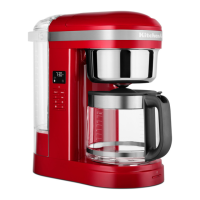
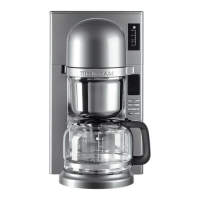
The KitchenAid Pour Over Coffee Brewer
brings together the clean, complex avours
that are created with a traditional cup
of pour over coffee with the ease and
convenience of an automatic machine.
Instead of continuously ooding the brew
basket with water, the Pour Over Coffee
Brewer pulses the ow of water, precisely
controlling the extraction, allowing the
grounds to “bloom.”
In addition, the Pour Over Coffee Brewer
heats all of the water at once to the optimal
brewing temperature instead of one drop at
a time like conventional drip coffee makers.
You’ll notice the difference in the caramel
colour and the complex layers of avour.
This gear inside your Pour Over Coffee Brewer precisely
controls water ow, for ideal avour extraction.
Precise water
ow control
ASSEMBLING THE COFFEE BREWER
W10675728B_01_EN_v02.indd 10 11/13/14 10:37 AM


 To Next Page
 Loading...