CMD + SHIFT CLICK TO CHANGE COPY CMD + SHIFT CLICK TO CHANGE COPY
English
17
OPERATING THE COFFEE BREWER OPERATING THE COFFEE BREWER
Brewing coffee
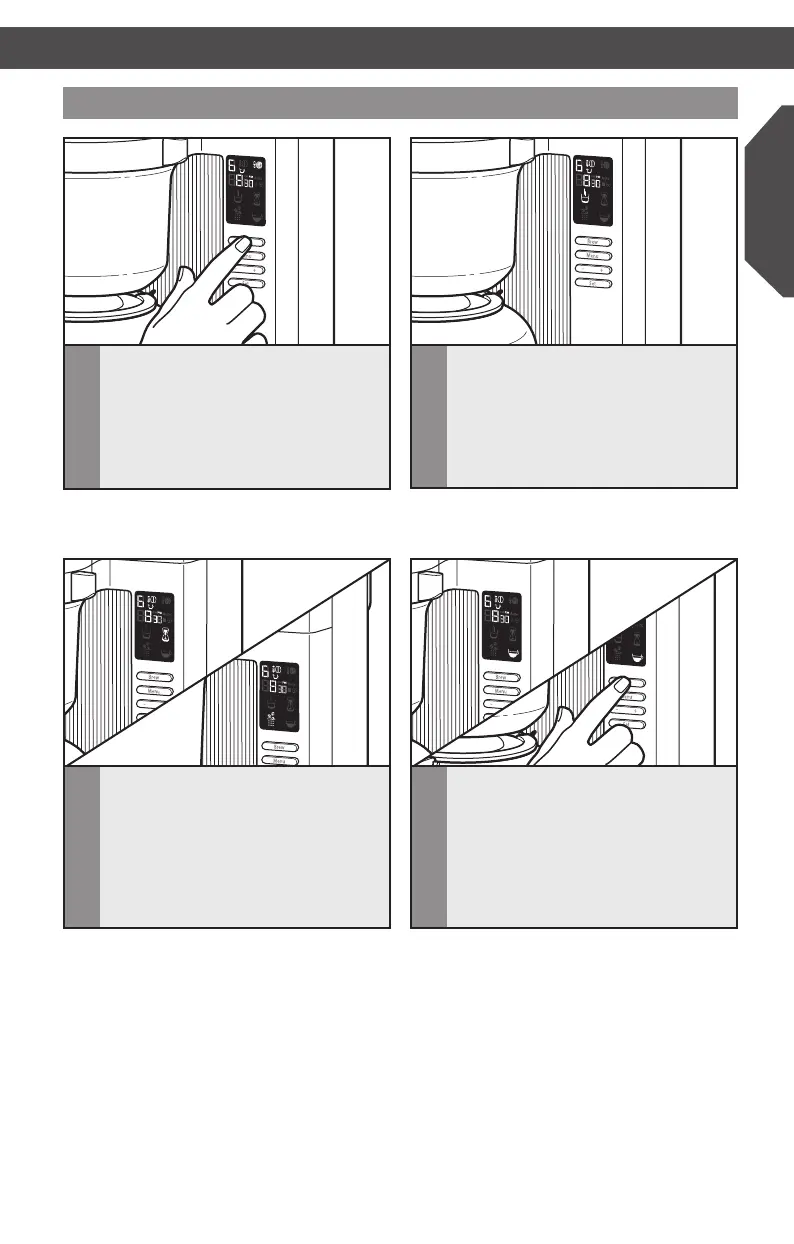
2
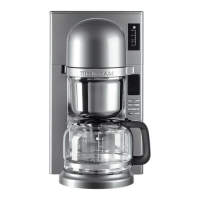
The Coffee Brewer will heat all the
water needed to brew at the beginning
of the cycle. You will see the Heating
indicator light up during this segment
of the cycle. This process takes
approximately 6 minutes for 8 cups of
coffee (just under 2 minutes for 2 cups)*.
1
After selecting the number of cups you
want to brew, and the strength of the
coffee you want to brew, press the
BREW button.
3
After all the water is heated, the Coffee
Brewer will begin to alternately shower
the grounds with water, and allow the
coffee to steep. This happens in stages
until the cycle is over, and you will see
the Pouring and Steeping indicators
alternately light up during this segment
of the cycle.
4
When the cycle is complete, the Enjoy
indicator will light up and 3 beeps will
sound. At this stage, the warming plate
has already pre-heated the carafe. It
will then keep the coffee at optimum
temperature for 30 minutes after
brewing. To cancel the Warm cycle at
any time, press the BREW button.
NOTE: If you wish to cancel the Brew cycle
at any time, press the BREW button.
* See “Coffee dosage guide” for
conversion chart
HELPFUL TIP: It is recommended to allow the brewing cycle to complete for the
selected number of cups prior to tasting to extract the maximum avour from the
pour over brewing method.
W10675728B_01_EN_v02.indd 17 11/13/14 10:37 AM


 To Next Page
 Loading...