ENGLISH
USING THE STAND MIXER ATTACHMENT | 11
USING THE STAND MIXER ATTACHMENT
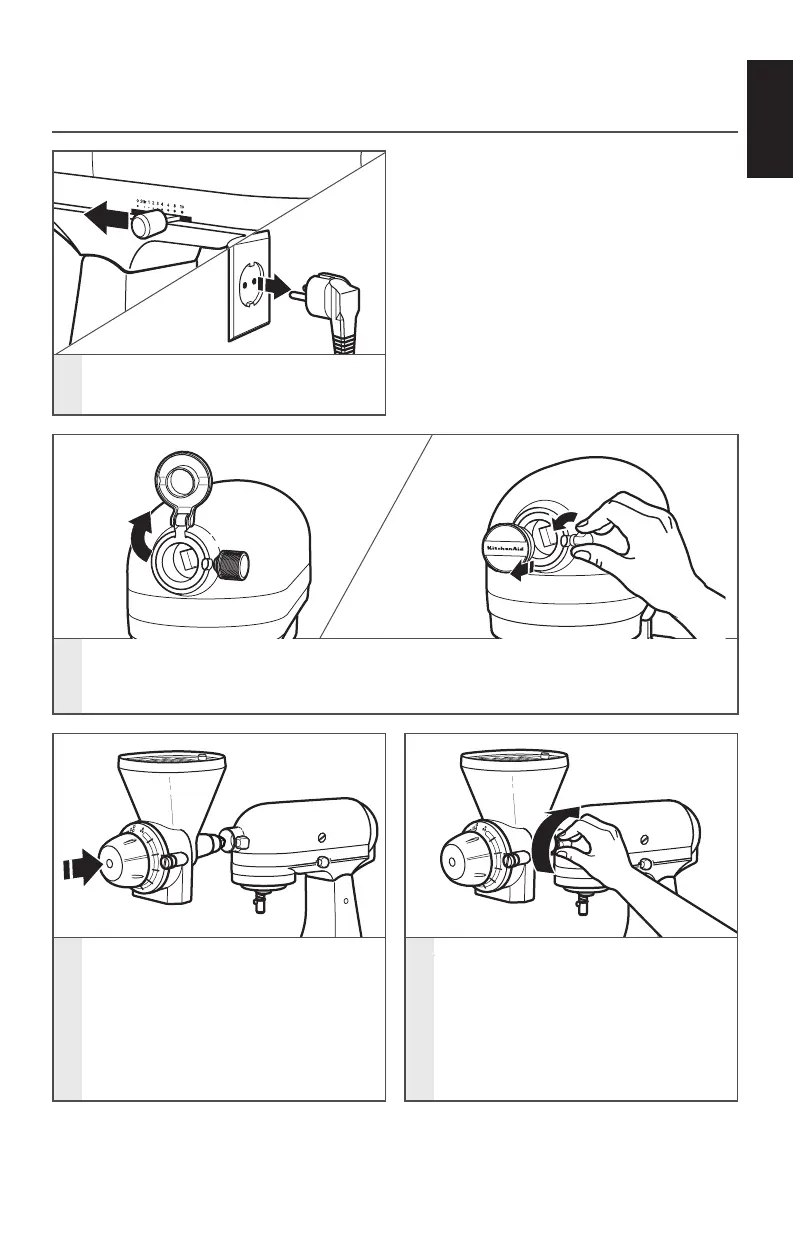
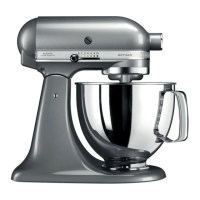
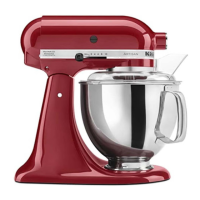
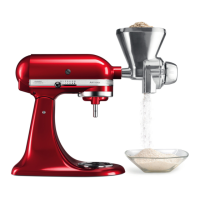
ATTACHING THE GRAIN MILL TO THE STAND MIXER
1
Turn Stand Mixer off and unplug.
3
Insert the attachment shaft housing
into the attachment hub, making
certain the power shaft fits into the
square hub socket. If necessary, rotate
the attachment back and forth. The
pin on the attachment housing fits
into the notch of the hub rim when in
the proper position.
4
Tighten the Stand Mixer attachment
hub knob until the attachment is
completely secured to the Stand
Mixer.
2
For Stand Mixers with a hinged attachment hub cover: Flip up to open.
For Stand Mixers with a removable attachment hub cover: Turn the attachment
knob counterclockwise to remove the attachment hub cover.
W10863934A_01_EN_v12.indd 11 10/19/17 10:38 AM




 To Next Page