12 | USING THE STAND MIXER ATTACHMENT
USING THE STAND MIXER ATTACHMENT
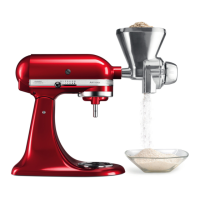
USING THE GRAIN MILL ATTACHMENT
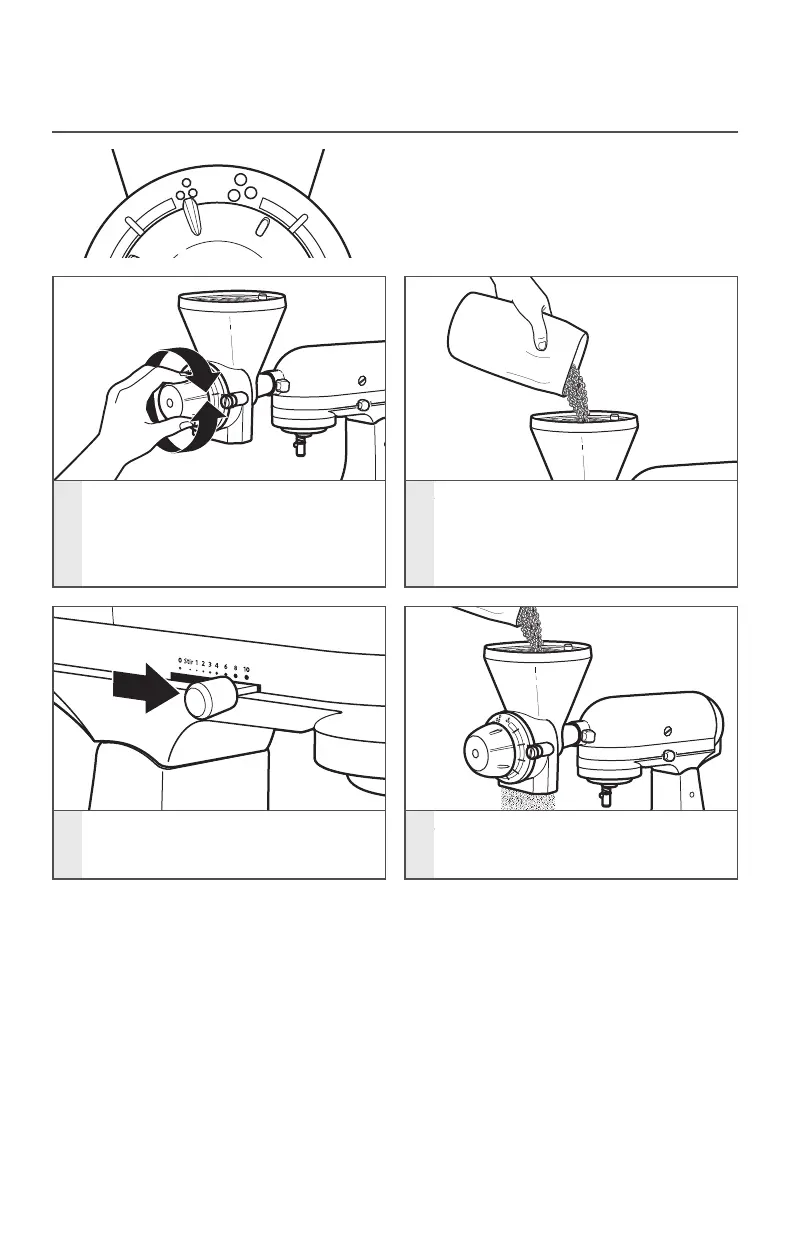
NOTE: If the grind is too fine, turn the
adjustment knob counterclockwise, one
notch at a time, until the desired setting
is obtained.
NOTE: Do not grind more than 1250 g
(44.1 oz) (2.4 L [10 cups]) of flour at
one time, or damage to the Stand Mixer
may result. After grinding 1250 g (44.1 oz)
(2.4 L [10 cups]) of flour, allow the Stand
Mixer to cool for 45 minutes before using
it again.
TIP: Note the grind symbols at the top of
the dial. The Fine Grind symbol indicates
the finest grind setting. The Coarse Grind
symbol indicates the setting for the grind
that is most coarse. Each notch on the
dial represents a grind setting.
1
Select the finest grind setting
by turning the adjustment knob
clockwise to the Fine Grind symbol
and immediately turn adjustment
knob back 2 notches.
2
Fill the hopper with grain.
3
Once the grain is added, start the
Stand Mixer at Speed 10.
4
Continue to replenish grain in the
hopper until the desired amount
of grain is ground.
W10863934A_01_EN_v12.indd 12 10/19/17 10:38 AM



 To Next Page