EasyManua.ls Logo

KitchenAid KEBS207D - Page 40

KitchenAid KEBS207D
50 pages
Print Icon
To Next Page IconTo Next Page
To Previous Page IconTo Previous Page
Loading...
Caring
for
Your
Oven
Using
and
replacing
the
The
oven
lights
will
come
on
when
you
open
the
oven
door.
To
turn
the
lights
on
when
the
ove
n
doo
r
is
closed,
press
the
Oven
Light
pad
Iffssy
on
the
control
panel.
Press
the
pad
(S®
)
again
to
turn
off
the
lights.
^WARNING
Electrical
Shock
Hazard
Make
sure
oven
and
light
bulb
are
cool
and
power
to
the
oven
has
been
turned
off
before
replacing
the
light
bulb.
•The
light
cover
must
be
in
place
when
using
the
oven.
The
cover
protects
the
bulb
from
breaking,
and
from
high
oven
temperatures.
Because
the
light
cover
is
made
of
glass,
be
careful
not
to
drop
it.
Failure
to
follow
the
above
could
result
in
electrical
shock,
burns,
or
injury
from
broken
glass.
oven
lights
Replacing
the
oven
light:
1.
Disconnect
appliance
at
the
main
power
supply.
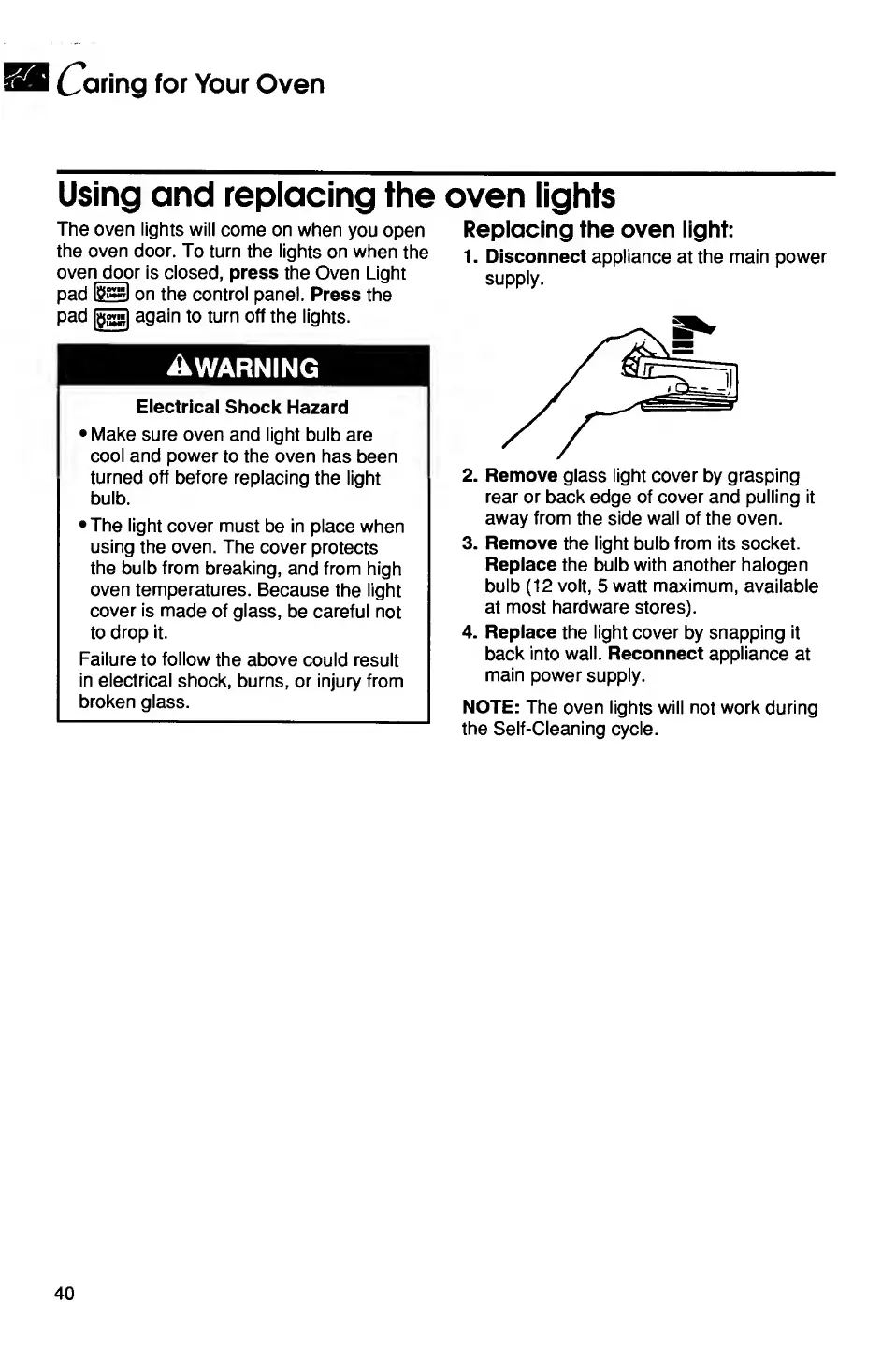
2.
Remove
glass
light
cover
by
grasping
rear
or
back
edge
of
cover
and
pulling
it
away
from
the
side
wall
of
the
oven.
3.
Remove
the
light
bulb
from
its
socket.
Replace
the
bulb
with
another
halogen
bulb
(12
volt,
5
watt
maximum,
available
at
most
hardware
stores).
4.
Replace
the
light
cover
by
snapping
it
back
into
wall.
Reconnect
appliance
at
main
power
supply.
NOTE:
The
oven
lights
will
not
work
during
the
Self-Cleaning
cycle.
40

Related product manuals