EasyManua.ls Logo

KitchenAid KEBS207D - Page 44

KitchenAid KEBS207D
50 pages
Print Icon
To Next Page IconTo Next Page
To Previous Page IconTo Previous Page
Loading...
US
Using
the
Self-Cleaning
Cycle
6.
After
the
self-cleaning
cycle
ends:
YOU
SEE
To
stop
the
self-cleaning
cycle
at
any
time:
PRESS
CANCEL
OFF
(single
ovens)
OR
UPPER
OVEN
CANCEL/OFF
LOWER
OVEN
CANCEL/OFF
YOU
SEE
(“cln”,
“cooling”,
and
“DOOR
LOCKED”
will
appear
if
oven
has
not
cooled
down
and
you
try
to
program
another
cooking
function)
(double
ovens)
For
best
cleaning
results
After
the
oven
is
cool,
wipe
up
any
resi¬
due
or
ash
with
a
damp
cloth
or
sponge.
If
any
spots
remain,
clean
with
a
mild
abrasive
cleanser
or
cleaning
sponge.
Clean
the
oven
before
it
gets
heavily
soiled.
Cleaning
a
very
soiled
oven
takes
longer
and
results
in
more
smoke
than
usual.
If
the
Self-Cleaning
cycle
does
not
get
the
oven
as
clean
as
you
expected,
the
cycle
may
not
have
been
set
long
enough
or
you
may
not
have
prepared
the
oven
properly.
Set
the
Self-Cleaning
cycle
longer
the
next
time
and
hand-clean
areas
noted
on
page
41.
How
the
cycle
works
The
Self-Cleaning
cycle
uses
very
high
heat
to
burn
away
soil
and
grease.
During
the
cycle,
the
oven
gets
much
hotter
than
it
does
for
normal
baking
or
broiling.
This
high
heat
breaks
up
the
soil
or
grease
and
burns
it
away.
Your
oven
is
preset
for
a
3V2-hour
Self-
Cleaning
cycle.
However,
you
can
adjust
the
cycle
time
to
the
amount
of
soil
in
your
oven.
You
can
set
the
cycle
anywhere
between
2
V
2
and
4
V
2
hours.
(See
“Setting
the
controls”
on
page
42.)
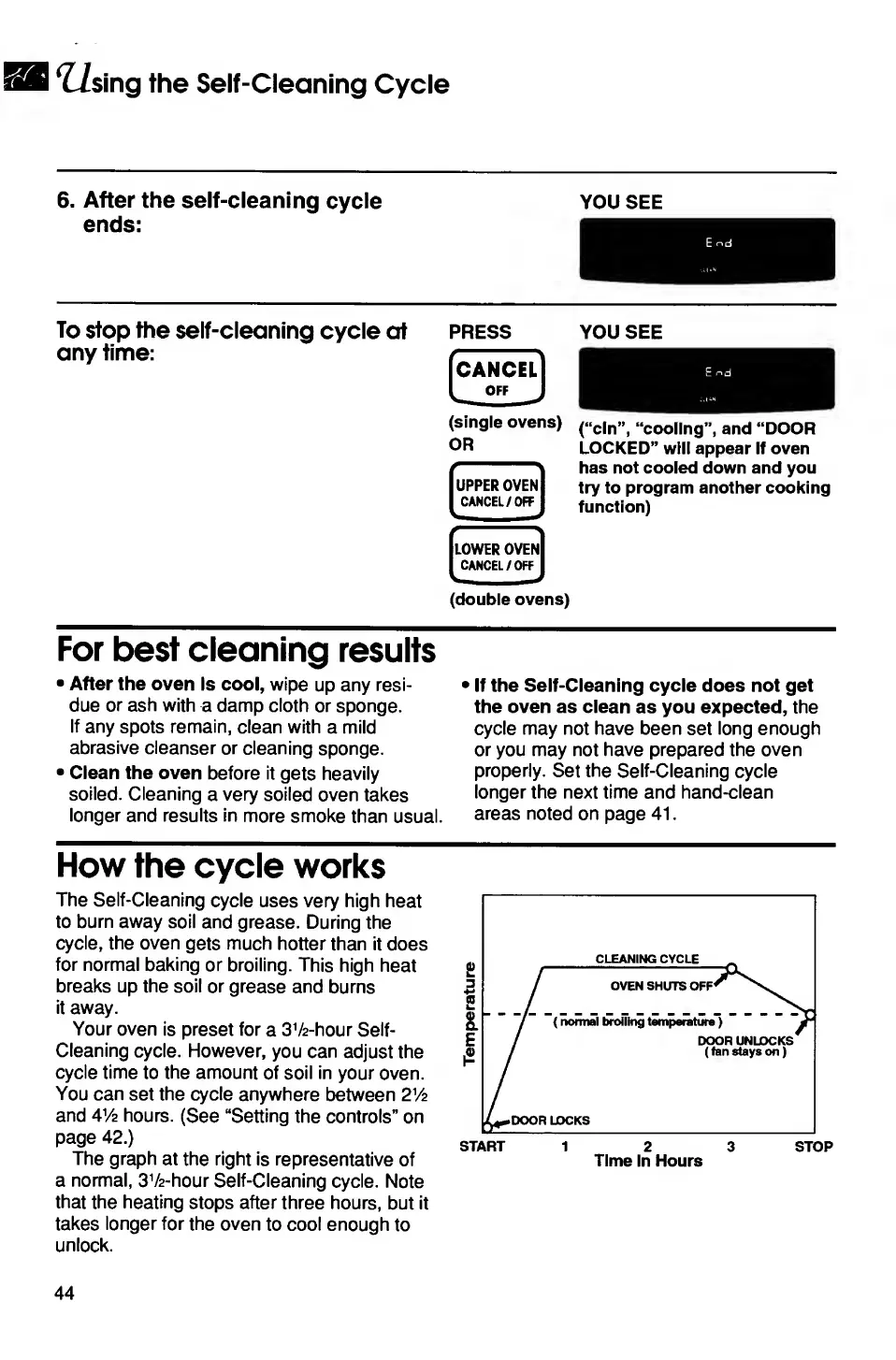
The
graph
at
the
right
is
representative
of
a
normal,
3V2-hour
Self-Cleaning
cycle.
Note
that
the
heating
stops
after
three
hours,
but
it
takes
longer
for
the
oven
to
cool
enough
to
unlock.
START
1
2
3
STOP
Time
In
Hours
44

Related product manuals