' sing and Caring for Your Oven
Fahrenheit/Celsius
To set your oven to cook in Celsius instead
of Fahrenheit:
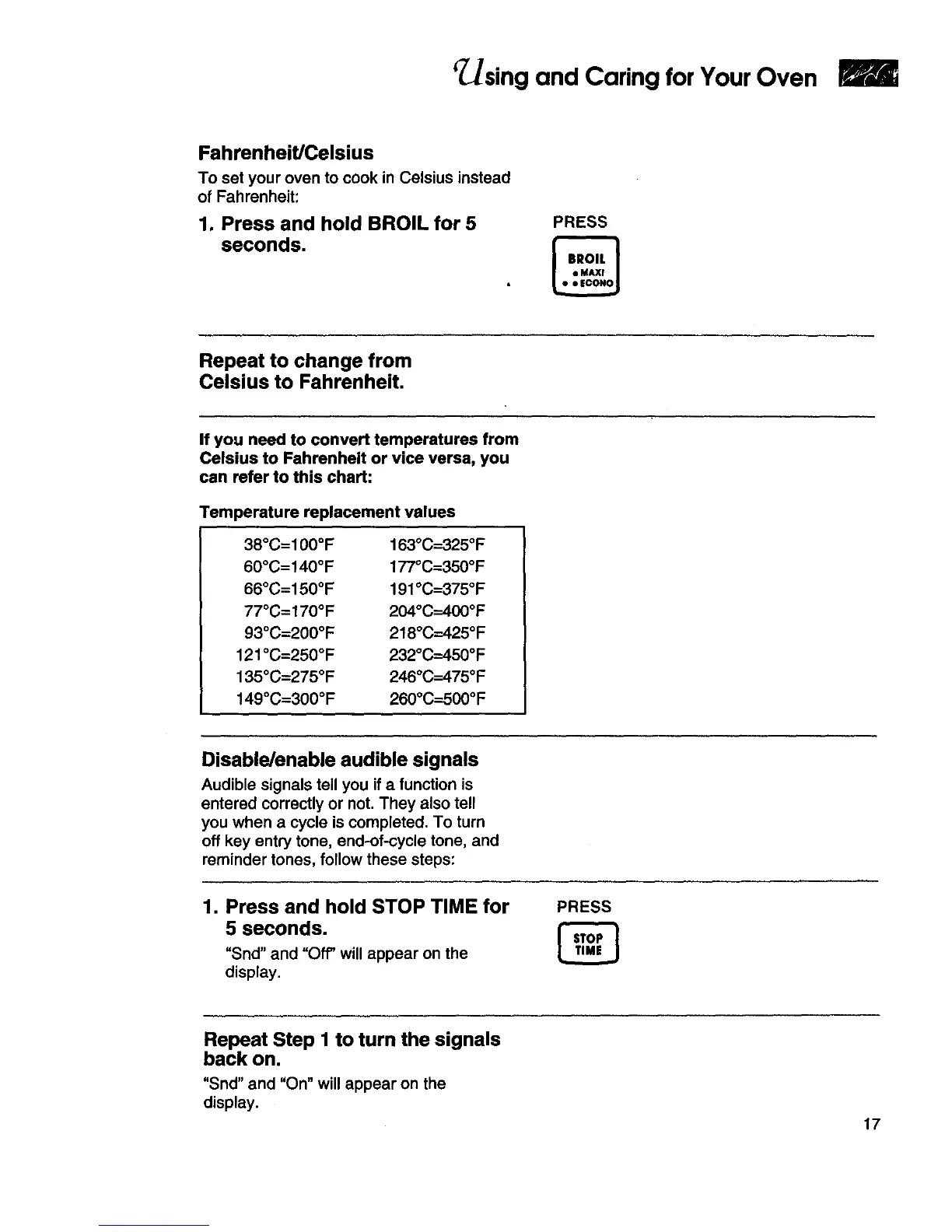
1. Press and hold BROIL for 5
seconds.
PRESS
Repeat to change from
Celsius to Fahrenheit.
If you need to convert temperatures from
Celsius to Fahrenheit or vice versa, you
can refer to this chart:
Temperature replacement values
38°C=100°F
60°C=140°F
66°C=150°F
77°C=170°F
93°C=200°F
121°C=250°F
135°C=275°F
149°C=300°F
163°C=325°F
177°C=350°F
191°C--375°F
204°C=400°F
218°C=425°F
232°C=450°F
246°C--475°F
260°C-_500°F
Disable/enable audible signals
Audible signals tell you if a function is
entered correctly or not. They also tell
you when a cycle is completed. To turn
off key entry tone, end-of-cycle tone, and
reminder tones, follow these steps:
1. Press and hold STOP TIME for
5 seconds.
"Snd" and "Of_ will appear on the
display.
PRESS
Repeat Step I to turn the signals
back on.
"Snd" and "On" will appear on the
display.
17







 To Next Page