"Using and Caring forYour Oven
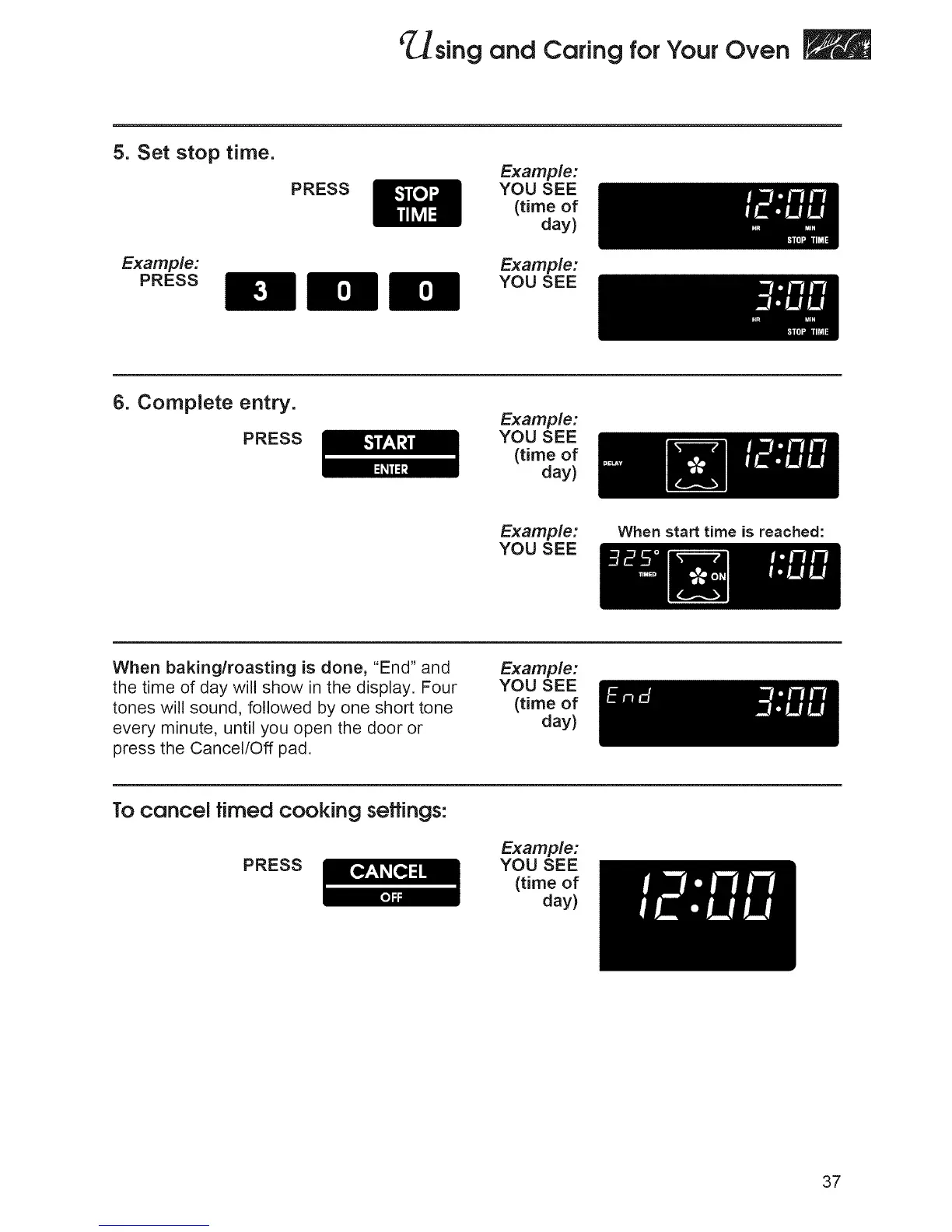
5. Set stop time.
Example:
PRESS
PRESS
Examp_:
YOU SEE
(timeof
day)
Example:
YOU SEE
6. Complete entry.
PRESS
Examp_:
YOU SEE
(timeof
day)
Example:
YOU SEE
When start time is reached:
When baking/roasting is done, "End" and
the time of day will show in the display. Four
tones will sound, followed by one short tone
every minute, until you open the door or
press the Cancel/Off pad.
Examp_:
YOU SEE
(timeof
day)
To cancel timed cooking seffings:
PRESS
Example:
YOU SEE
(time of
day)
37







 To Next Page