_.J_singQnd Caring forYour Oven
4. Preheat oven.
PRESS
Example
For Bake:
YOU SEE
NOTE: After the temperature reaches
170°F, the red display will show the actual
oven temperature at each 5°F increase
and stop at the set temperature. To see
the set temperature before it is reached,
press the command pad you used to
choose the cook setting. The set tempera-
ture will be displayed for 5 seconds.
5. Put food in oven.
NOTE: If you want to change the baking
temperature after baking has begun,
repeat Steps 2, 3, and 4.
6. After cooking, turn off oven.
PRESS
Example:
YOU SEE
(time of day)
Roasting
.
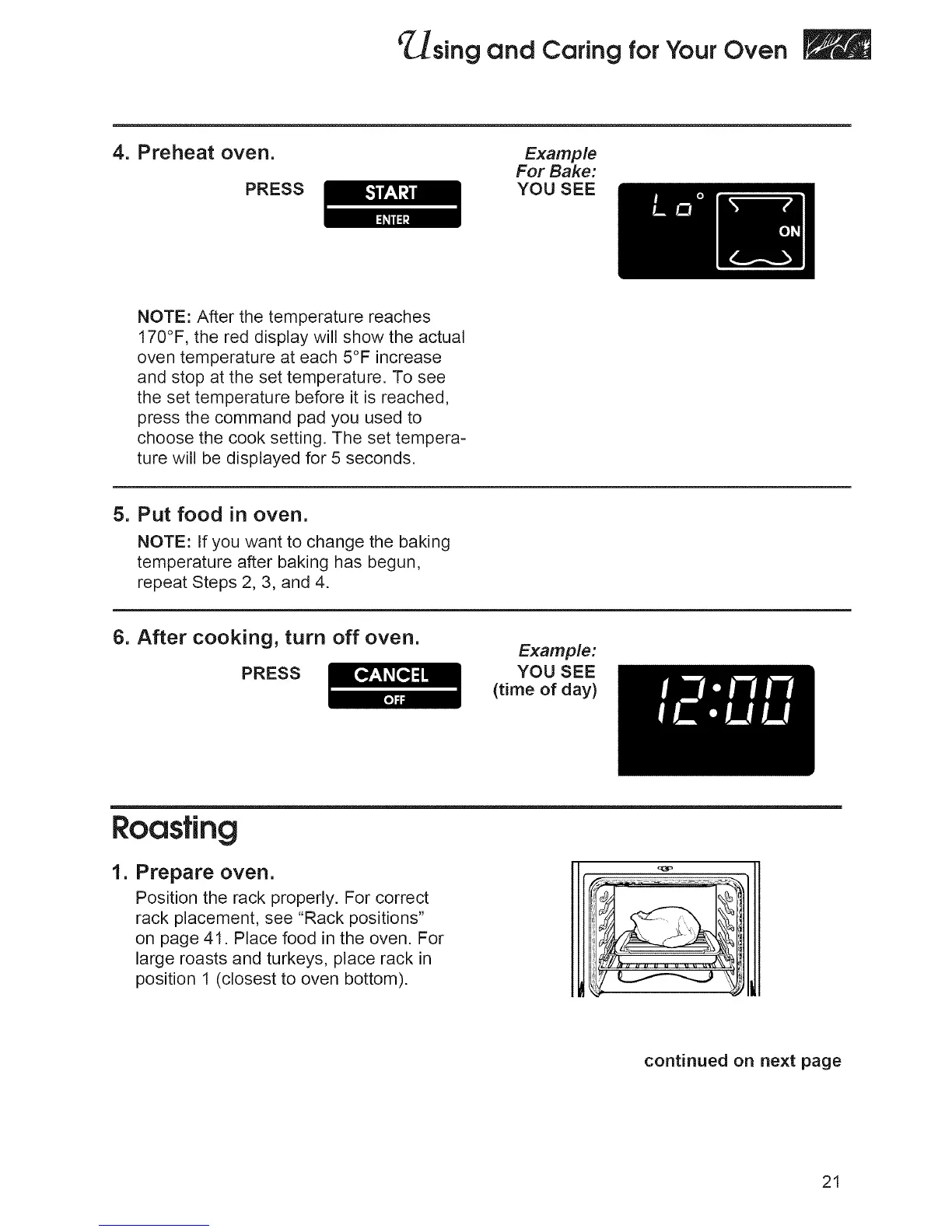
Prepare oveR.
Position the rack properly. For correct
rack placement, see "Rack positions"
on page 41. Place food in the oven. For
large roasts and turkeys, place rack in
position 1 (closest to oven bottom).
continued on next page
21







 To Next Page