_.J_singand Caring forYour Oven
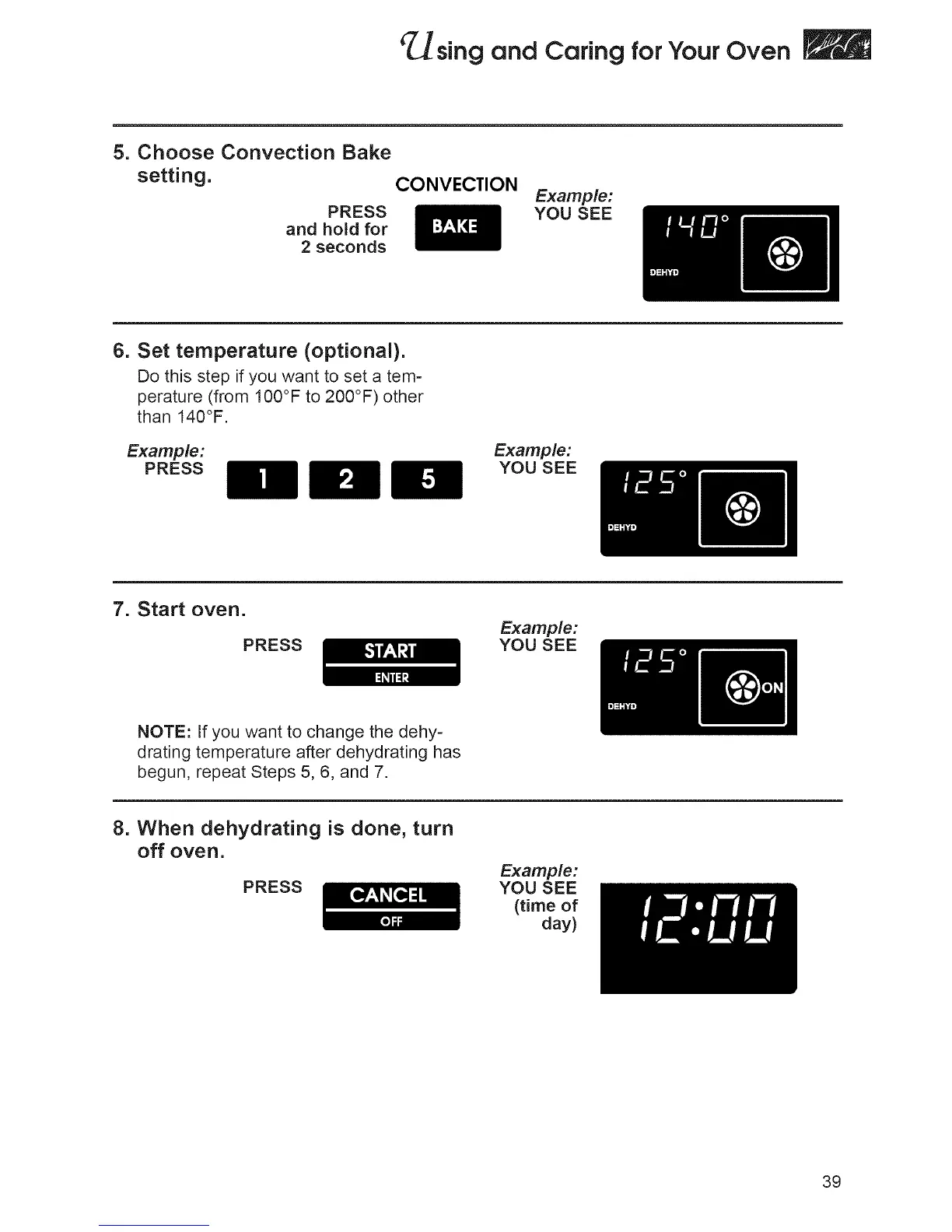
5. Choose Convection Bake
setting. CONVECTION
PRESS
and hold for
2 seconds
Example:
YOU SEE
6. Set temperature (optional).
Do this step if you want to set a tem-
perature (from 100°F to 200°F) other
than 140°F.
Example:
PRESS
Example:
YOU SEE
7. Start oven.
PRESS
Example:
YOU SEE
NOTE: If you want to change the dehy-
drating temperature after dehydrating has
begun, repeat Steps 5, 6, and 7.
8. When dehydrating is done, turn
off oven.
PRESS
Examp_:
YOU SEE
(timeof
day)
39







 To Next Page