¢ sing and Caring for Your Oven
Using the Sabbath mode
What your oven will do while in the
Sabbath mode:
e The time display will show "SAb" to tell
you that the oven is in the Sabbath mode.
o The ON Indicator Light will light up when
the burner turns on and ON will go off
when the burner turns off.
o To prevent accidental key presses, the
key pads will only work after you press
them for 1 second.
e No tones will sound.
To enable the Sabbath mode:
1. Open the door.
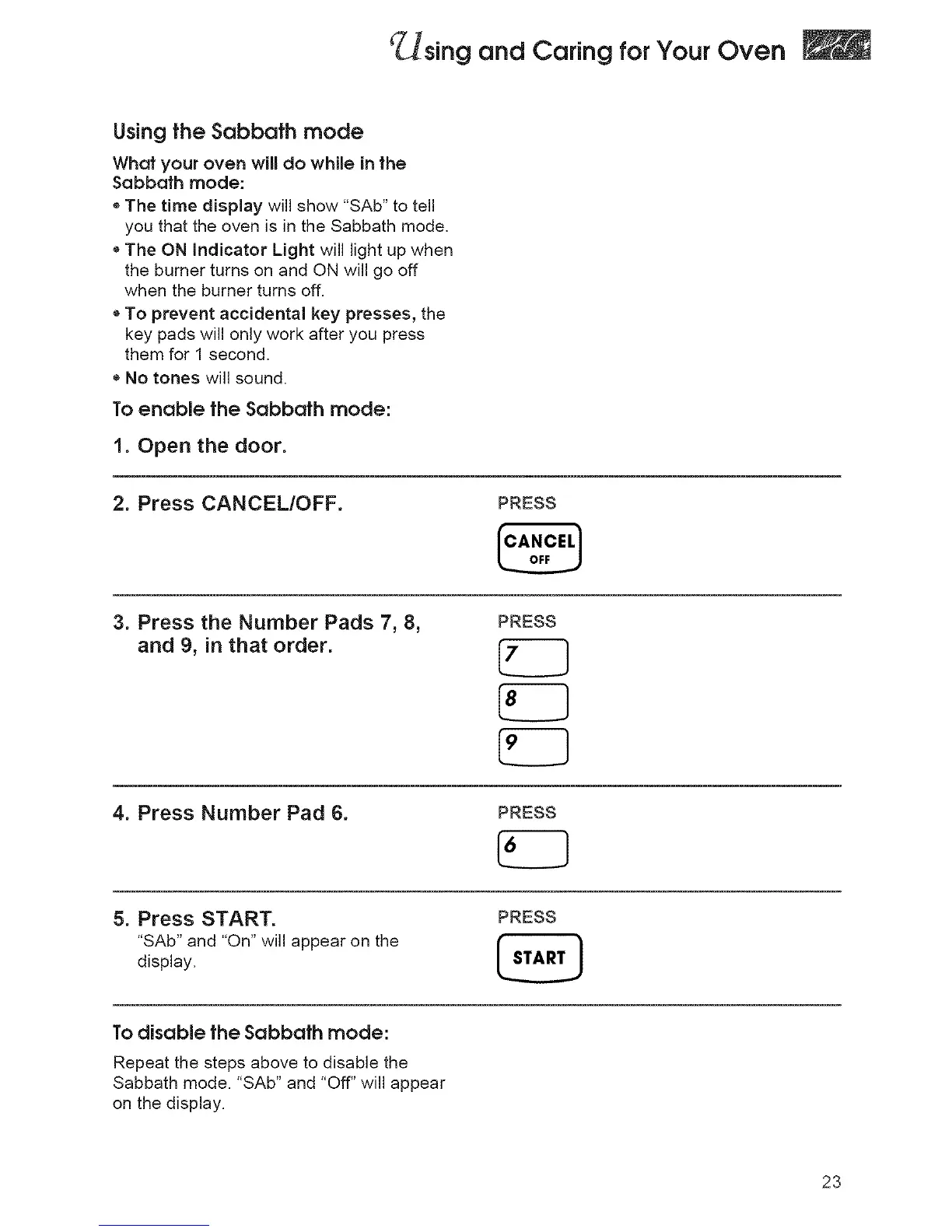
2. Press CANCEL/OFF.
PRESS
f°,.°,'l
3. Press the Number Pads 7, 8,
and 9, in that order.
PRESS
4. Press Number Pad 6.
PRESS
5. Press START.
"SAb" and "On" will appear on the
display.
PRESS
To disable the Sabbath mode:
Repeat the steps above to disable the
Sabbath mode. "SAb" and "Off" will appear
on the display.
23




 To Next Page