15
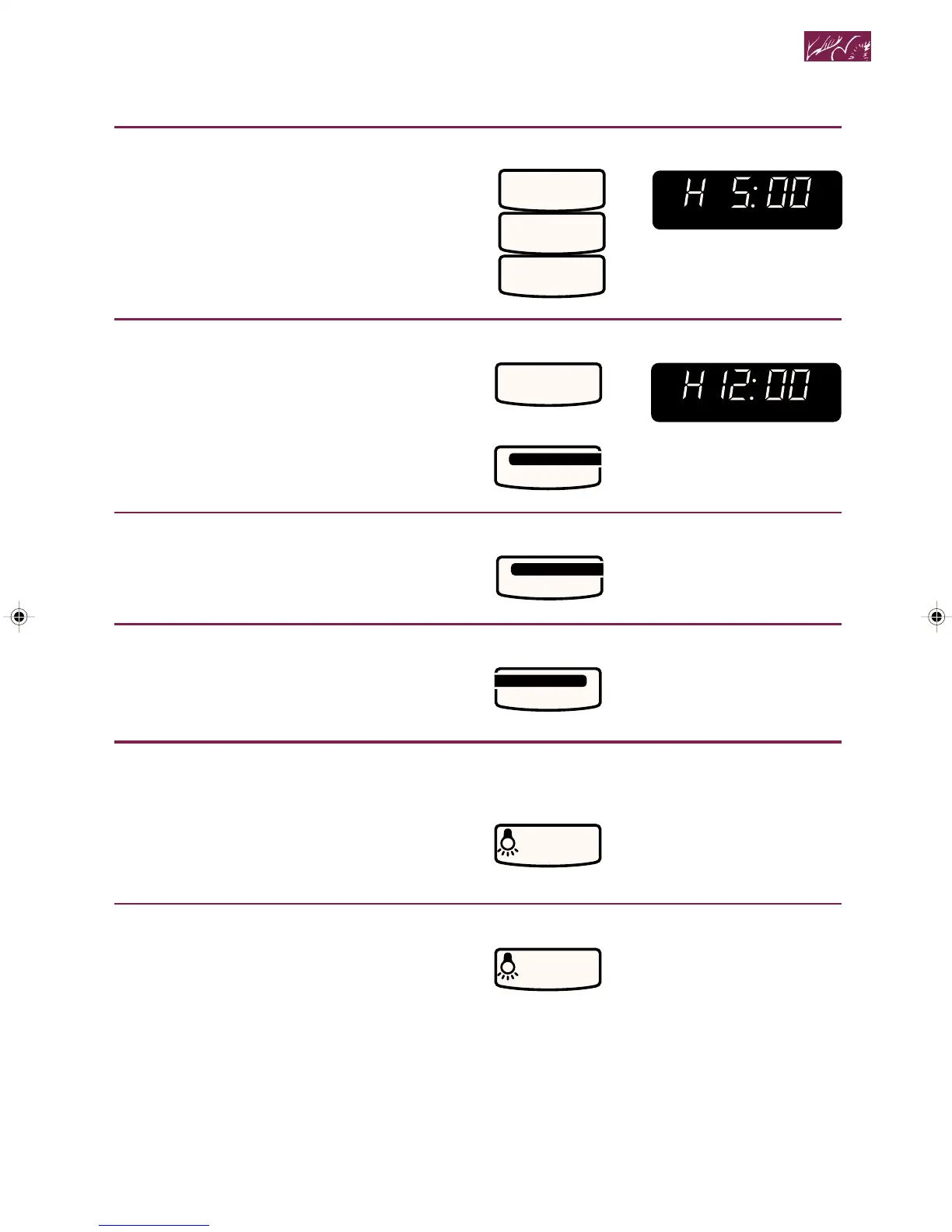
3. Set stop time.
Example to stop the fan at 5 o’clock,
when time of day is 12 o’clock:
NOTE: You can set the stop time up
to the next 12 hours.
4. Start timer.
At end of time, the current time of day
will show and no tones will sound.
To check the stop time:
The set time will be displayed for 3 seconds.
To cancel timer:
NOTE: Canceling the timer will cause the
fan to shut off; however, canceling the fan
will not cancel the timer.
Using the cooktop/countertop light
1. Turn on light.
2. Turn off light when desired.
TOUCH YOU SEE
TOUCH YOU SEE
START
ENTER
SENSOR
WEIGHT
PREHEAT
AUTO
ROAST
COOK
PWR
DEFR
QTY
TEMP
PROBE START?
CONV
COMB
OZ
DELAY
LBS
COOK
234
TIMER
SET START
•
TIMER
OR
5
0
0
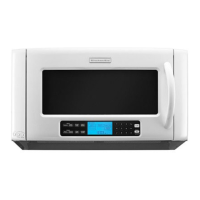
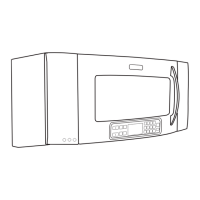
Getting to Know Your Microwave-Convection Hood Combination
TOUCH
SET START
•
TIMER
TOUCH
CANCEL
TIMER
TOUCH
LIGHT
ON•NIGHT•OFF
(once for high, twice for low)
TOUCH
LIGHT
ON•NIGHT•OFF
(three times)
ENTER
SENSOR
WEIGHT
PREHEAT
AUTO
ROAST
COOK
PWR
DEFR
QTY
TEMP
PROBE START?
CONV
COMB
OZ
DELAY
LBS
COOK
234
4359334 8/28/98, 12:02 PM15



 To Next Page