7
ENGLISH
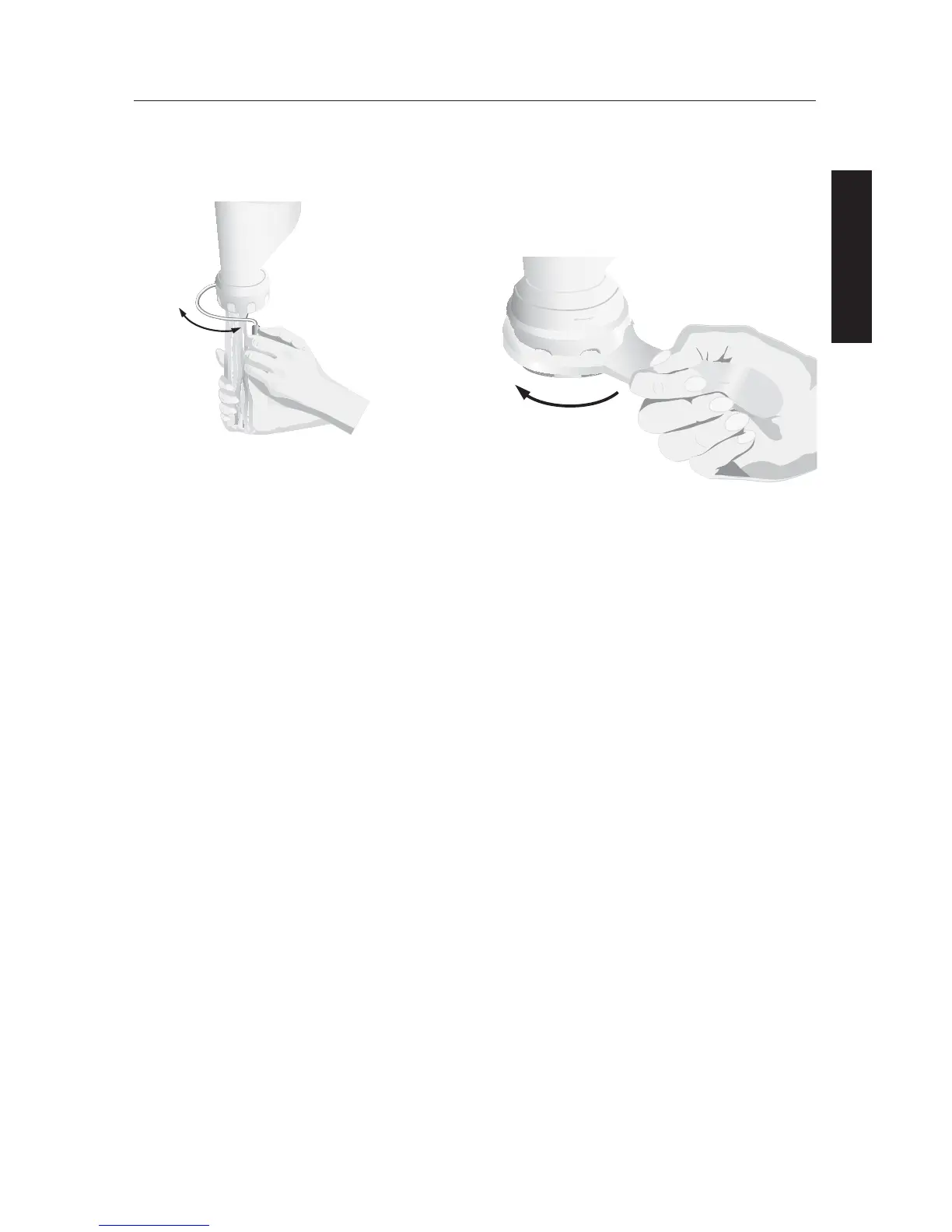
To Loosen the Pasta Ring:
1. If pasta ring is too tight to remove
by hand, slip the wrench over the
grooves.
2. Turn pasta ring in direction indicated
by the arrow to OPEN.
NOTE: Do not use wrench to attach ring
to press housing. Damage to the accessory
may result.
To Use Pasta Press Accessory
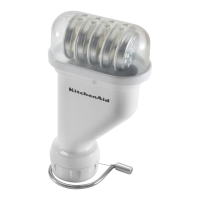
4. Use the swing-arm wire dough cutter
to cut pasta at desired length as it
exits the press. See “Pasta Plates” for
recommended lengths.
5. Separate pasta as described in “Pasta
Plates“ section.
To Change the Pasta Plates:
1. Turn stand mixer speed control to OFF.
2. Unplug the stand mixer.
3. Remove the pasta press accessory from
the stand mixer.
4. Remove the cutter, pasta ring, auger
and clean the dough out of the press
housing.
5. Then reassemble the accessory as
stated in “To Assemble Pasta Press
Accessory“ section.
O
P
E
N
C
L
O
S
E
O
P
E
N
C
L
O
S
E


 To Next Page