EasyManua.ls Logo

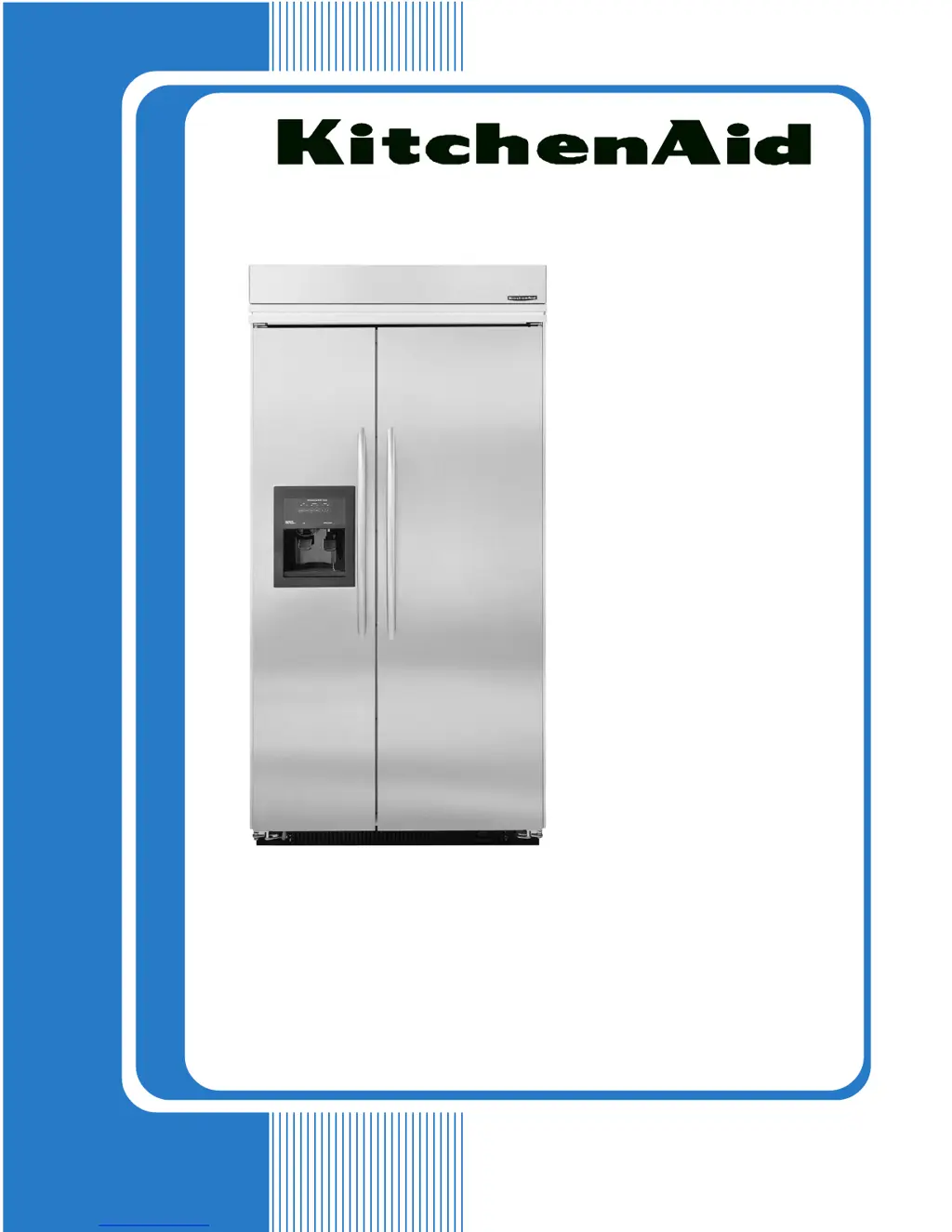
KitchenAid KSSS48QKX00 - User Manual

KitchenAid KSSS48QKX00
76 pages
Print Icon
To Next Page IconTo Next Page
Loading...
TECHNICAL EDUCATION
JOB AID 4317326A
KAR-11
2001 K MODEL
BUILT-IN SIDE-BY-SIDE
REFRIGERATOR WITH VARIABLE
CAPACITY COMPRESSOR
MODELS:
KSSC36FKB00
KSSC36FKS00
KSSC36QKS00
KSSC42FKB00
KSSC42FKS00
KSSC42QKS00
KSSC48FKB00
KSSC48FKS00
KSSC48QKS00
KSSP36QKS00
KSSP42QKS00
KSSP48QKS00
KSSS36FKB00
KSSS36FKT00
KSSS36FKW00
KSSS36FKX00
KSSS36QKB00
KSSS36QKT00
KSSS36QKW00
KSSS36QKX00
KSSS42FKB00
KSSS42FKT00
KSSS42FKW00
KSSS42FKX00
KSSS42QKB00
KSSS42QKT00
KSSS42QKW00
KSSS42QKX00
KSSS48FKB00
KSSS48FKT00
KSSS48FKW00
KSSS48FKX00
KSSS48QKB00
KSSS48QKT00
KSSS48QKW00
KSSS48QKX00

Questions and Answers

  • J
    Jeremy MartinezAug 20, 2025
    Why is my KitchenAid Refrigerator compartment too cold?
    • U
      uparkerAug 20, 2025
      If your KitchenAid Refrigerator compartment is too cold, here are some possible causes: * The refrigerator control may be set too cold. Try setting it to a higher temperature. * The refrigerator thermistor could be malfunctioning. Check the wires and connectors. Run diagnostics, and if a defective thermistor is indicated, confirm with an ohms test. * The air door might be stuck open or inoperative. Look for ice or other blockages in the air door. Run a diagnostics test to operate the air door. Check for proper DC input voltage. If the voltage is normal and the door still won't operate, replace the air door. * The air door seal might be missing or damaged. Repair or replace the seal. * There could be an issue with the main PC board. Run a diagnostics test to operate the air door.
  • E
    Elizabeth GallegosAug 25, 2025
    Why is my KitchenAid Refrigerator freezer too cold?
    • D
      Daniel HillAug 25, 2025
      If your KitchenAid Refrigerator's freezer compartment is too cold: * The freezer control may be set too cold. Set it to a higher temperature. * The refrigerator may be operating in Max Cool or Automatic Max Ice Mode. This is normal operation. * The freezer thermistor might be faulty. Check the wires and connectors. Run diagnostics, and if a defective thermistor is indicated, confirm with an ohms test. * There might be no evaporator fan motor feedback. The fan motor will run at 3000 rpm.
  • A
    Amy HortonAug 27, 2025
    What to do if the 'Call Service' icon lights up on my KitchenAid KSSS48QKX00 Refrigerator?
    • M
      Michael HarrisAug 28, 2025
      If the "Call Service" icon lights up and/or the alarm is activated on your KitchenAid Refrigerator, it could be due to several reasons: * The main control board may be overheating, possibly due to blocked condenser airflow or a malfunctioning condenser fan motor. Check these components. * The refrigerator temperature might be above 48°F or the freezer above 15°F for more than 3 hours. In this case, run diagnostics to test all components. * Both thermistors might have failed. Run diagnostics and test the thermistors and their leads. * There might be no feedback from the evaporator fan motor. Run diagnostics and test the fan motor and its wiring.
  • C
    Courtney RobertsSep 1, 2025
    What to do if the condenser fan runs but the compressor won't start on my KitchenAid KSSS48QKX00 Refrigerator?
    • J
      Joe PerrySep 1, 2025
      If the condenser fan runs but the compressor won't start on your KitchenAid Refrigerator, the following could be the issue: * There may be no DC control voltage from the main PCB to the inverter board. * The control voltage wires may be loose or reversed. Check the connections and repair as needed. * There may be an issue with the compressor. * There may be an issue with the inverter board.
  • B
    bradley24Sep 4, 2025
    Why does my KitchenAid KSSS48QKX00 run too long?
    • D
      darrensimpsonSep 4, 2025
      It is normal for your KitchenAid Refrigerator to run for extended periods. It is designed to run almost constantly at the lowest possible compressor speed because starting and stopping the compressor uses more power than continuous low rpm operation.
  • K
    kmcdanielSep 7, 2025
    How to fix no temperature display and no interior lights on my KitchenAid KSSS48QKX00 Refrigerator?
    • R
      renee43Sep 8, 2025
      If there is no temperature display and no interior lights on your KitchenAid Refrigerator, consider these possibilities: * The unit may be set to Holiday Mode. Press the Holiday Mode key to cancel this operation. * Either door may have been open for over 10 minutes. Close the door and/or check the door switches.
  • T
    trevor90Nov 11, 2025
    Why is my KitchenAid KSSS48QKX00 compartment too warm?
    • H
      Heather FloresNov 12, 2025
      If your KitchenAid Refrigerator compartment is too warm, there are several potential causes: * The refrigerator control might be set too warm. Try setting it to a lower temperature. * There might be an issue with the refrigerator thermistor. Check the wires and connectors. Run diagnostics, and if the thermistor is indicated as defective, confirm with an ohms test. * The air door could be stuck closed or inoperative. Look for ice or other blockages. Run a diagnostics test to operate the air door. * The evaporator fan motor may not be running. Run a diagnostics test to operate the evaporator fan motor. Check for a blocked fan blade and repair if necessary. Check for 5-17vdc from pin P7-9 to P7-10; if the voltage is correct, replace the motor. * There could be blocked airflow. Chec...
  • J
    johnsonjohnNov 15, 2025
    Why is my KitchenAid KSSS48QKX00 Refrigerator freezer compartment too warm?
    • J
      Jacqueline RichNov 15, 2025
      If your KitchenAid Refrigerator's freezer compartment is too warm, consider the following: * The freezer control might be set too warm. Set it to a lower temperature. * The freezer thermistor may be faulty. Check the wires and connectors. Run diagnostics, and if a defective thermistor is indicated, confirm with an ohms test. * The evaporator fan motor might not be running. Run a diagnostics test to operate the evaporator fan motor. Check for a blocked fan blade and repair as necessary. Check for 5-17vdc from pin P7-9 to P7-10; if the voltage is correct, replace the motor. * The condenser fan motor may not be running. Check for a blocked fan blade and repair as necessary. * Frost may be blocking the evaporator. Run diagnostics to operate the defrost system, and test the defrost h...

Summary

General Information and Safety

Safety First

Presents critical safety warnings and precautions for using the appliance.

Electrical Power Supply and Grounding

Details required electrical connections, grounding, and shock hazard warnings.

Anti-Tip Requirements

Explains the hazard of tipping and necessary precautions to prevent it.

Electrostatic Discharge (ESD) Sensitive Electronics

Provides guidelines for handling electronic parts to prevent damage from static electricity.

Model and Serial Number Designations

Explains the coding system used for model and serial numbers.

Model and Serial Number Label and Tech Sheet Locations

Shows where to find the appliance's model/serial number label and tech sheets.

Specifications

Lists technical specifications, dimensions, and capacities for various models.

Refrigerator Warranty

Outlines the terms, duration, and exclusions of the manufacturer's warranty.

Installation Information

Product Dimensions and Clearances

Provides detailed physical measurements and required installation clearances.

Installation Openings and Requirements

Specifies required cabinet openings, wall stud locations, and electrical outlet placement.

Water Supply Connection

Details requirements for connecting the water supply for ice makers and dispensers.

Anti-Tip Board Installation

Instructions for securing the unit with anti-tip boards to prevent tipping hazards.

Leveling the Refrigerator

Step-by-step guide to properly leveling the appliance using its adjustable legs.

Door Alignment and Adjustment

Procedures for adjusting door gaps and ensuring proper visual and functional alignment.

Theory of Operation

Electronic Control Panel and Display

Explains the user interface, displays, and basic functions of the control panel.

Temperature Management Logic

Details how the control system maintains desired temperatures in different compartments.

Compressor and Inverter System

Describes the operation of the variable capacity compressor and its inverter.

Airflow Management System

Explains the function of the evaporator fan, air door, and their role in air circulation.

Defrost Cycle Operation

Covers the adaptive and pulsed defrost technologies used to manage frost buildup.

Special Operating Modes

Details the functionality of modes like Max Cool, Automatic Max Ice, and Holiday Mode.

System Alarms and Indicators

Explains the meaning and function of various warning lights and audible alarms.

Air Circulation Path

Illustrates the path of air movement within the refrigerator and freezer sections.

Sealed Refrigeration System

Presents a schematic diagram of the refrigeration system's components.

Component Access and Removal

Component Location Identification

Visually identifies the location of key components within the appliance.

Removing the Unit Compartment Cover

Step-by-step instructions for accessing the main internal service area.

Accessing Control and Switching Components

Procedures for removing door switches, power switch, inverter, and main control board.

Removing the Condenser Fan Motor

Instructions for safely removing and replacing the condenser fan motor.

Removing the Compressor and Filter;Drier

Detailed guide for accessing and removing the main compressor and filter/drier.

Removing Evaporator System Parts

Steps for removing the bimetal, evaporator fan motor, defrost heater, and evaporator coil.

Removing Display Board and Motorized Air Door

Procedures for removing the touch/display board and the motorized air door assembly.

Removing Ice Maker and Auger Motor;Solenoid

Instructions for accessing and removing the ice maker module and auger motor assembly.

Removing Temperature Sensors (Thermistors)

Steps for safely removing and replacing the thermistors.

Removing Interior Light Sockets

Guide for accessing and replacing the refrigerator and freezer light sockets.

Removing the Water Reservoir

Instructions for accessing and removing the water reservoir tank.

Removing the Water Inlet Valve

Detailed steps for safely disconnecting and removing the water valve.

Removing the Water and Ice Dispenser

Procedures for removing the dispenser front panel and the main unit.

Removing the Door Gasket Seal

Instructions for removing and replacing the refrigerator or freezer door gasket.

Removing Refrigerator or Freezer Doors

Guide for safely removing the main appliance doors from their hinges.

Component Testing Procedures

Thermistor Resistance and Voltage Testing

Methods to test thermistor accuracy and voltage output under various conditions.

Fan Motor Resistance and Voltage Testing

Procedures for testing evaporator and condenser fan motors for proper operation.

Compressor and Inverter Electrical Testing

Tests for compressor windings continuity and inverter board voltage inputs/outputs.

Air Door and Defrost System Component Tests

Testing procedures for the motorized air door and defrost heater/bimetal.

Main Control Board Input;Output Testing

Verifies correct voltage signals at the main control board's input and output terminals.

Solenoid and Auger Motor Resistance Testing

Tests the electrical resistance of ice maker solenoids and auger motors.

Water Valve and Door Switch Testing

Procedures for testing the resistance and continuity of water valve solenoids and door switches.

Diagnosis and Troubleshooting

Diagnostic Mode Operation

Instructions for entering and using the appliance's built-in diagnostic test mode.

Diagnostic Test Chart

Provides a reference for diagnostic test steps, expected results, and troubleshooting comments.

Troubleshooting Common Problems

Offers solutions for frequent issues based on symptoms and causes.

Wiring Diagrams and Strip Circuits

Wiring Diagram - Bottom Mount Models

Detailed electrical schematic for bottom mount refrigerator models.

Wiring Diagram - Side-by-Side Models

Detailed electrical schematic for side-by-side refrigerator models.

Strip Circuits for Key Systems

Simplified wiring diagrams illustrating the flow of electricity for major functions.

Product Specifications and Warranty Information Sources

KitchenAid KSSS48QKX00 Specifications

General IconGeneral
BrandKitchenAid
ModelKSSS48QKX00
CategoryRefrigerator
LanguageEnglish

Related product manuals