17
General Instructions
To Attach
1. Turn Stand Mixer off and unplug.
2. Loosen attachment knob by
turning it counterclockwise.
3. Flip up hinged hub cover.
4. Insert attachment shaft housing
into attachment hub, making
certain that attachment power
shaft fits into square attachment
hub socket. It may be necessary
to rotate attachment back and
forth. When attachment is in
proper position, the pin on the
attachment will fit into the
notch on the hub rim.
5. Tighten attachment knob by
turning clockwise until attachment
is completely secured to Stand
Mixer.
6. Plug into a grounded 3 prong
outlet.
To Remove
1. Turn Stand Mixer off and unplug.
2. Loosen attachment knob by
turning it counterclockwise. Rotate
attachment slightly back and forth
while pulling out.
3. Replace attachment hub cover.
Tighten attachment knob by
turning it clockwise.
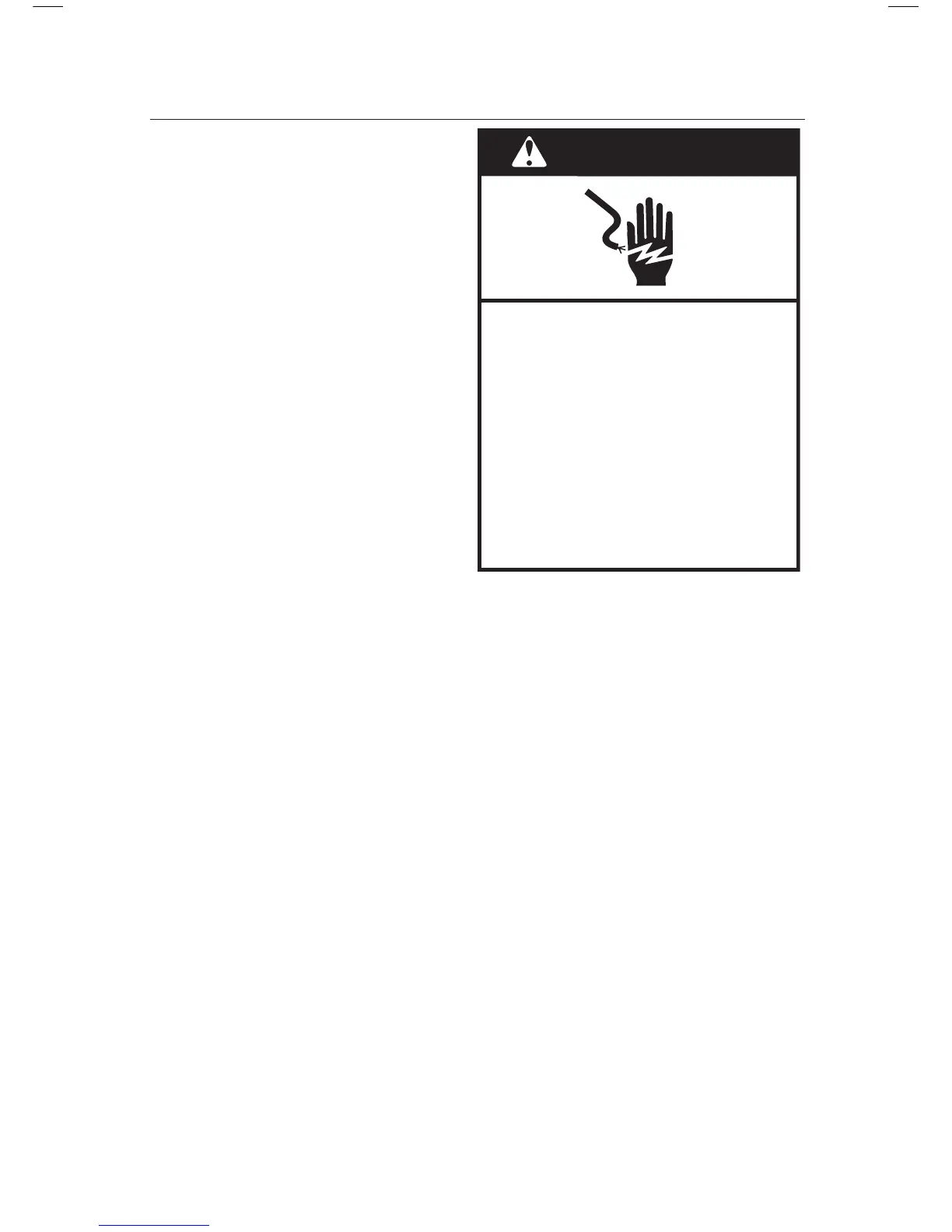
WARNING
Electrical Shock Hazard
Plug into a grounded 3 prong
outlet.
Do not remove ground prong.
Do not use an adapter.
Do not use an extension cord.
Failure to follow these
instructions can result in
death, fire, or electrical shock.





 To Next Page