Moving care
Changing the Drum Light
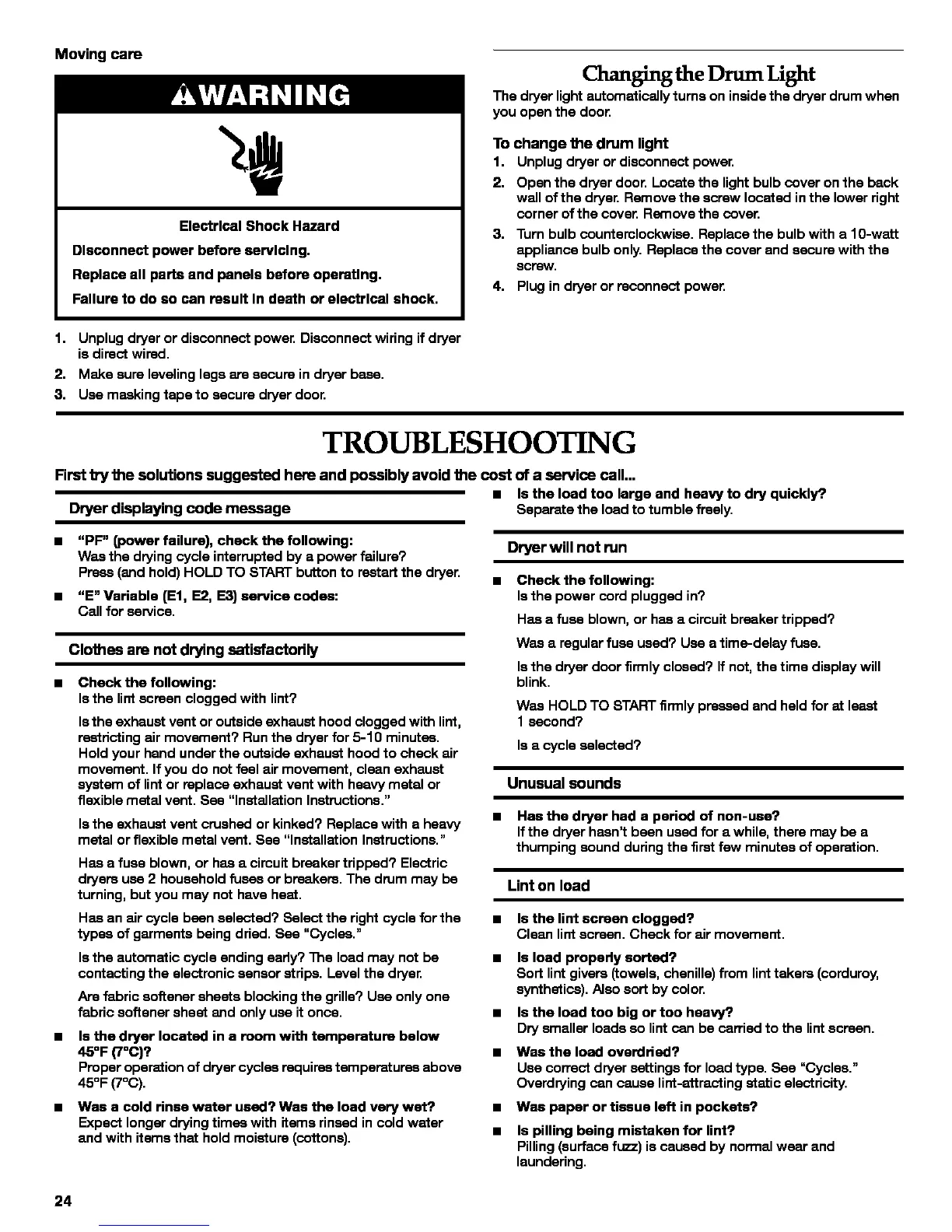
Electrical Shock Hazard
Disconnect power before servicing.
Replace all parts and panels before oparetlng.
Failure to do so can result In death or electrical shock.
The dryer light automatically turns on inside the dryer drum when
you open the door.
To change the drum light
1. Unplug dryer or disconnect power.
2. Open the dryer door. Locate the light bulb cover onthe back
wall of the dryer. Remove the screw located inthe lower right
corner of the cover. Remove the cover.
3. Turn bulb counterclockwise. Replace the bulb with a 10-watt
appliance bulb only. Replace the cover and secure with the
screw.
4. Plug in dryer or reconnect power.
1,
2.
3.
Unplug dryer or disconnect powen Disconnect wiring if dryer
is direct wired.
Make sure leveling legs are secure in dryer base.
Use masking tape to secure dryer door.
TROUBLESHOOTING
First try the solutions suggested here and possibly •void the cast of a service call...
• Is the load too large and heavy to dry quickly?,
Dryer displaying code message Separate the load to tumble freely,
"PF" (power failure), check the following:
Was the drying cycle interrupted by a power failure?
Press (and hold) HOLD TO START button to restart the dryer.
"E" Variable (El, E2, E3) service codes:
Call for service.
Clothes are not drying satisfactorily
Check the following:
Isthe lint screen clogged with lint?
Isthe exhaust vent or outside exhaust hood clogged with lint,
restricting air movement? Run the dryer for 5-10 minutes.
Hold your hand under the outside exhaust hood to check air
movement. If you do not feel air movement, clean exhaust
system of lint or replace exhaust vent with heavy metal or
flexible metal vent. See "Installation Instructions."
Isthe exhaust vent crushed or kinked? Replace with a heavy
metal or flexible metal vent. See "Installation Instructions."
Has a fuse blown, or has a circuit breaker tripped? Electric
dryers use 2 household fuses or breakers. The drum may be
turning, but you may not have heat.
Has an air cycle bean selected? Select the right cycle for the
types of garments being dried. See "Cycles."
Isthe automatic cycle ending early? The load may not be
contacting the electronic sensor strips. Level the dryer.
Are fabric softener sheets blocking the grille? Use only one
fabric softener sheet and only use it once.
Is the dryer located in a room with temperature below
45°F (7°C)?
Proper operation of dryer cycles requires temperatures above
45°F (7°(3).
• Was a cold rinse water used? Was the load very wet?
Expect longer drying times with items rinsed in cold water
and with items that hold moisture (cottons).
Dryer will not run
• Check the following:
Isthe power cord plugged in?
Has a fuse blown, or has a circuit breaker tripped?
Was a regular fuse used? Use a time-delay fuse.
Isthe dryer door firmly closed? If not, the time display will
blink.
Was HOLD TO START firmly pressed and held for at least
1 second?
Is a cycle selected?
Unusual sounds
• Has the dryer had a period of non-use?
Ifthe dryer hasn't been used for a while, there may be a
thumping sound during the first few minutes of operation.
Lint on load
• Is the lint screen clogged?
Clean lint screen, Check for air movement,
Is load prepedy sorted?
Sort lint givers (towels, chenille) from lint takers (corduroy,
synthetics). Also sort by color.
Is the load too big or too heavy?.
Dry smaller loads so lint can be carried to the lintscreen.
Was the load overdded?
Use correct dryer settings for load type. See "Cycles."
Overdrying can cause lint-attracting static electricity,
Was paper or tissue left in pockets?
Is pilling being mistaken for lint?
Pilling (surfaca fuzz) is caused by normal wear and
laundering,
24



 To Next Page