EasyManua.ls Logo

KitchenBoss G321 - Product Diagram; Setup Your Machine

Default Icon
15 pages
Print Icon
To Next Page IconTo Next Page
To Previous Page IconTo Previous Page
Loading...
5
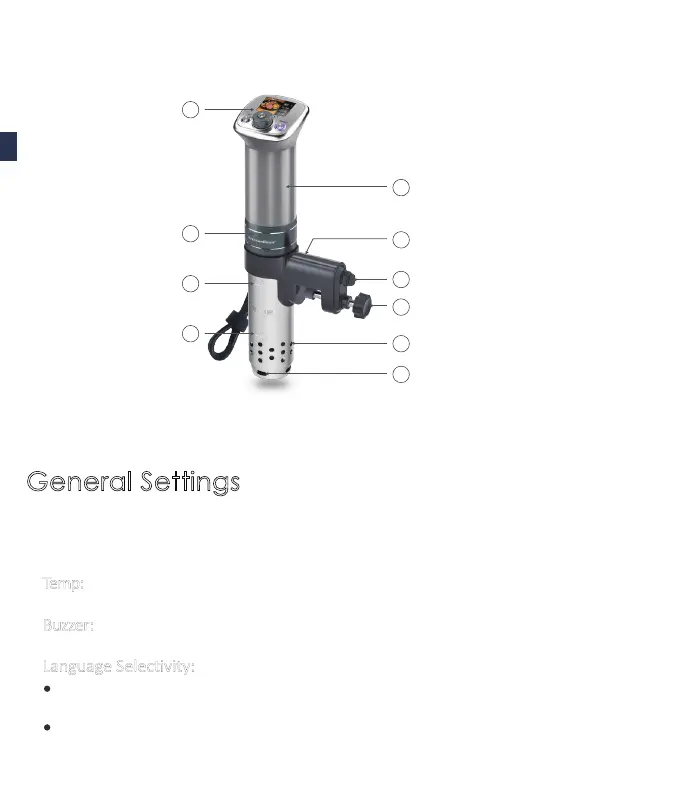
PRODUCT DIAGRAM
SETUP YOUR MACHINE
User Interface

MAX water line
MIN water line
Product body



Water inlet
Water outlet
1
2
3
4
5
6
7
8
10
General Settings
EN

desired 





Temp: Model Model 
switch the temperature 
Buzzer:



Related product manuals