4 5
Instructions for use
Charging the battery
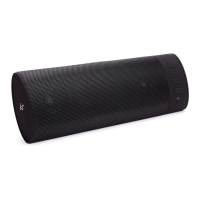
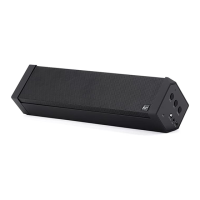
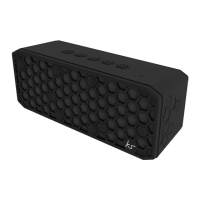
The BoomBar+ has a removable rechargeable lithium battery. Make sure the BoomBar+ is
switched o. Connect one end of the Micro USB charge cable to the Micro USB charge port (4)
on the BoomBar+ and connect the other end to your PC or USB mains adaptor. The battery
will start charging.
• It takes up to 3 hours to fully charge the battery
• Whilst charging, the LED indicator (2) will light up red
• When fully charged, the LED indicator (2) will turn o
Battery protection mode
To keep the rechargeable battery in good condition, please discharge and recharge speaker
every 3 months, especially if you are not using the speaker for long periods of time.
Getting started
• To turn the BoomBar+ on, press and hold the MFB (1) for 3 seconds
• To turn the BoomBar+ o, press and hold the MFB (1) for 3 seconds whilst it is on


 To Next Page