EasyManua.ls Logo

Klafs SANARIUM M - User Manual

Klafs SANARIUM M
96 pages
Print Icon
To Next Page IconTo Next Page
Loading...
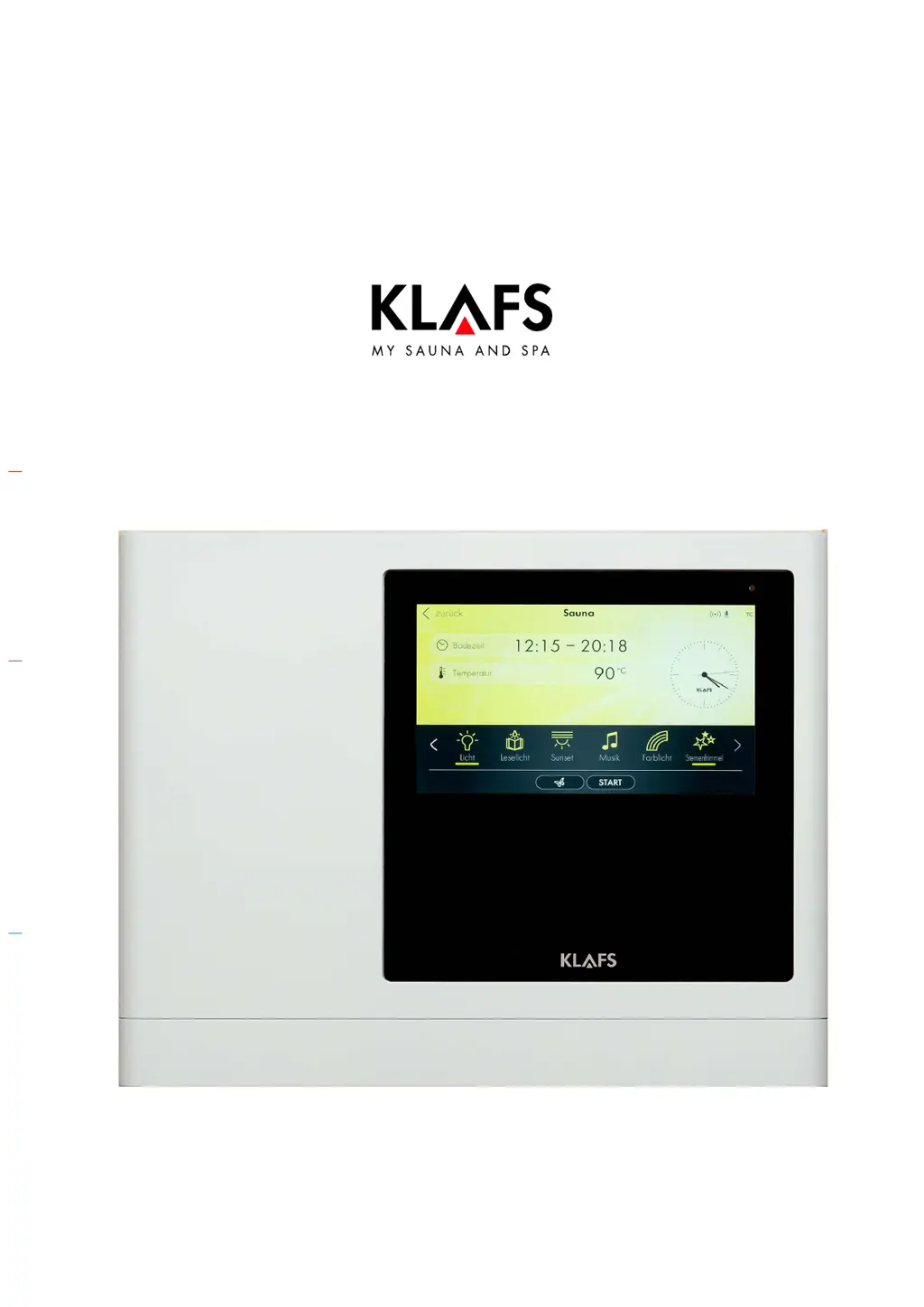
Operating instructions
KLAFS SANARIUM M, S, B, Fero S with controller
model 21033, 21040 T
90 °C
60 °C
40 °C

Table of Contents

Other manuals for Klafs SANARIUM M

Questions and Answers

Summary

Quick Reference Guide - SANARIUM Controller

Bathing Modes Overview

Sauna Mode Description

Describes the Sauna mode with high temperatures and low humidity.

SANARIUM Mode Variations

Details the SANARIUM modes: soft steam, tropical, and aroma bath.

InfraPLUS Mode (Optional)

Explains the InfraPLUS mode, which provides infrared heat.

Technical Data and Intended Use

Safety Precautions

Infrared Emitter Safety

Safety warnings and advice for using infrared emitters.

General Safety Guidelines

General safety rules for operating and installing the controller and sauna.

Controller Overview

7.1. Operating and Display Elements

Identifies and describes the main operating and display elements of the controller.

7.2. Touchscreen Interface Overview

Explains the touchscreen interface and its main sections.

7.3. Touchscreen Basic Operation and Symbols

Details basic touchscreen operation, symbols, and interaction methods.

7.3. Touchscreen Symbols and Controls Explained

Explains specific touchscreen symbols, controls like sliders, and confirmation buttons.

7.4. Touchscreen: Sessions and Bathing Modes

Covers the 'Session' and 'Bathing modes' sections of the touchscreen interface.

7.6. Touchscreen Status Bar Symbols

Describes the symbols and functions within the touchscreen status bar.

7.7. Touchscreen Clock Display

Explains the clock display on the touchscreen and how to set the time.

7.8. Touchscreen Extras Menu Overview

Details the various 'Extras' available on the touchscreen, like light and music.

7.9. Touchscreen: PUR, Start;Stop, Green Sauna

Explains PUR bathing mode, Start/Stop function, and Green Sauna.

7.10. Touchscreen Bathing Parameters

Describes how to set bathing parameters like time, temperature, and humidity.

Basic Functions and Settings

Power Supply Control

Instructions on how to switch the controller's power supply on and off using the main switch.

Cabin Light Control

How to turn the cabin light on or off, and adjust its brightness.

Language Settings

Guide on how to change the operating language of the controller interface.

Time Settings

Step-by-step instructions for setting the current time on the controller.

Bluetooth Device Pairing

Instructions for pairing a Bluetooth device (e.g., smartphone) with the AudioRelax system.

Standby Mode Operation

Explains the controller's standby mode and the symbols displayed.

Water Hardness Settings

Instructions for setting the water hardness level and a conversion table.

Operation

Turboheat Function Usage

How to use the turboheat function to shorten the cabin's warm-up period.

Sauna Mode Operation

Guide to starting and operating the Sauna mode, including safety precautions.

PUR Bathing Mode Usage

Instructions for using the PUR bathing mode within the Sauna mode.

SANARIUM Mode Operation

How to start and operate the SANARIUM mode, including evaporator preparation.

InfraPLUS Mode Operation

Instructions for starting and operating the InfraPLUS mode with infrared heat.

Keypad Lock (Blockade Control Unit)

How to enable, disable, or remove the keypad lock for the controller.

Remote Power-On Unit Functionality

Description and function of the optional remote power-on unit.

Interior Display and SaunaPUR Button

Information about the optional interior display and its SaunaPUR button function.

Green Sauna Function Control

How to switch the Green Sauna function on and off.

SANARIUM M Evaporator Preparation

SANARIUM B Evaporator Commissioning

SANARIUM S Evaporator Preparation

Fero S Evaporator Preparation

SANARIUM M Evaporator Decommissioning

SANARIUM B Evaporator Decommissioning

SANARIUM S Evaporator Decommissioning

Fero S Evaporator Decommissioning

Custom Settings

Programs by Type of Bathing

How to select and use pre-programmed bathing programs categorized by type.

Programs by Effect

How to select and use pre-programmed bathing programs categorized by their intended effect.

Bathing Time Settings

Step-by-step guide to setting the start and end times for a bathing session.

Temperature Settings

Instructions on how to adjust the desired temperature for the cabin.

SANARIUM Humidity Settings

Guide to setting the humidity level specifically for SANARIUM mode.

InfraPLUS Settings (Intensity and Time)

How to adjust the intensity and running time for the InfraPLUS infrared heater.

Music Playback Control

Instructions for selecting and playing music, and adjusting volume.

Assigning Controller PIN (Optional)

Enabling;Disabling Keypad Lock

Managing Cabin Extras

Coloured Light Settings and Themes

Detailed steps for setting the coloured light, including spectrum, brightness, and themes.

Vent Flap for Airing and Ventilation

Troubleshooting: Error Messages

Interpreting Display Error Codes

Explains error messages, their meanings, and initial remedial measures.

Troubleshooting: Other Possible Faults

Lists other possible faults and their causes/remedies, such as controller not switching on.

Rectifying Faults and Resetting Errors

Cleaning and Maintenance

Sauna Cabin Cleaning

Instructions for cleaning the sauna cabin, including benches and surfaces.

Decalcifying SANARIUM M Evaporator

Detailed steps for decalcifying the SANARIUM M evaporator.

Decalcifying SANARIUM B Evaporator

Step-by-step guide for decalcifying the SANARIUM B evaporator.

SANARIUM S Evaporator Maintenance

Information regarding the SANARIUM S evaporator, including service life and troubleshooting LED indicators.

Evaporator Scent Container Replacement

How to replace the scent container in the evaporator.

Scent Line and Inlet Maintenance

Checks and cleaning of the scent line and inlet for the evaporator.

Decalcifying Fero S Evaporator

Detailed steps for decalcifying the Fero S evaporator.

Klafs SANARIUM M Specifications

General IconGeneral
CategorySpa Accessories
Humidity Range40-55%
Heating SystemElectric heater with integrated evaporator
Control PanelDigital control panel
CapacityVaries depending on the sauna size; suitable for private and commercial use
DimensionsVaries by model
WeightVaries by model
InstallationProfessional installation required

Related product manuals