EasyManua.ls Logo

Klafs SANARIUM S - User Manual

Klafs SANARIUM S
96 pages
Print Icon
To Next Page IconTo Next Page
Loading...
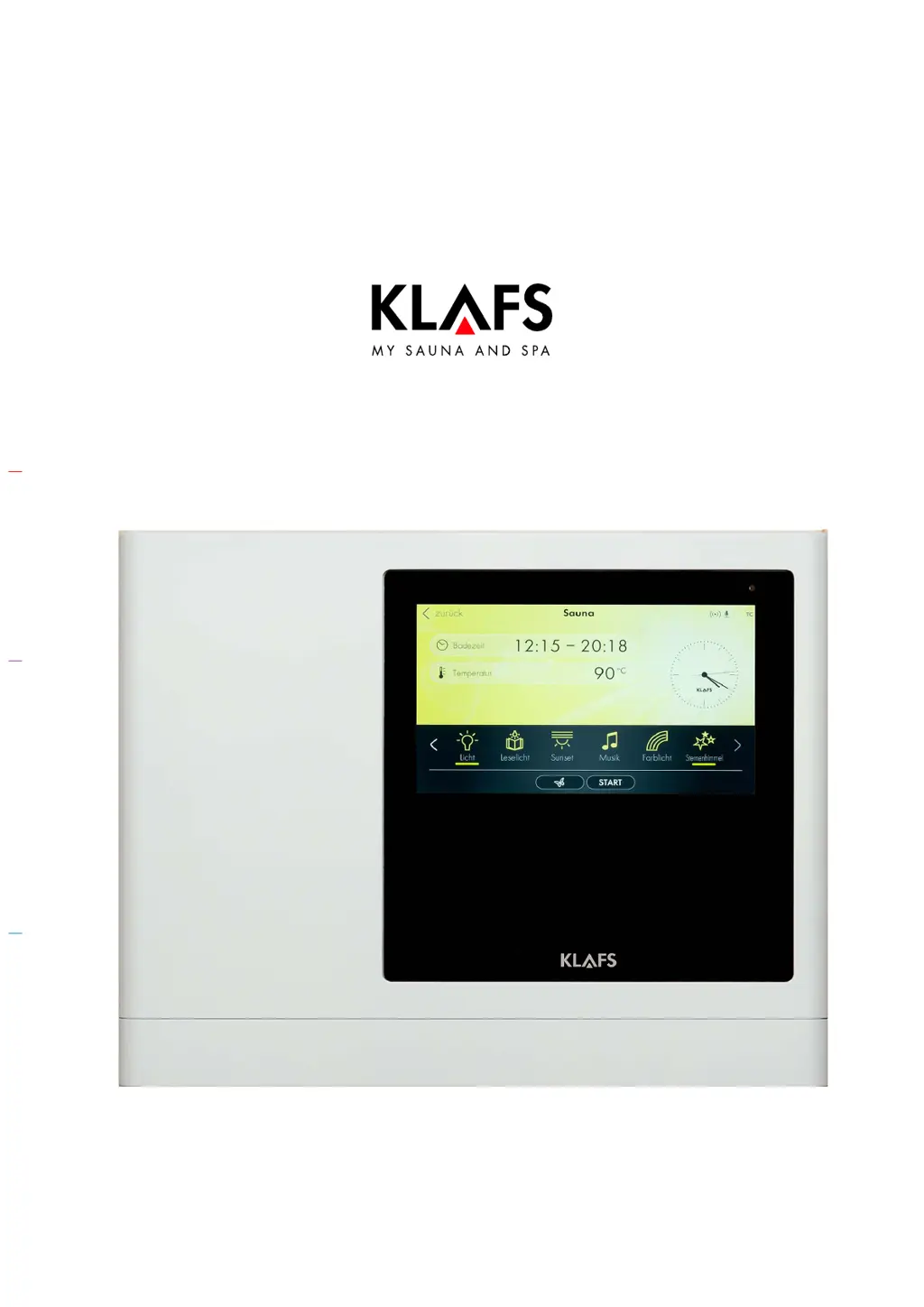
Operating instructions
KLAFS SANARIUM M, S, B, Fero S with controller
model 21033, 21040 T
90 °C
60 °C
40 °C

Table of Contents

Other manuals for Klafs SANARIUM S

Questions and Answers

  • T
    Tiffany JoyceAug 8, 2025
    What to do if the Klafs SANARIUM S cabin light is not illuminated and the fan won't run?
    • M
      michele08Aug 8, 2025
      If the cabin light isn't working, and the fan won't run, start by checking the lamp, it might be defective. If so: 1. Disconnect the control unit from the mains. 2. Replace the lamp with one that has the same power rating. Also, check the FI switch and the fuse in the power supply to ensure there is mains voltage. Another potential cause is a triggered fuse SI100. Replace the fuse SI100 (1.25 AT) or contact Klafs Service. Finally, the fan itself may be defective, if so: 1. Disconnect the control unit from the mains. 2. Replace the fan with one that has the same power rating.
  • S
    sliuAug 13, 2025
    Why will the Klafs Spa Accessories control unit not switch on?
    • C
      Christopher EvansAug 13, 2025
      If the control unit for your Klafs Spa Accessories won't switch on, the first thing to check is the power supply. Make sure to check the FI switch and the fuse.
  • T
    tbaileyAug 17, 2025
    What to do if the LED flashes on the Klafs SANARIUM S humidity sensor (SANARIUM M)?
    • J
      Jessica WilliamsonAug 18, 2025
      If the LED on the humidity sensor is flashing and the cloud symbol is flashing on the control unit display (SANARIUM M), it indicates a lack of water. Refill the evaporator M with water.
  • A
    Andrew WoodwardAug 23, 2025
    What does it mean if the LED on the Klafs Spa Accessories evaporator lights up (SANARIUM S)?
    • L
      lcollinsAug 23, 2025
      If the LED on the evaporator is lighting up, and the cloud symbol in the control unit display is flashing (SANARIUM S), it means there is a lack of water. Open the angle valve on the evaporator.
  • T
    Tiffany FosterAug 28, 2025
    How to fix Klafs Spa Accessories if steam does not exit (SANARIUM S)?
    • H
      hbarrettAug 28, 2025
      If steam isn't coming out of your SANARIUM S, first check if the angle valve on the evaporator is closed. If it is, open it. Also, verify that the evaporator is switched on; if not, switch it on.
  • P
    Patricia RodriguezSep 2, 2025
    How to troubleshoot problem 91 in Klafs SANARIUM S?
    • M
      Michael HaasSep 2, 2025
      To address problem 91 with your Klafs Spa Accessories, first, remove any object from the cover over the heater. Also, inspect the grille to see if it's loose; if it is, reinsert it.

Summary

Bathing Mode

Sauna Mode

Describes the Sauna bathing mode with high temperatures and low humidity, including SaunaPur option.

SANARIUM

Details SANARIUM bathing modes like Soft steam bath, Tropical bath, and Aroma bath with their respective climate settings.

InfraPLUS (optional)

Explains InfraPLUS mode, focusing on infrared heat with ambient temperatures and variable intensity settings.

Safety Precautions for Infrared Emitter

General Safety Precautions

Controller

Operating and Display Elements

Identifies and describes the controller's main switch, cabin light switch, and touchscreen interface.

Basic Functions and Settings

Switching the Power Supply On;Off at the Main Switch

Explains how to turn the controller on and off using the main switch.

Pairing a Bluetooth Device (e.g. Smartphone, Tablet)

Explains how to connect a Bluetooth device for audio playback using the AudioRelax system.

Operation

Sauna Mode

Guides the user on how to start and operate the Sauna mode, including safety precautions.

SANARIUM Mode

Explains how to start the SANARIUM mode, including prerequisites like evaporator commissioning.

InfraPLUS Mode (optional)

Describes how to start and operate the InfraPLUS mode, including safety and temperature considerations.

Blockade Control Unit (Keypad Lock)

Explains how to enable, disable, and use the keypad lock feature for security.

Custom Settings

Assigning a PIN to the Controller (Optional)

Explains how to set a PIN for remote control access via the KLAFS app.

Enabling;Disabling Blockade Control Unit (Locking;Unlocking the Keypad)

Guides on activating and deactivating the keypad lock for preventing unintended operation.

If Something Does Not Work

Error Messages on the Display

Lists specific error codes, their meanings, and recommended remedial measures.

Other Possible Errors

Addresses other potential issues not covered by specific error codes, such as fan or light problems.

Rectifying Faults, Resetting Error Messages

Explains the general procedure for rectifying faults and resetting error messages on the controller.

Cleaning and Maintenance

SANARIUM M - Decalcifying the Evaporator

Explains the process of decalcifying the SANARIUM M evaporator, including safety warnings.

SANARIUM B - Decalcifying the Evaporator

Details the steps for decalcifying the SANARIUM B evaporator, including safety precautions.

Fero S - Decalcifying the Evaporator

Outlines the procedure for decalcifying the Fero S evaporator, including safety warnings.

Klafs SANARIUM S Specifications

General IconGeneral
Temperature45-65°C
Optional FeaturesAromatherapy system, sound system, additional lighting options
AromatherapyOptional aroma dispenser system
InstallationRequires professional installation
VentilationIntegrated ventilation system
LightingLED chromotherapy lighting with multiple color options
MaterialHigh-quality woods such as hemlock, spruce, or walnut; glass elements; natural stone

Related product manuals