26
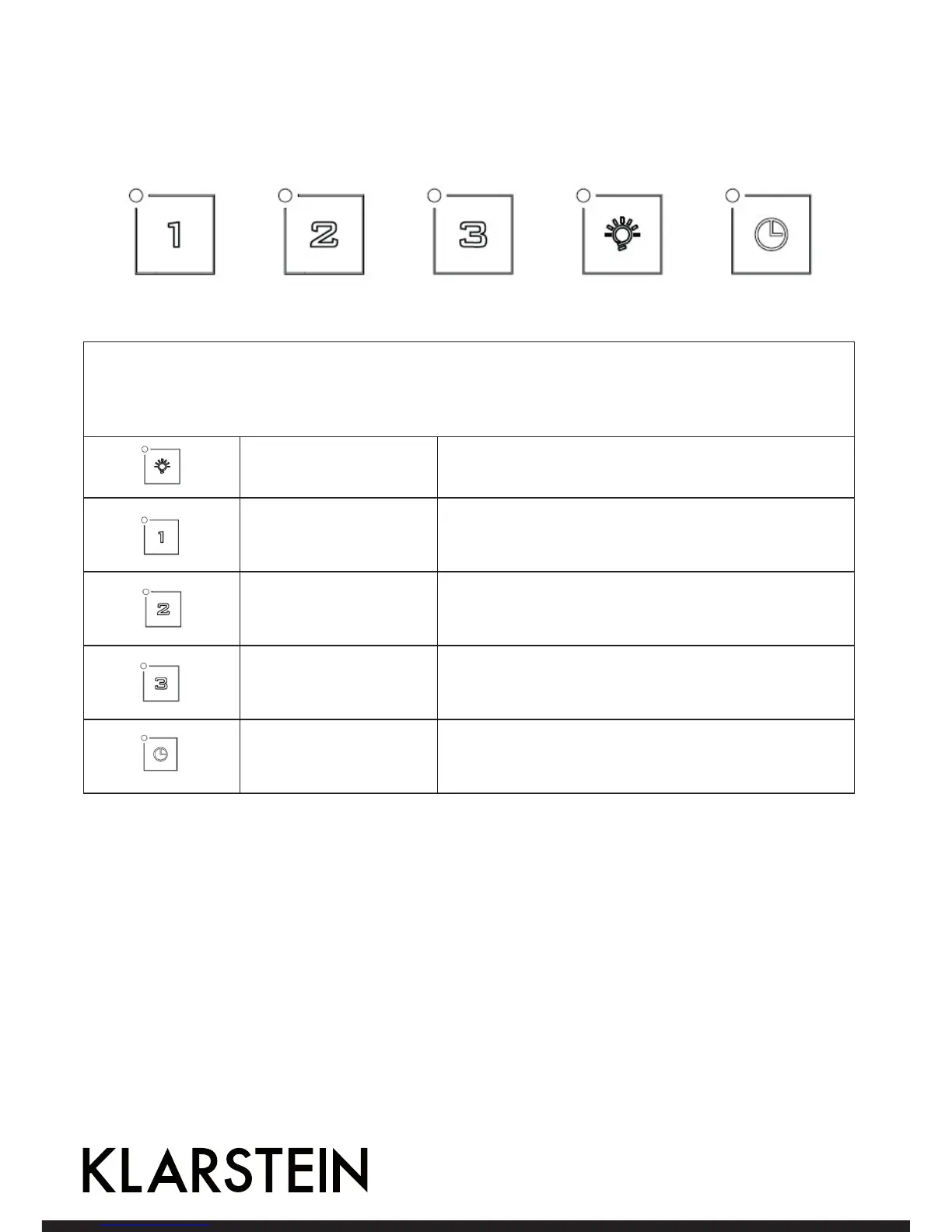
Control panel for Item 10030276
Power on: After you have connected the cooker hood to the mains supply the backlight will turn on. The
backlight will turn off after 5s without any operation and hood will enter stand-by mode.
When pressing a key it is lit.
Light Switches light on and off.
Low speed
Push the low button, the indicating light will be lit, and
the motor runs at low speed. Push it again and the motor
will stop.
Mid speed
Push the middle button, the indicating light will be lit,
and the motor runs at mid speed. Push it again and the
motor will stop.
High speed
Push the high button, the indicating light will be lit, and
motor runs on high speed. Push it again and the motor
will stop.
Timer
Whilst the cooker hood is in use, if you press the timer
button once the hood will run for 5 minutes and then
cut off.



 To Next Page