18
EN
Using your ice maker
1
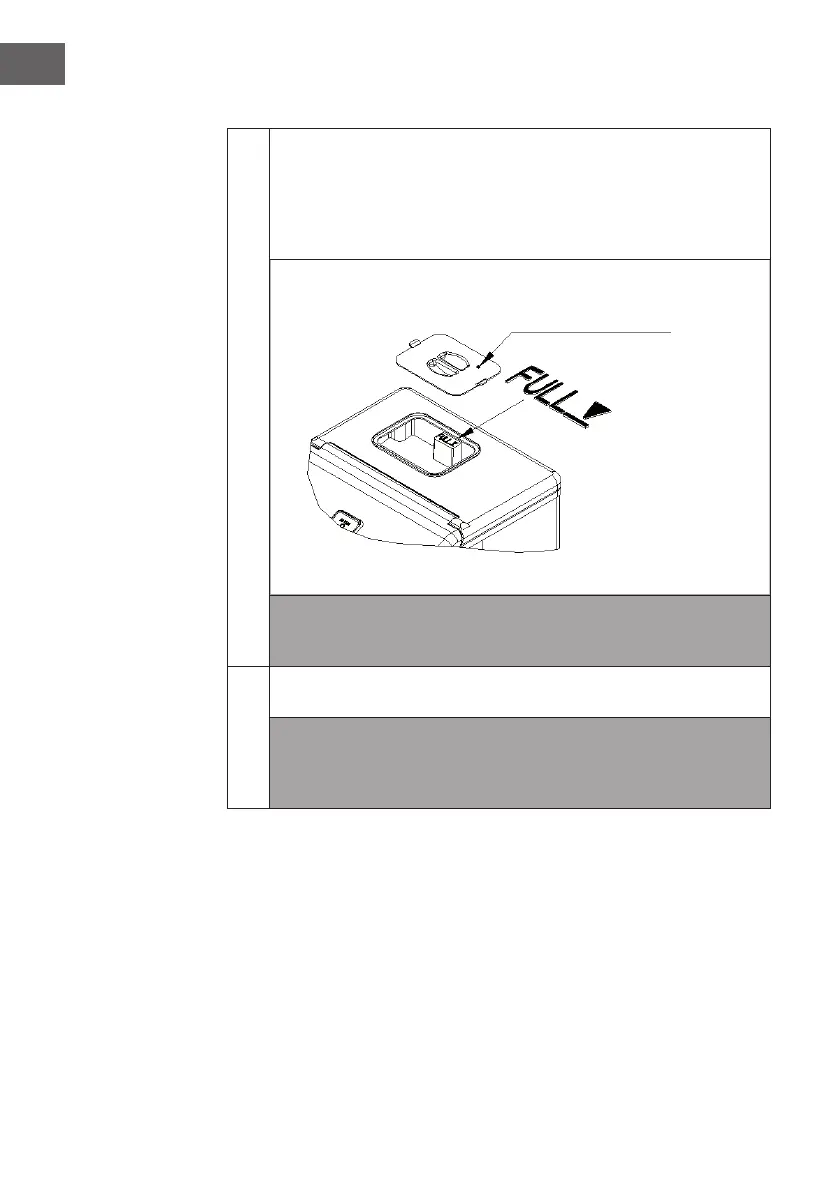
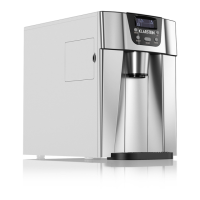
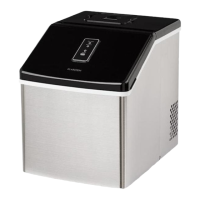
Remove the cover of the water reservoir and pour potable water into water
reservoir.
• Be sure to keep water level below the max. level with FULL. mark
displayed in following picture
• Then move back the cover at once to avoid foreign matter enter.
Note: Do not pour the water into the internal water tank located underneath
the ice basket. This tank is not big enough and will effect the ice making
performance.
2
Plug on the main power supply plug. Then press “ON/OFF” button on the
control panel to begin the ice making cycle.
Note: After you plugging on but not turn on the unit through the “ON/OFF”
button, the green power indicator will always be on for 2 seconds, then
ash for 3 seconds. But after you turn on the unit by pressing the “ON/OFF”
button, the green power indicator will keep on lighting.
Water reservoir cover





 To Next Page