45
EN
3 Child safety lock This function allows you to lock the buttons on the
control panel so that children cannot accidentally
start the dishwasher by pressing the buttons on
the control panel. Only the on/o button remains
activated.
To lock or unlock the buttons on the control panel,
press and hold the "ECO" button and the "Glass"
button for 3 seconds. The corresponding indicator
lights up.
4 Automatic opening The dishwasher door opens automatically at the
end of the programme, improving the drying eect.
Hold down the "58-minute cleaning" button
and the "Quick cleaning 29 minutes" button
for three seconds to select this function. The
corresponding indicator lights up.
5 Delayed start Press this button to delay the time to start. You
can set a delay of up to a maximum of 24 hours in
1-hour increments.
6 Start/Pause Press this button to start or pause the selected
washing programme when the dishwasher is in
operation.
If you want to open the door while the dishwasher
is running, rst press the Start/Pause button, wait a
few seconds and then slowly open the door.
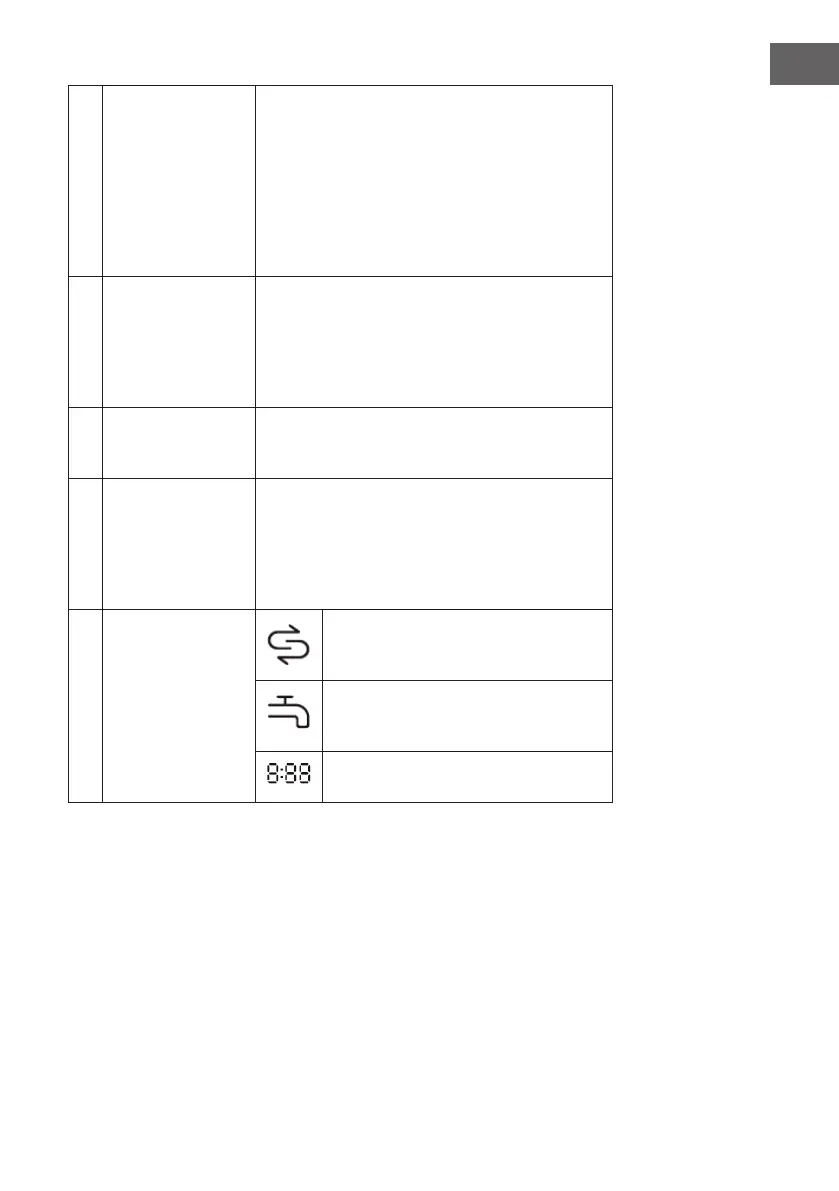
7 Display
Salt
The dishwasher salt must be replenished
when this symbol lights up.
Water connection
When this symbol [X] lights up, the water
connection is closed.
The display shows the remaining time,
the delay time, error codes, etc.




 To Next Page