56
EN
Defrost
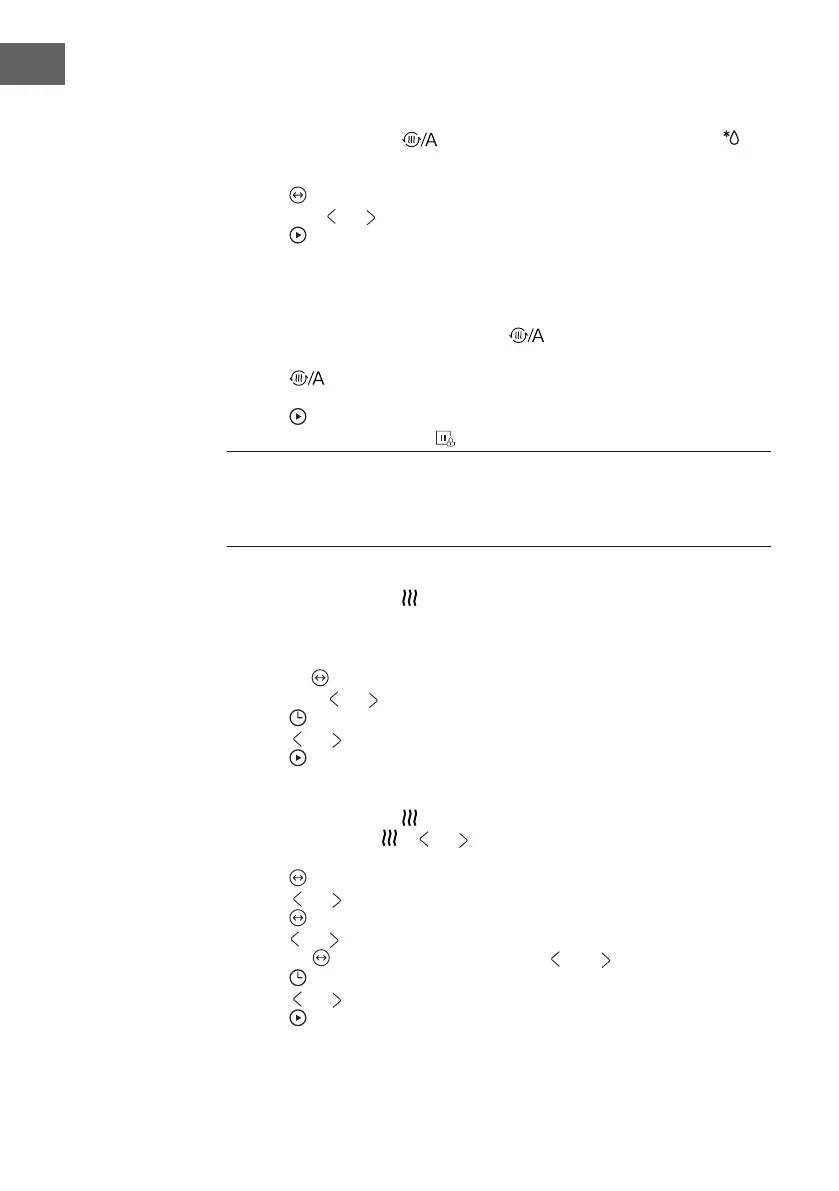
1. In standby mode, press ' button once, select defrost mode, the display
lights, into auto defrost mode: display displays d01, initial weight, cooking time and
cooking signs light up.
2. Press , to conrm the selected defrost mode and enter the defrost weight selection
state, press or to select automatic defrost weight cooking time display.
3. Press button to start cooking.
Preheating Function
The prehating function can be activated after you have set the functions: Convection,
Grill fan ,MW-convection.MW-Grill fanPress button. When the preheat icon
appears in the display.
1. Press button to start preheating. When the right temperature is reached, you
will hear three beeps.
2. Press button to start preheating. You can stop the preheating by opening the
oven door or by pressing the button.
Note: The preheating function only works if you have already chosen one of the modes
above. During preheating, the microwave function is switched off. During preheating, do
not put the food in the oven Only when the temperature is reached, can you put in the
food to start cooking.
Steam Function
1. In standby mode, press button, enter the steam mode, time lights up by default
10:00. The icon is displayed, signs light up, there is no Parallax display "10:00",
"Min" and "°C "symbol lit, tank icon on the right show the current water level
(Water, lack of water). The default temperature 100 lights up.
2. Press the key to switch to the temperature selected, the temperature ashes,at this
point, press or "to select a temperature (50,60,70,80,90, 100).
3. Press to select the time setting mode. The default time is 10 minutes.
4. Press or "to select the cooking time . The MAX.time is 90 minutes.
5. Press button to start cooking.
Convection+Steam Function
1. In standby mode, press button, enter the steam mode, time lights up by
default 10:00. Press or or " to select the Conv.+ Steam mode. The icon is
displayed, the default temperature is 180 degrees.
2. Press to enter to the temperature selection.
3. Press or to select temperature .(180, 190,200,210,220 °C)
4. Press button, adjust the steam(10,20,30), and steam the display ashes, then
press or to set steam (default 30 percent), if the steam is not in Flash, you can
press the key to make it Flash and then press and ) "to set the steam.
5. Press to select the time setting mode. The default time is 10 minutes.
6. Press or to select the cooking time . The MAX.time is 90 minutes.
7. Press button to start cooking.



 To Next Page