57
EN
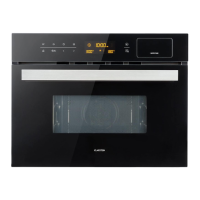
Microwave+Steam Function
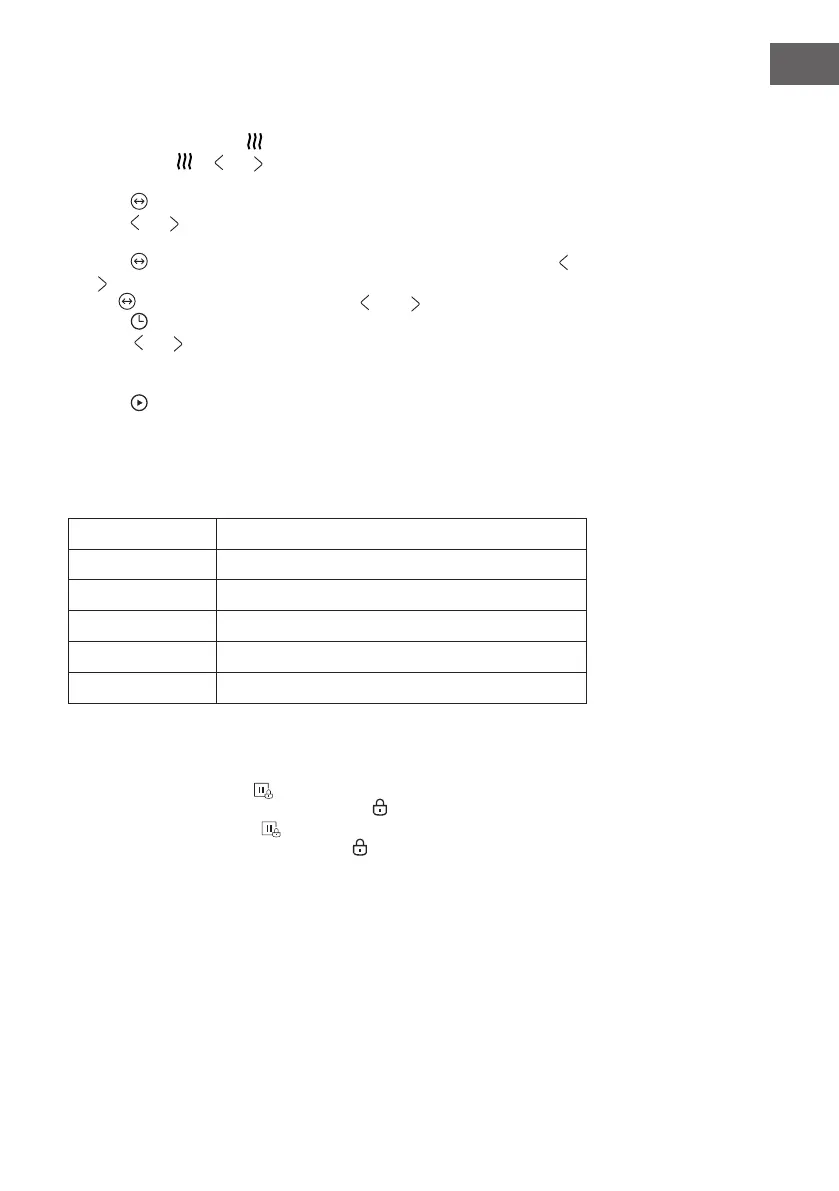
1. In stand by mode, press button, enter the steam mode, time lights up by default
10:00. Press or or to select MW+Steam mode. The icon is displayed,
then displays 300W.
2. Press to enter to the microwave power level selection.
3. Press or to select the microwave power(900W, 700W, 450W, 300W,
100W). The default power is 300W.
4. Press button, adjust the steam, and steam the display ashes, then press or
or to set steam (default 30 percent), if the steam is not in Flash, you can press
the key to make it Flash and then press and "to set the steam.
5. Press to select the time setting mode. The default time is 10 minutes.
6. Press or to select the cooking time . The MAX.time depends on the power
that has been set When the power is 900W, the MAX.time is 30 minutes and
other powers are 90 minutes.
7. Press button to start cooking
The ratio of the steam under different microwave
The ratio of the steam under different microwave power:
Microwave Power Steam Ratio
100W 10%,20%,30%
300W 10%,20%,30%,40%,50%,60%
450W 10%,20%,30%,40%,50%,60%, 70%
700W 10%,20%,30%,40%,50%,60%, 70%
900W 10%,20%,30%,40%,50%,60%, 70%,80%90%, 100%
Lock-out Function for Children
Lock: In stand by mode, press for 3 seconds, there will be a long "beep"
denoting entering into the children-lock state and indicator will light
Unlock : In locked mode, press for 3 seconds, there will be a long
"beep" denoting that the lock is released, and indicator will disapear.



 To Next Page